Free
Productivity & automation
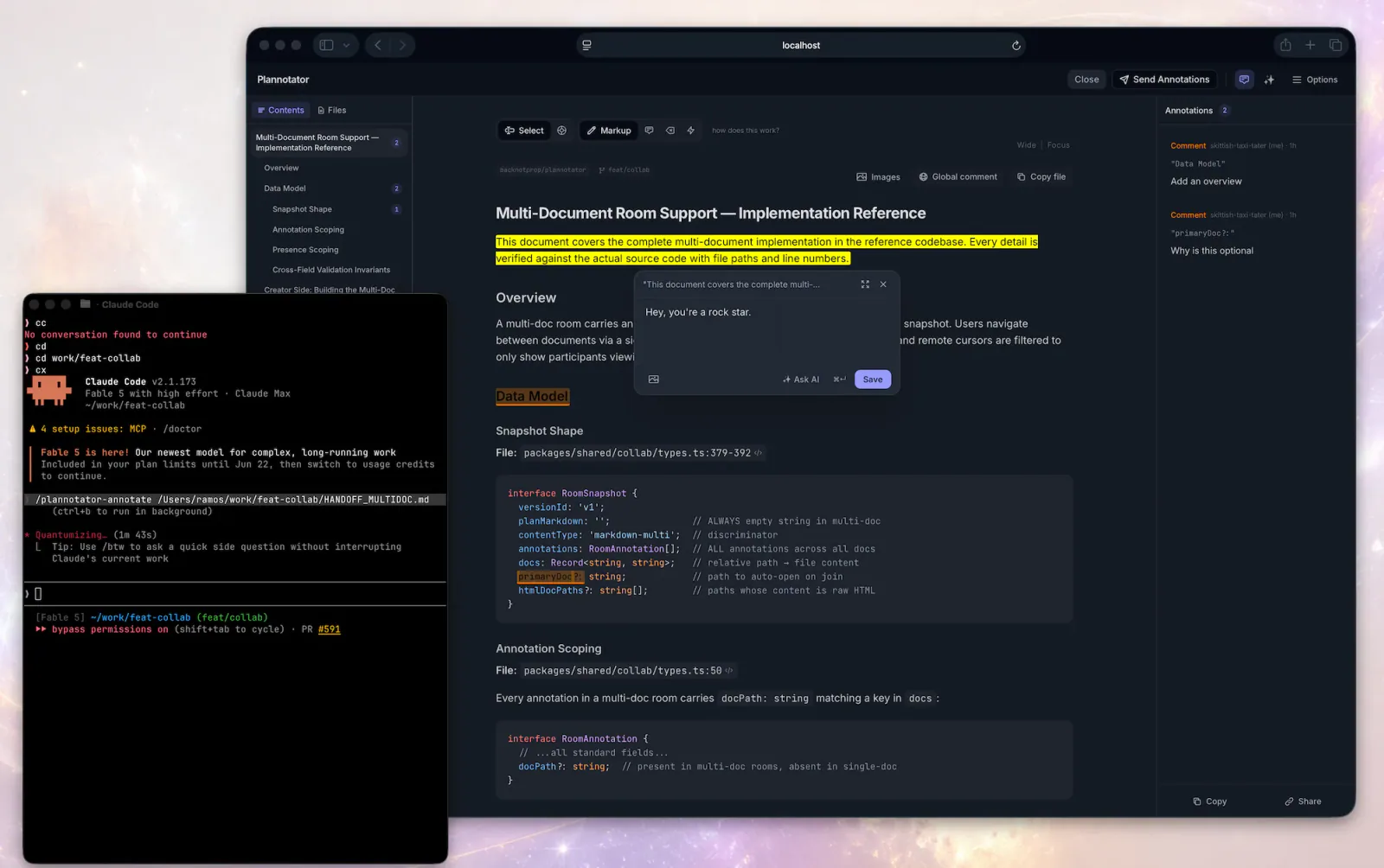
Plannotator — Annotate Last Response
Open Plannotator on the latest rendered assistant message and use the returned annotations to revise that message or continue.
9.5KStars710Forks
Repository last pushed
backnotprop
Original workflows for websites, images, presentations, and everything in motion.
Open Plannotator on the latest rendered assistant message and use the returned annotations to revise that message or continue.
Two workflows for visual UI feedback: connect the Agentation toolbar to a React or Next.js project, then add specific design-review annotations in a visible desktop browser.

Write typed GDScript with the correct node lifecycle, export annotations, onready references, signals, and await.
Open Plannotator's annotation UI for a markdown file, plain-text config file (.yaml, .json, .toml, .ini, .csv, .log, …), HTML file, URL, or folder and then respond to the returned annotations.
Add the Agentation visual-feedback toolbar to a React or Next.js project, choose manual feedback or MCP sync, and verify the selected connection.
Use Plannotator for plan and code review, artifact annotations, archived decisions and asynchronous feedback.
Review a page in a visible desktop browser and add specific design critiques through Agentation, checking that each annotation was saved.
A small library, made with care. More skills are on the way.