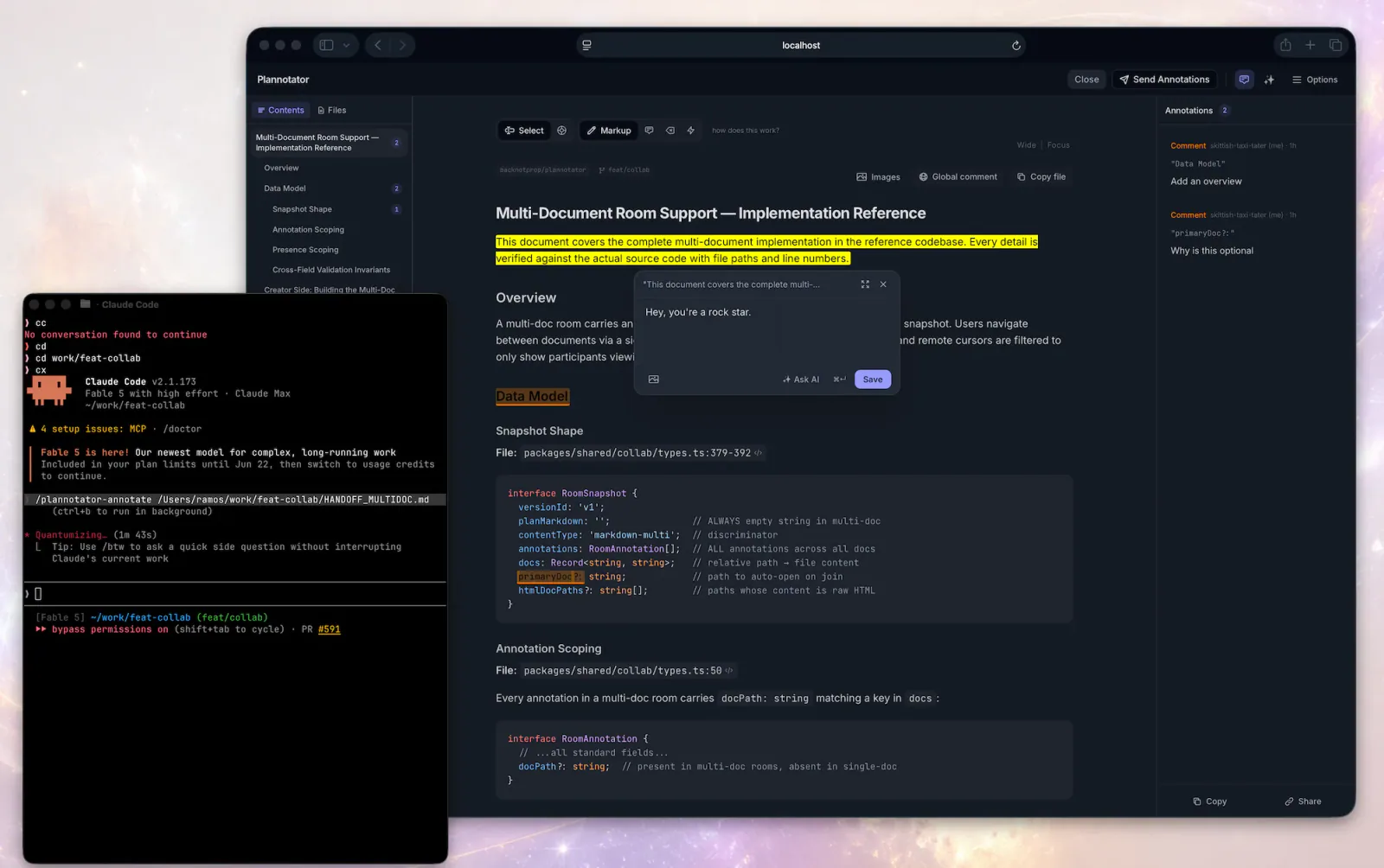
Plannotator inline annotation interface
Project screenshotsAbout this Skill
Open Plannotator's annotation UI for a markdown file, plain-text config file (.yaml, .json, .toml, .ini, .csv, .log, …), HTML file, URL, or folder and then respond to the returned annotations.
Why we picked it
Upstream Plannotator workflow. Open Plannotator's annotation UI for a markdown file, plain-text config file (.yaml, .json, .toml, .ini, .csv, .log, …), HTML file, URL, or folder and then respond to the returned annotations.
Before you use it
- Install Plannotator and the dependencies of the selected workflow. Maintenance tasks require the Plannotator working tree; visual explanations may also use visual-explainer.
Sources & references
Original sources are linked below. Practical starting points are editorial suggestions from SkillHey.



