Free & paid options
Development & APIs
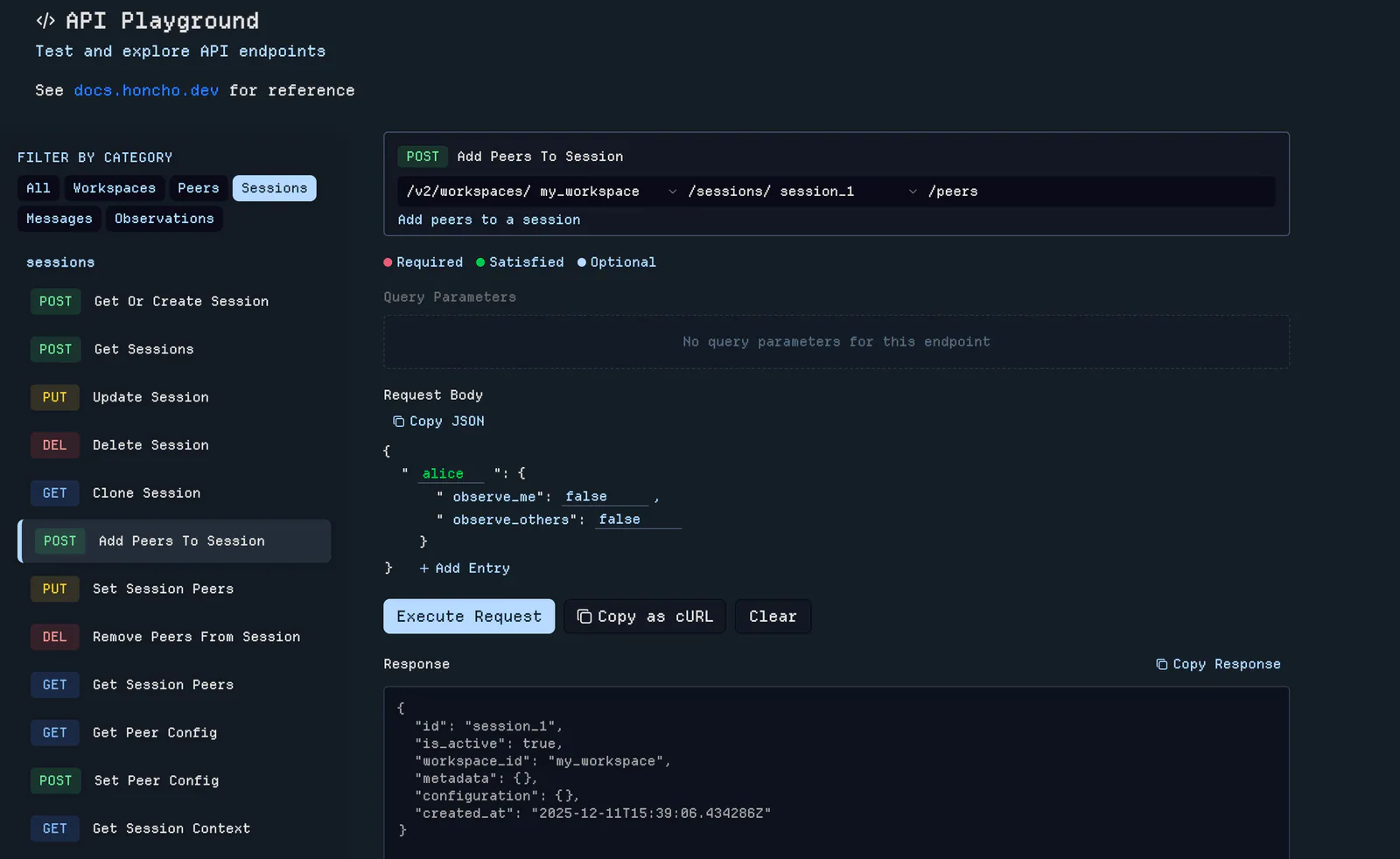
Honcho — Inspect Honcho
Inspect and debug Honcho workspaces via the `honcho` CLI.
7.6KStars943Forks
Repository last pushed
plastic-labs
Original workflows for websites, images, presentations, and everything in motion.
Inspect and debug Honcho workspaces via the `honcho` CLI.
Interact with Obsidian vaults using the Obsidian CLI to read, create, search, and manage notes, tasks, properties, and more. Also supports plugin and theme development with commands to reload plugins, run JavaScript, capture errors, take screenshots, and inspect the DOM.
Operate Resend through an agent-friendly CLI with JSON output, explicit arguments, environment-based authentication, and noninteractive error handling.

Build and diagnose Java native executables with GraalVM Native Image command-line options.
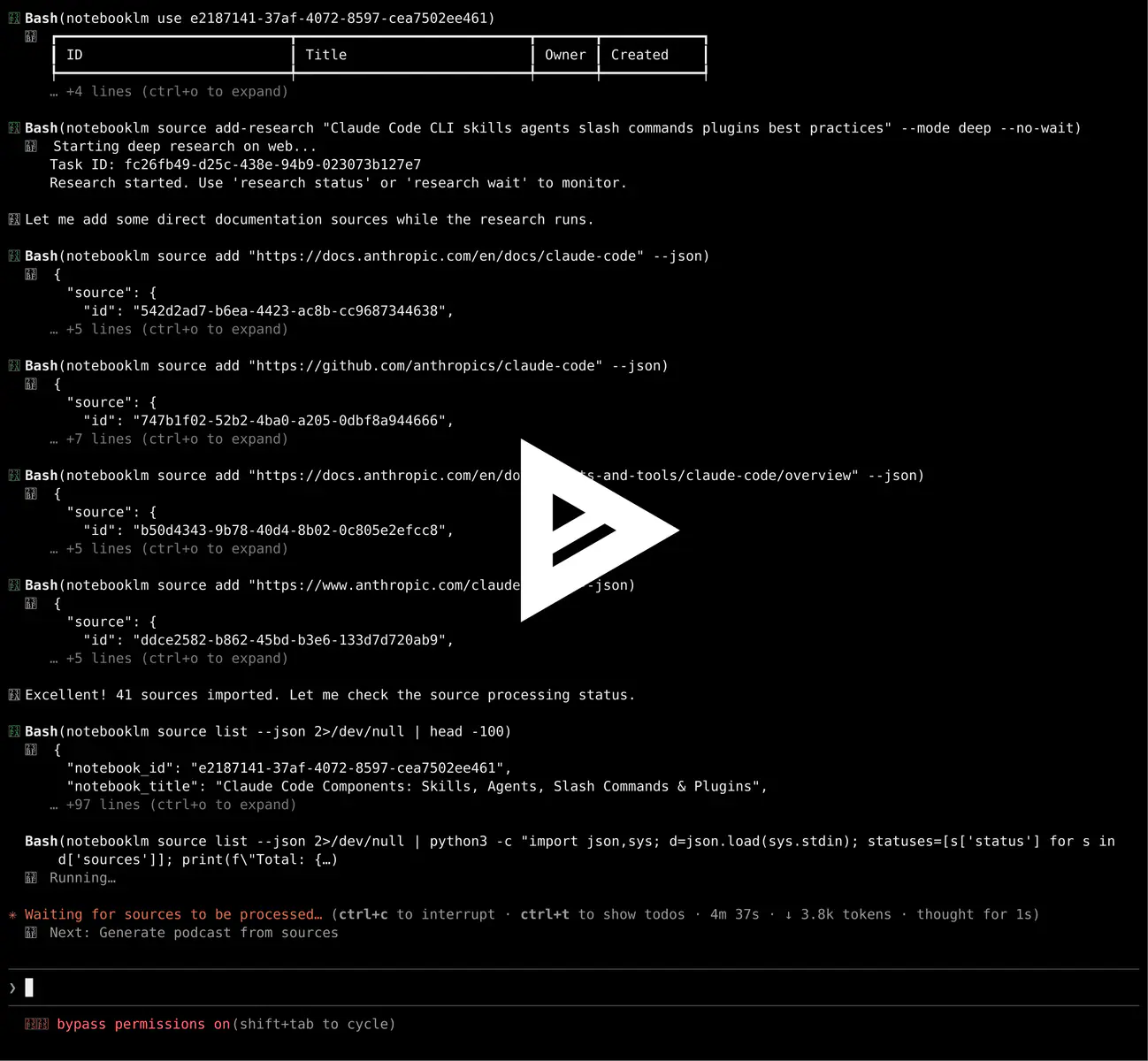
Operate NotebookLM notebooks, sources, grounded research, and generated artifacts through its Python API or CLI.
Interact with Obsidian vaults using the Obsidian CLI to read, create, search, and manage notes, tasks, properties, and more.
Configure, manage, and use DeepTutor through its CLI, including capabilities, knowledge bases, partners, memory, sessions, notebooks, providers, skills, and the server or Web app.
Manage DeepTutor knowledge workflows and use its document, spreadsheet, presentation and skill-authoring tasks.
Helps users discover and install agent skills when they ask questions like "how do I do X", "find a skill for X", "is there a skill that can...", or express interest in extending capabilities.
Find and install Agent Skills for a specific task.
Deploy and manage projects on Vercel using token-based authentication.
Reverse-engineer a website's internal API by recording browser traffic into a HAR file, then generate a standalone client or CLI that calls the endpoints directly, with no browser needed after the first recording.
Use at the start of any OpenCLI session — this is the top-level map of what `opencli` can do, how to discover adapters, what flags and output formats are universal, and which specialized skill to load next.
Use when writing an OpenCLI adapter for a new site or adding a new command to an existing site.
Route information searches to appropriate OpenCLI site commands.
Automatically fix broken OpenCLI adapters when commands fail.
Use when an agent needs to drive a real Chrome window via opencli — inspect a page, fill forms, click through logged-in flows, or extract data ad-hoc.
Drive real browser sessions, discover site commands, build adapters, diagnose failures and route multi-site searches.
Test interactive CLI and TUI prompts, keyboard navigation and rendered terminal output with Microsoft tui-test.
Build native Java applications through GraalVM CLI, Gradle, and Maven workflows.

Guide for working with Feast (Feature Store) — defining features, configuring feature_store.yaml, retrieving features online/offline, using the CLI, and building RAG retrieval pipelines.
Build and run Happy's CLI, server, mobile and desktop packages using its pnpm workspace workflow.
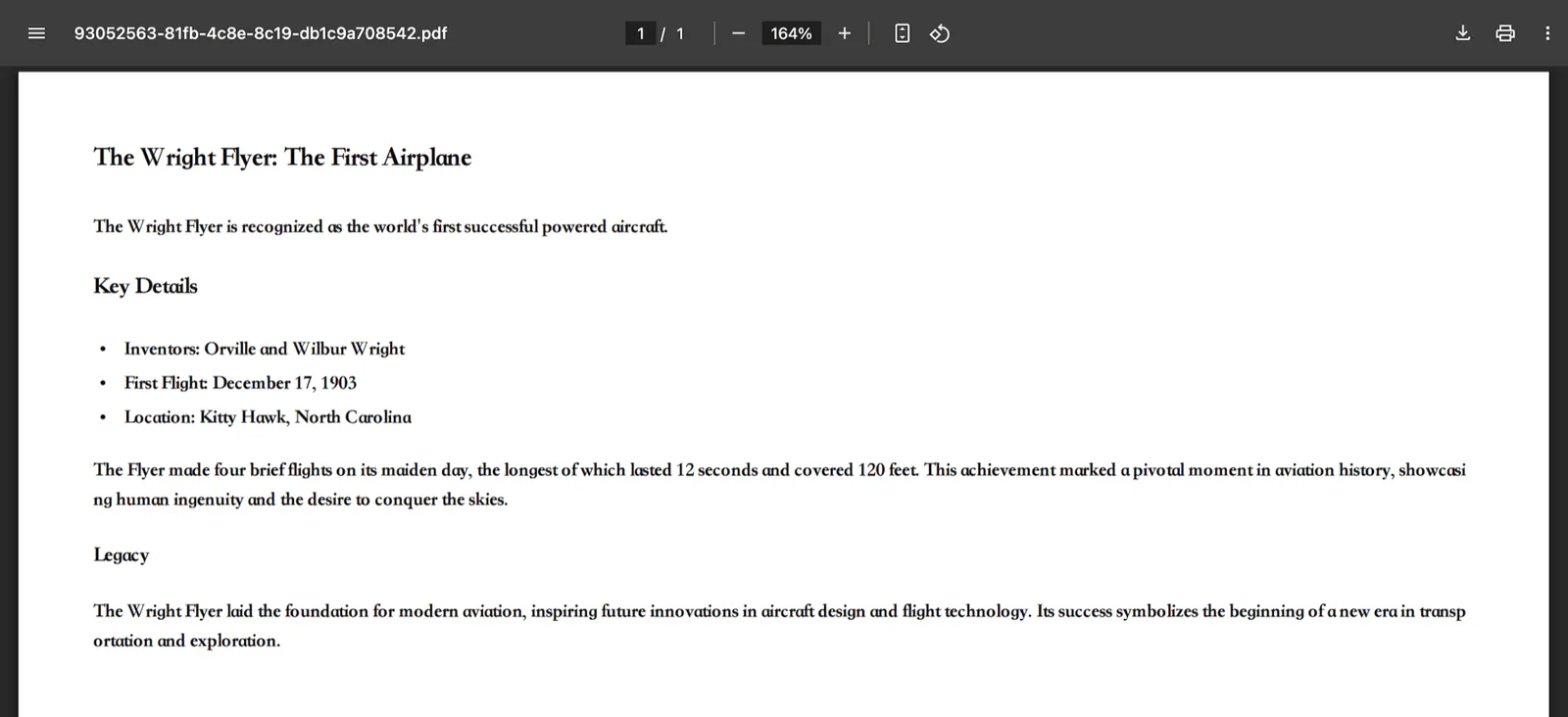
Export Markdown files to PDF and other document formats through a local CLI, with Pandoc and Typst used for PDF rendering.
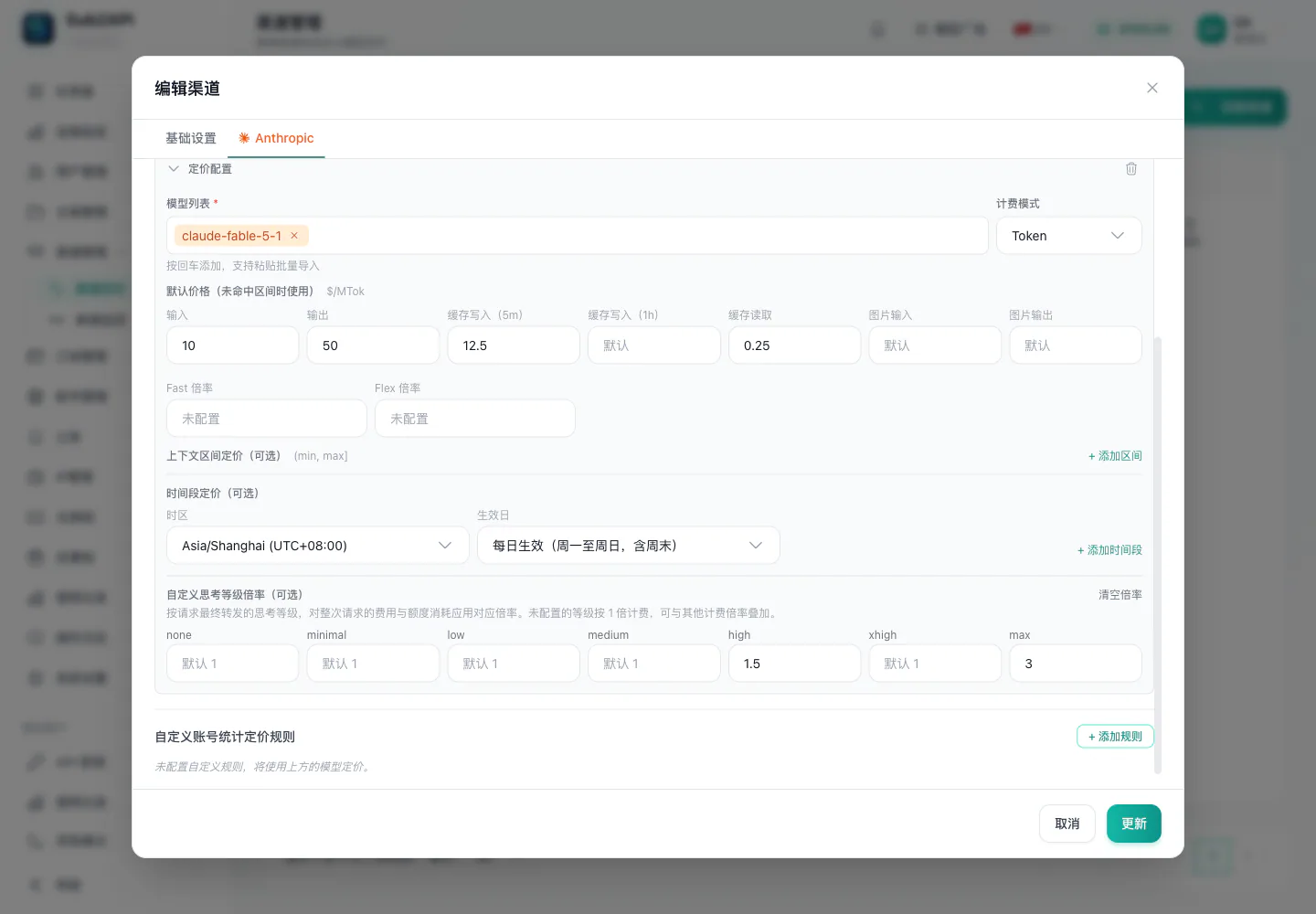
Use the bundled CLI to inspect and manage Sub2API accounts, groups, proxies, redeem codes and administrative settings.