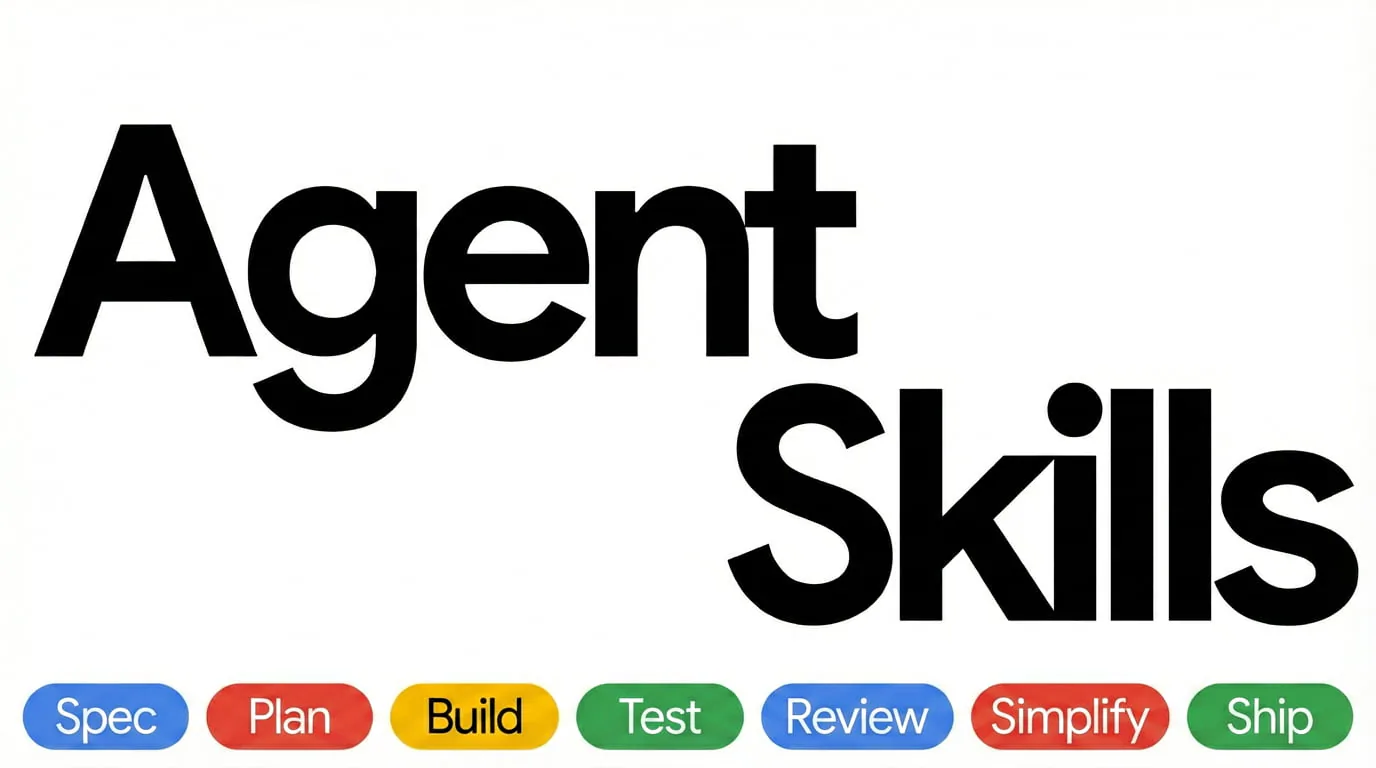
Agent Skills cover with Spec, Plan, Build, Test, Review, Simplify and Ship workflow labels.
Project screenshotsAbout this Skill
25 engineering workflows for requirements, planning, implementation, testing, review, performance and production delivery.
Why we picked it
Start with the workflow that matches your current engineering task. The pack combines lifecycle skills, optional specialist personas and host integrations; individual installs can omit shared references.
Skills in this collection
25 skills- View →
API and Interface Design
Design stable API contracts with typed inputs, consistent errors, pagination and explicit retry semantics.
- View →
Browser Testing with DevTools
Inspect DOM, console, network and runtime behavior through Chrome DevTools MCP to investigate browser bugs.
- View →
CI/CD and Automation
Build CI pipelines with ordered quality gates, failure feedback, deployment strategies and rollback paths.
- View →
Code Review and Quality
Review changes for correctness, readability, architecture, security and performance with actionable findings.
- View →
Code Simplification
Reduce complexity while preserving exact behavior, project conventions and existing error handling.
- View →
Constraint-Driven Development
Turn a project's quality expectations into CONSTRAINTS.md with chosen thresholds, executable checks and exception owners.
- View →
Context Engineering
Organize project rules, task context and references so coding agents receive relevant information at the right time.
- View →
Debugging and Error Recovery
Find root causes through reproduction, localization, reduction, repair and regression protection.
- View →
Deprecation and Migration
Move consumers off old systems and remove obsolete code through explicit migration phases and evidence.
- View →
Documentation and ADRs
Record architecture decisions, API contracts and project guidance with their context, alternatives and trade-offs.
- View →
Doubt-Driven Development
Cross-examine non-trivial engineering decisions using fresh-context adversarial review and explicit stop conditions.
- View →
Frontend UI Engineering
Build responsive UI components with project design systems, accessible interactions and complete application states.
- View →
Git Workflow and Versioning
Organize atomic commits, branches, worktrees and releases with meaningful history and semantic versioning.
- View →
Idea Refine
Explore alternatives and assumptions, then turn a rough idea into a focused concept with an MVP scope.
- View →
Incremental Implementation
Implement changes as thin vertical slices that can be checked and committed independently.
- View →
Interview Me
Clarify the user's underlying intent through a one-question-at-a-time interview before planning or coding.
- View →
Observability and Instrumentation
Add structured logs, bounded metrics, distributed traces and symptom-based alerts around operational questions.
- View →
Performance Optimization
Profile actual bottlenecks and compare before-and-after measurements across frontend, backend and database paths.
- View →
Planning and Task Breakdown
Convert specifications into ordered, independently verifiable tasks with dependencies and acceptance criteria.
- View →
Security and Hardening
Threat-model sensitive code and apply security controls for input, authentication, dependencies and personal data.
- View →
Shipping and Launch
Prepare staged production rollouts with pre-launch evidence, monitoring, feature flags and rollback procedures.
- View →
Source-Driven Development
Ground framework-specific implementation decisions in documentation for the installed versions and cite the sources.
- View →
Spec-Driven Development
Write a reviewed specification covering objectives, commands, structure, code style, testing and boundaries before implementation.
- View →
Test-Driven Development
Implement behavior with red-green-refactor and reproduce bugs in failing tests before applying fixes.
What it helps with
- Turn an underspecified request into a confirmed intent, specification and actionable plan.
- Apply consistent implementation, debugging and code-review processes to an existing repository.
- Prepare measurable performance work, operational telemetry and a release with a rollback path.
Choose a workflow for the current phase
Define and plan
Interview for intent, refine ideas, write specifications and constraints, then break the work into verifiable tasks.
Build and investigate
Implement thin slices, use test-driven development, manage context and investigate failures with runtime evidence.
Review and operate
Review code, simplify it, harden boundaries, measure performance and prepare deployment, monitoring and rollback.
Installation and host differences
Install the complete pack through a documented repository integration when shared references are needed. A per-skill skills CLI install copies only skills/<name>/ and can omit the repository-level references/ checklists; keep the needed shared files with the workflow.
The README documents Claude Code and Codex plugins plus native or project-file integrations for other hosts. Command wrappers, specialist personas and shared references depend on the chosen integration; installing Markdown alone does not provide browser MCP, model subscriptions or project dependencies.
| Command | What it helps with |
|---|---|
npx skills add addyosmani/agent-skills | Install the collection through the upstream documented skills CLI. |
npx skills add addyosmani/agent-skills --skill code-review-and-quality | Select the code-review workflow; preserve any shared references it uses. |
Upstream overview and integrationsUpstream Codex integration
Before you use it
- An Agent that can load Skill Markdown and access your project. File edits, shell commands, builds and checks depend on the selected workflow and its environment.
- Use your project's own runtimes, dependencies and verification commands. The Skill files provide instructions and do not install those project tools.
- Install the complete pack through a documented repository integration when shared references are needed. A per-skill skills CLI install copies only skills/<name>/ and can omit the repository-level references/ checklists; keep the needed shared files with the workflow.
Supported agents
Sources & references
Original sources are linked below. Practical starting points are editorial suggestions from SkillHey.



