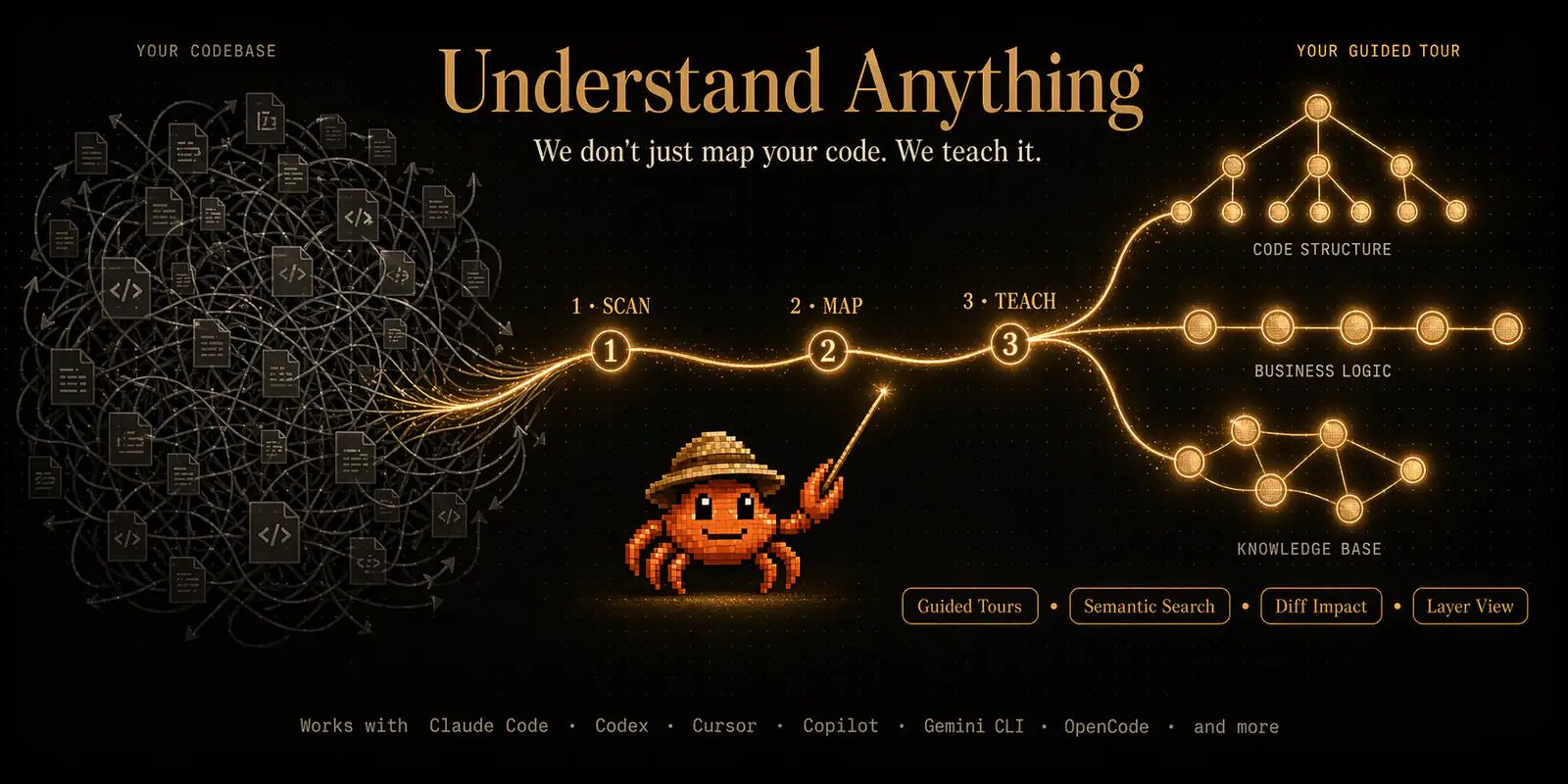
Understand Anything codebase graph
Project screenshotsAbout this Skill
The plugin provides nine task entrypoints for analysis, questions, diffs, onboarding, Figma and graph exploration. Its shared runtime builds and reuses a project graph. Install the complete plugin; individual catalog entries are routes into that package.
Why we picked it
Useful when a team needs both a project overview and focused follow-up questions. Reuse the saved graph for onboarding, change-impact discussion and explanations of a specific module.
Skills in this collection
9 skills- View →
Understand Anything: Codebase Analysis
Build or incrementally update a codebase knowledge graph with architecture and dependency relationships.
- View →
Understand Anything: Codebase Questions
Answer project questions using the existing knowledge graph and relevant source files.
- View →
Understand Anything: Graph Dashboard
Launch an interactive dashboard for exploring a project’s saved knowledge graph.
- View →
Understand Anything: Change Impact
Explain Git diffs or pull requests, affected components and potential change risks.
- View →
Understand Anything: Business Domain Graph
Extract business concepts and workflows into an interactive domain flow graph.
- View →
Understand Anything: Focused Code Explanation
Explain a specific file, function or module with graph context and source evidence.
- View →
Understand Anything: Figma Design Graph
Analyze a Figma file into a graph of screens, components, instances and design tokens.
- View →
Understand Anything: Knowledge Base Graph
Map a wiki-style knowledge base with entities, implicit relationships and topic clusters.
- View →
Understand Anything: Project Onboarding
Generate an onboarding guide that introduces a project using its knowledge graph.
What it helps with
- Explore codebases, domains and knowledge bases through interactive graphs and focused explanations.
Setup and use
The official installer asks for your platform and creates its links. Claude Code also supports /plugin marketplace add followed by /plugin install understand-anything. Reload the host afterwards.
| Command | What it helps with |
|---|---|
curl -fsSL https://raw.githubusercontent.com/Egonex-AI/Understand-Anything/main/install.sh | bash | Get the upstream package or workspace using the documented setup route. |
Before you use it
- A supported coding agent, the plugin runtime and access to the project files. Graph analysis uses model tokens; Figma analysis additionally needs Figma API access.
Supported agents
Sources & references
Original sources are linked below. Practical starting points are editorial suggestions from SkillHey.



