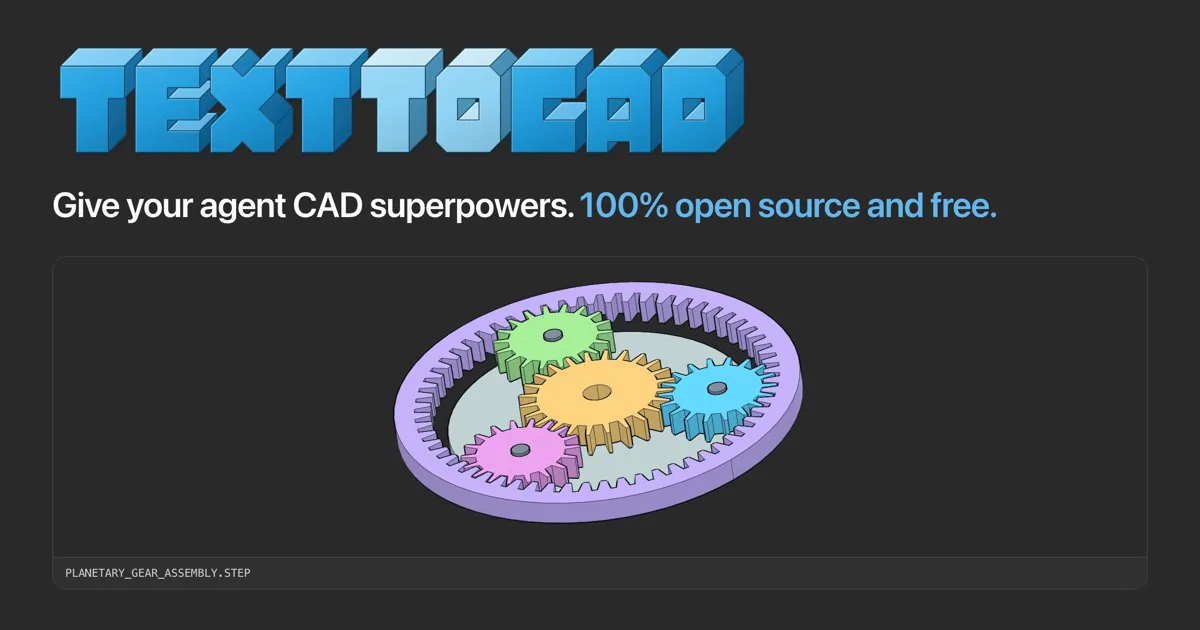
text-to-cad cover with blue lettering and a planetary gear CAD assembly.
Project screenshotsAbout this Skill
Turn a text brief, drawing or reference model into a parameterized build123d model. The workflow separates source edits from saved-artifact inspection, records dimensions and assumptions, and exports the formats the task needs. It also supports assemblies, reusable vendor STEP parts and a local CAD viewer.
Why we picked it
Useful for a dimensioned part you need to revise later: the workflow keeps editable Python source, checks exported geometry and reviews snapshots.
What it helps with
- Design a bracket, enclosure or small assembly with explicit dimensions and reusable source.
How to use this Skill
Define the part
Provide units, overall dimensions, holes, clearances and the requested output formats. Identify the existing model before creating a new one.
Build and export
Keep dimensions as named parameters in a decorated Python model and run that model to regenerate its outputs.
Check the saved artifact
Measure requested dimensions and topology, review a snapshot, and show the saved model in the CAD viewer. Record untested assumptions.
Try a first task
Send a concrete brief
Provide the real input files and replace example dimensions or machine details with your own.
Create a 40 × 20 × 6 mm mounting plate with two 4 mm through holes 24 mm apart. Keep editable parameters, export STEP and STL, and verify the saved files.
Install the shared library
Use the official text-to-cad plugin for your agent, or install the complete Skill folders with the Skills CLI below. Choose one route in each app, then restart it. The plugin includes a CAD server; Skills-only installations use a browser viewer. Keep the bundled references and scripts with each entrypoint.
| Command | What it helps with |
|---|---|
npx skills add earthtojake/text-to-cad#latest | Install the released Skill library; the CLI asks which agents and installation scope to use. |
Scope and limits
Geometry checks and snapshots verify the modeled request; material strength, tolerances and manufacturing suitability still need the applicable engineering evidence.
Before you use it
- Install uv and allow the first runtime download. CAD commands use the Python and cadgen version pinned by the installed Skill; snapshots also download a browser on first use.
Supported agents
Frequently asked questions
Do I install this as a separate product?
This is one task in the shared text-to-cad library. Use the official plugin or the complete Skill installation, then select this workflow for the task.
Is the Skill free?
The upstream code is MIT-licensed. Your agent provider, hardware, materials and any fabrication service can have separate costs.
Sources & references
Original sources are linked below. Practical starting points are editorial suggestions from SkillHey.



