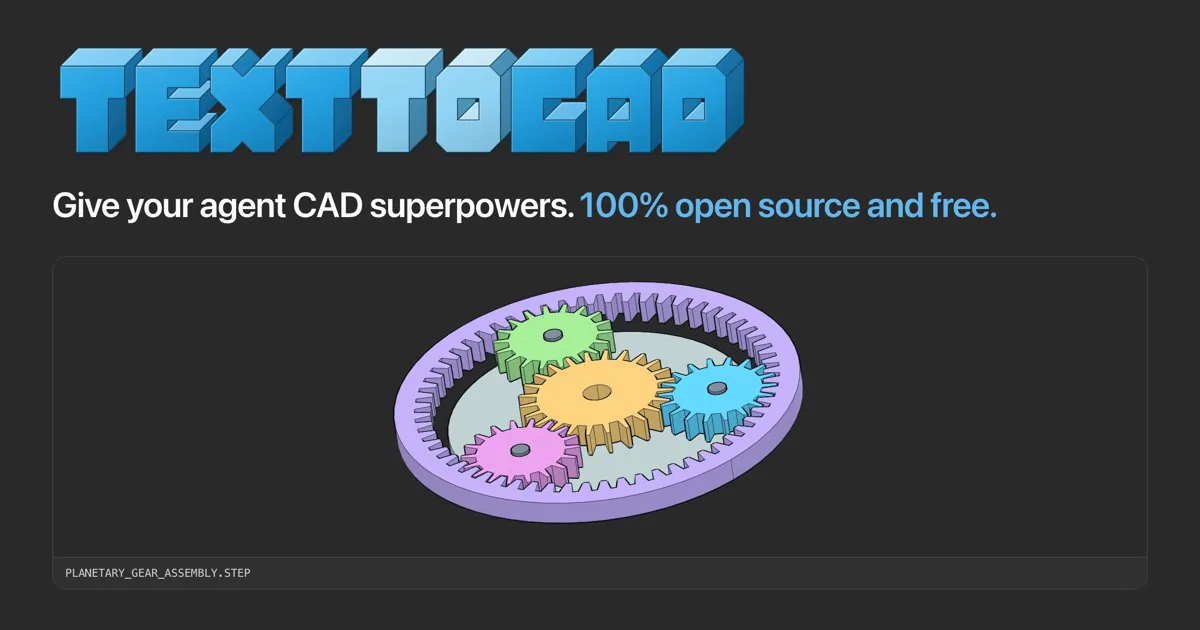
text-to-cad cover with blue lettering and a planetary gear CAD assembly.
Project screenshotsAbout this Skill
Inspect the exact upload file, select the intended material/SKU and services, then compare measurements with live SendCutSend ordering and engineering sources. The review covers units, geometry and applicable service constraints, with a rule source for each finding.
Why we picked it
Useful before ordering a fabricated part: it connects measured file facts to current supplier rules and highlights missing order context.
What it helps with
- Check a laser-cut DXF or STEP part before a SendCutSend quote or order.
How to use this Skill
Specify the order context
Identify material/SKU, thickness, process and requested services before issuing a readiness verdict.
Read current rules and measure
Fetch official sources and measure the exported file, keeping source requirements separate from measured facts.
Report findings and edits
Compare only supported evidence, cite each rule and measurement, and mark missing checks as needing more information.
Try a first task
Send a concrete brief
Provide the real input files and replace example dimensions or machine details with your own.
Preflight this DXF for SendCutSend laser cutting in the supplied material and thickness. Refresh the official rules and report measured geometry, cited limits and specific edits.
Install the shared library
Use the official text-to-cad plugin for your agent, or install the complete Skill folders with the Skills CLI below. Choose one route in each app, then restart it. The plugin includes a CAD server; Skills-only installations use a browser viewer. Keep the bundled references and scripts with each entrypoint.
| Command | What it helps with |
|---|---|
npx skills add earthtojake/text-to-cad#latest | Install the released Skill library; the CLI asks which agents and installation scope to use. |
Scope and limits
Supplier data can change. The Skill produces a review report; it does not place an order or guarantee acceptance by SendCutSend.
Before you use it
- Needs the exact DXF/STEP file, material and thickness context, current official supplier sources, and Python geometry tools such as build123d or ezdxf.
Supported agents
Frequently asked questions
Do I install this as a separate product?
This is one task in the shared text-to-cad library. Use the official plugin or the complete Skill installation, then select this workflow for the task.
Is the Skill free?
The upstream code is MIT-licensed. Your agent provider, hardware, materials and any fabrication service can have separate costs.
Sources & references
Original sources are linked below. Practical starting points are editorial suggestions from SkillHey.



