Free
Productivity & automation
Plannotator — Annotate Last Response
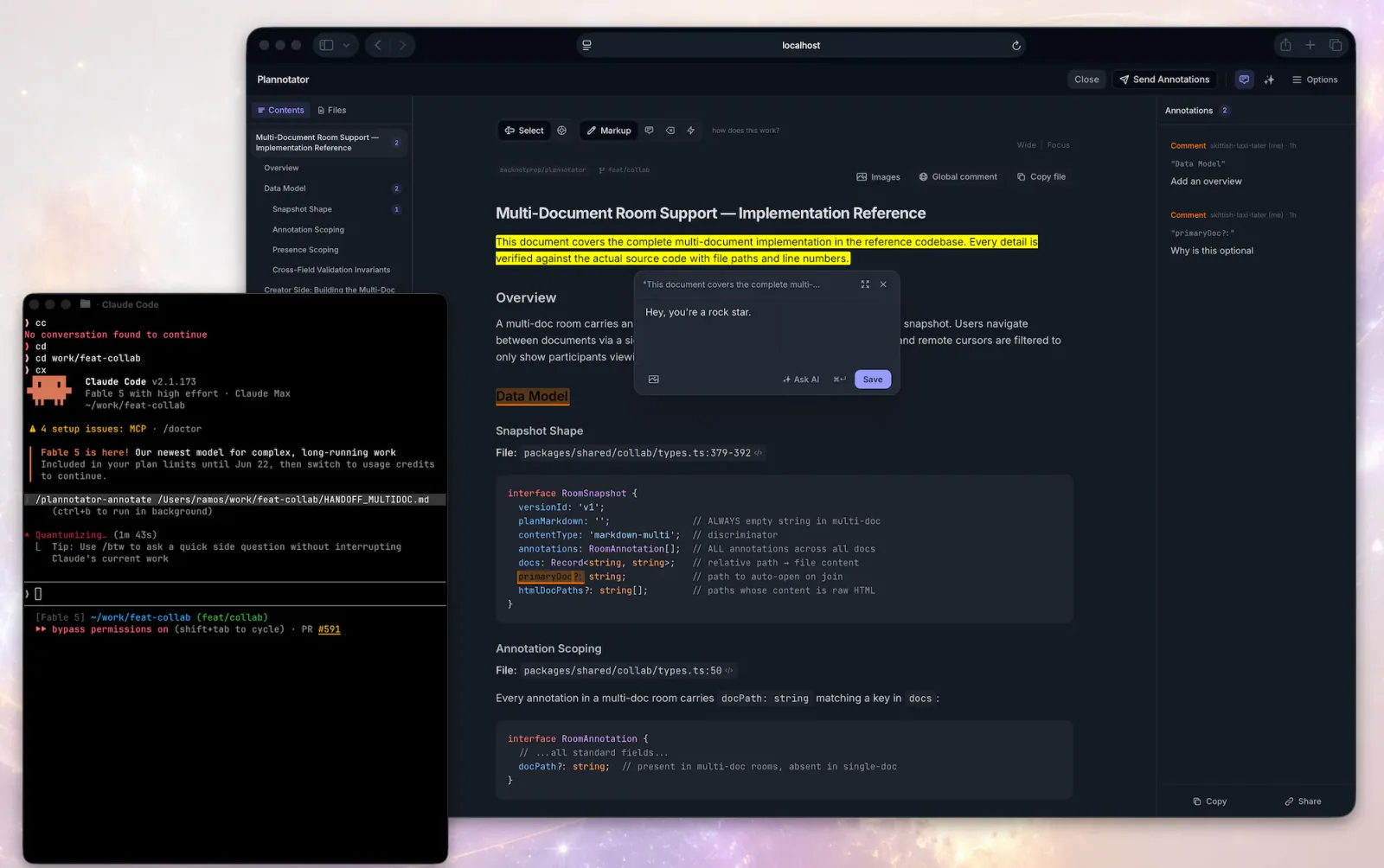
Open Plannotator on the latest rendered assistant message and use the returned annotations to revise that message or continue.
10.1KStars766Forks
Repository last pushed
backnotprop
These skills help an agent turn structure into a diagram that people can inspect. Members cover Mermaid, Excalidraw, JSON Canvas, architecture graphs, flowcharts, annotation tools, and dashboards.
30 skillsOpen Plannotator on the latest rendered assistant message and use the returned annotations to revise that message or continue.
Two workflows for visual UI feedback: connect the Agentation toolbar to a React or Next.js project, then add specific design-review annotations in a visible desktop browser.
Open Plannotator's annotation UI for a markdown file, plain-text config file (.yaml, .json, .toml, .ini, .csv, .log, …), HTML file, URL, or folder and then respond to the returned annotations.
Add the Agentation visual-feedback toolbar to a React or Next.js project, choose manual feedback or MCP sync, and verify the selected connection.
Use Plannotator for plan and code review, artifact annotations, archived decisions and asynchronous feedback.
Review a page in a visible desktop browser and add specific design critiques through Agentation, checking that each annotation was saved.
Use Mermaid for text-defined diagrams, Excalidraw or Canvas for freeform explanation, and architecture or graph entries when relationships are the subject.