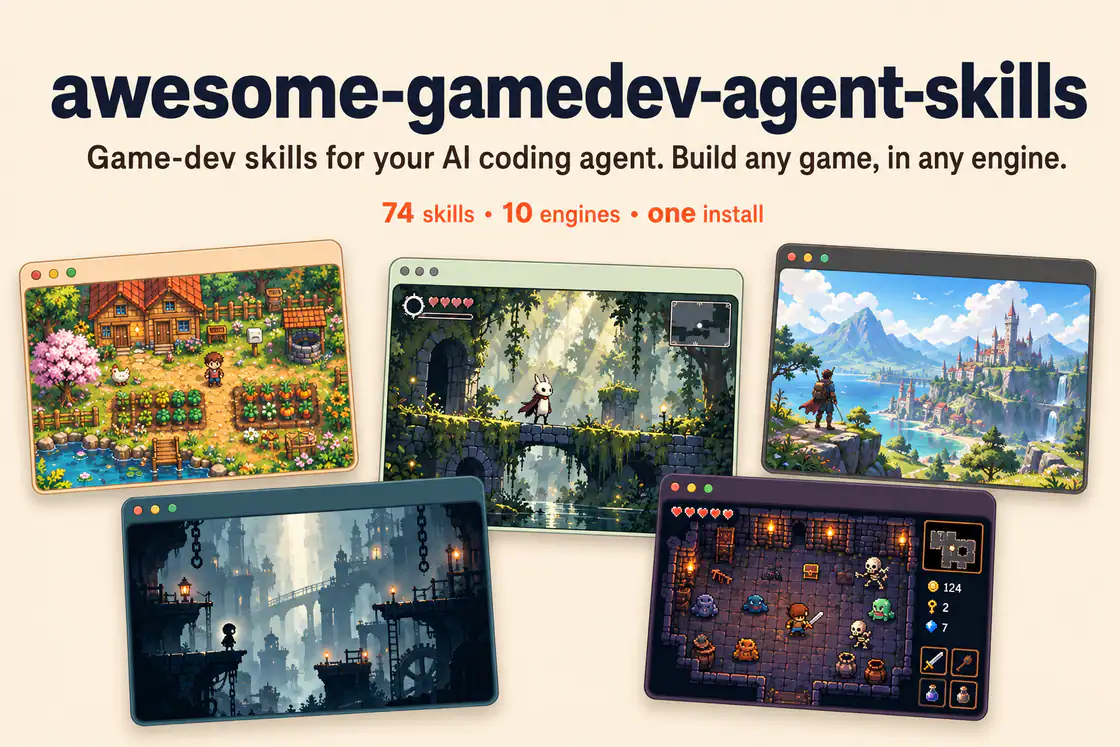
Author-provided banner showing five game scenes. Its 74-skill label reflects an earlier edition; the reviewed catalog contains 76 specialized skills plus a router.
Project screenshotsAbout this Skill
Automate player builds, scene selection, scripting backends, quality settings, code stripping, and build-result checks.
Why we picked it
Provides a focused workflow, implementation patterns, and common failure checks for unity player builds & ci. Pair it with the detected engine and any related systems required by the task.
What it helps with
- Use when your game task needs unity player builds & ci.
What this skill helps you build
Automate player builds, scene selection, scripting backends, quality settings, code stripping, and build-result checks.
Patterns in the upstream playbook
The entrypoint covers: Scripted build with a result check; Headless / CI invocation; Protect stripped code with link.xml.
Use it in your project
Inspect the existing project
Describe the desired behavior and share the relevant project files, engine version, and current failure or target result.
Apply the focused playbook
Automate player builds, scene selection, scripting backends, quality settings, code stripping, and build-result checks.
Verify in the matching runtime
Run the project or workflow with its actual dependencies and check the changed behavior before accepting the result.
Original unity-build-pipeline instructionsEngine versions and upgrade policy
Shared collection installation
Install the complete upstream collection with its router and keep each skill’s bundled references, scripts, and assets. The dispatcher selects an engine and the smallest relevant task set; a member listing is a focused entry into that shared package.
| Command | What it helps with |
|---|---|
npx skills add gamedev-skills/awesome-gamedev-agent-skills | Keep the router and supporting skill folders available together. |
Before you use it
- A Unity project and its matching editor; install only the packages needed by the selected task, such as Input System or AI Navigation.
Supported agents
Sources & references
Original sources are linked below. Practical starting points are editorial suggestions from SkillHey.



