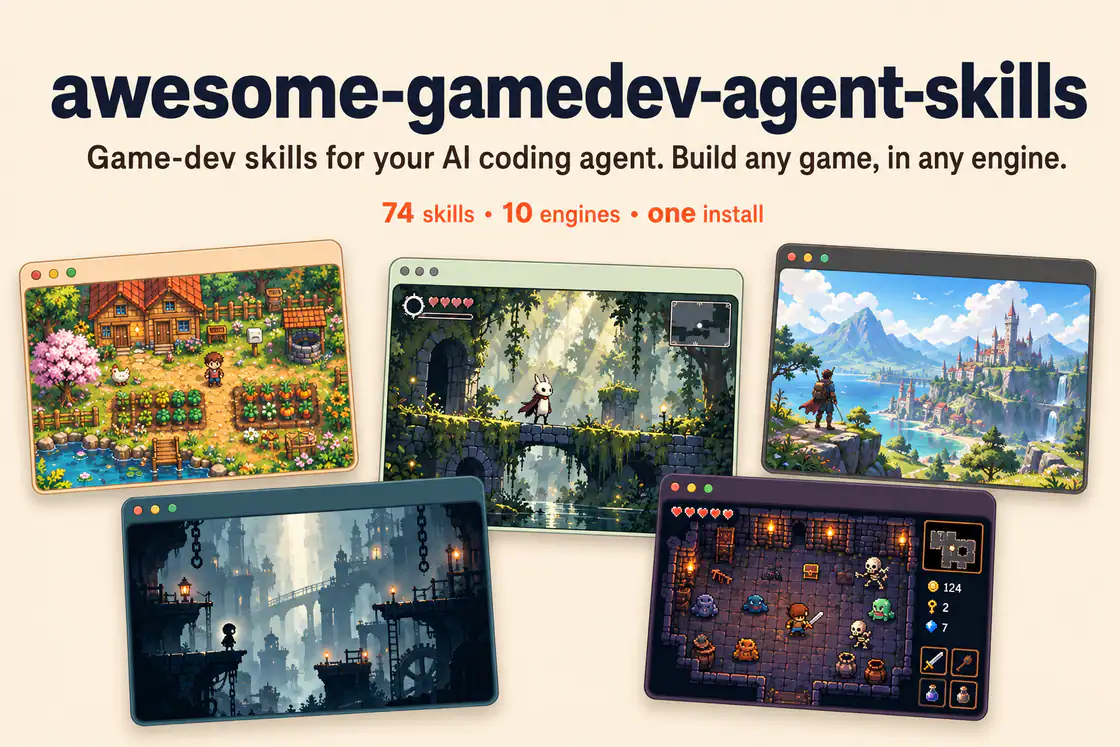
Author-provided banner showing five game scenes. Its 74-skill label reflects an earlier edition; the reviewed catalog contains 76 specialized skills plus a router.
Project screenshotsAbout this Skill
76 game-development skills and an automatic router for engine-specific coding, game systems, playable genres, asset workflows, prototyping, and publishing.
Why we picked it
Useful when one game project spans several systems: the router combines engine APIs, portable techniques, genre structure, and shipping workflows. Members below link to their original skill folders; install the shared upstream package to retain the dispatcher and references.
Skills in this collection
76 skills- View →
Behavior Trees & Utility AI
Implement NPC decision systems with blackboards, reusable behavior-tree nodes, utility scores, response curves, and hybrid agents.
- View →
Game Audio Design
Plan audio buses, decibel controls, dialogue ducking, adaptive music, sound variation, and beat-synchronized events.
- View →
Game Camera Systems
Build smooth 2D follow cameras and 3D orbit rigs with deadzones, look-ahead, bounds, collision handling, and shake hooks.
- View →
Create Cohesive Game Assets
Define an art direction, produce related sprites and visual assets, normalize their files, and check them inside the game.
- View →
Branching Dialogue Systems
Build node-based conversations with choices, conditions, variables, localization hooks, and Ink or Yarn Spinner integration.
- View →
Game AI & Pathfinding
Choose and implement state machines, behavior trees, steering, and A-star pathfinding for enemies and NPCs.
- View →
Game Feel & Impact Feedback
Add layered feedback through trauma-based screen shake, hit-stop, eased motion, squash and stretch, knockback, and audio cues.
- View →
Game UI & UX
Build HUDs and menus with responsive anchors, safe areas, focus navigation, screen state, and event-driven updates.
- View →
Game Input Architecture
Design action maps, control rebinding, device support, analog deadzones, input buffering, and forgiving jump timing.
- View →
Playable Level Design
Turn player movement metrics into blockouts, encounter pacing, gated routes, and a reachable critical path.
- View →
Game Performance Optimization
Profile frame time, separate CPU and GPU bottlenecks, then address pooling, draw calls, allocations, and asset budgets.
- View →
Game Physics Tuning
Tune fixed timesteps, interpolation, mass, gravity, drag, collision masks, and continuous detection for stable motion.
- View →
Procedural Game Generation
Generate reproducible terrain, grid dungeons, connected rooms, and weighted loot with seeded random generators.
- View →
Game Save & Load Systems
Design serializable game state, save slots, crash-safe writes, schema upgrades, and throttled autosave.
- View →
Cross-Engine Shader Programming
Write shader effects using coordinate spaces, UV math, texture sampling, dissolve, outlines, and Fresnel lighting.
- View →
Ebitengine 2D Games in Go
Create or improve Go games with Ebitengine, covering the playable loop, input, rendering, audio, state, tests, and builds.
- View →
Card Game & Deckbuilder Systems
Build card data, deck and discard zones, draw and shuffle rules, turn phases, resource costs, and effect resolution.
- View →
First-Person Shooter Systems
Compose an FPS controller, camera aim, hitscan or projectile weapons, health, enemy behavior, and combat balance.
- View →
Responsive 2D Platformers
Build platformer movement with coyote time, jump buffering, variable jump height, one-way platforms, hazards, and goals.
- View →
Grid & Match-3 Puzzle Games
Separate board state from rendering and implement move rules, match detection, cascades, scoring, and undo.
- View →
Procedural Roguelike Games
Combine seeded dungeons, turn scheduling, field of view, explored memory, permadeath, and loot tables.
- View →
RPG Progression & Quest Systems
Build derived stats, leveling, equipment, inventory, event-driven quests, branching dialogue, combat, and save data.
- View →
Survival & Crafting Games
Design resource gathering, needs, inventories, atomic crafting recipes, tool tiers, technology, and base building.
- View →
Tower Defense Systems
Build timed enemy waves, lane navigation, tower targeting, firing, economy, lives, and damage-budget checks.
What it helps with
- Developers building or debugging games in a supported engine.
- Teams adding reusable gameplay systems, UI, cameras, AI, saves, or feedback.
- Creators planning a jam entry, testing a prototype, or preparing a game release.
How the router works
Engine detection chooses one engine from project files. Task classification adds the relevant disciplines, at most one main genre, and any shipping workflow. Instructions load in order: engine fundamentals, portable concepts, genre glue, then workflow. A change of engine or task triggers a new selection.
What the collection covers
Engine-specific development
16 Godot, 8 Unity, 6 Unreal, 1 Ebitengine, 6 web-engine, and 11 other-engine skills.
Portable game systems
15 disciplines covering assets, AI, audio, cameras, dialogue, UI, input, levels, optimization, physics, generation, saves, shaders, and game feel.
Genres and delivery
9 genre playbooks and 4 workflows for game jams, fast prototypes, Steam, and itch.io.
Install and describe the task
Install the complete upstream collection with its router and keep each skill’s bundled references, scripts, and assets. The dispatcher selects an engine and the smallest relevant task set; a member listing is a focused entry into that shared package.
| Command | What it helps with |
|---|---|
npx skills add gamedev-skills/awesome-gamedev-agent-skills | Install the router and the full catalog using the upstream recommended installer. |
npx skills add gamedev-skills/awesome-gamedev-agent-skills --list | Preview the available entries before installing. |
Example requests
“Add a double jump to my Godot player” routes to movement and platformer instructions. “Make an inventory for my Unity RPG” combines data assets, RPG structure, and saves. “Publish my game on itch with Butler” selects the itch.io workflow.
Before you use it
- An Agent Skills-compatible coding agent and the engine/toolchain needed for your project.
- Existing projects keep their pinned engine and library versions; the catalog’s baselines apply to new projects.
- Steam and itch.io publishing require the appropriate accounts, built game files, and platform tools.
Supported agents
Frequently asked questions
Do I need to select skill names myself?
Usually no. Install the router with the catalog, describe the game task, and let it select the relevant engine and task instructions.
Does this include a game engine or ready-made game?
It contains agent playbooks and supporting resources. Your project supplies the engine, dependencies, assets, platform accounts, and build environment.
Sources & references
Original sources are linked below. Practical starting points are editorial suggestions from SkillHey.



