
Free
Other utilities
Volcano Voice & Subtitle Tools
Use Volcano or Doubao voice services for narration and speech recognition with actual subtitle timestamps.
7.5KStars885Forks
Repository last pushed
yang0
These skills help an agent recover speech, translate it, and place readable captions in a video workflow. Members cover VideoCaptioner, subtitle tools, chapter navigation, translation, and quote-card output.
11 skillsUse Volcano or Doubao voice services for narration and speech recognition with actual subtitle timestamps.
Use a local video or timestamped subtitles to create a separate chapter-navigation MP4, segmented progress, and a timing table for a video editor.
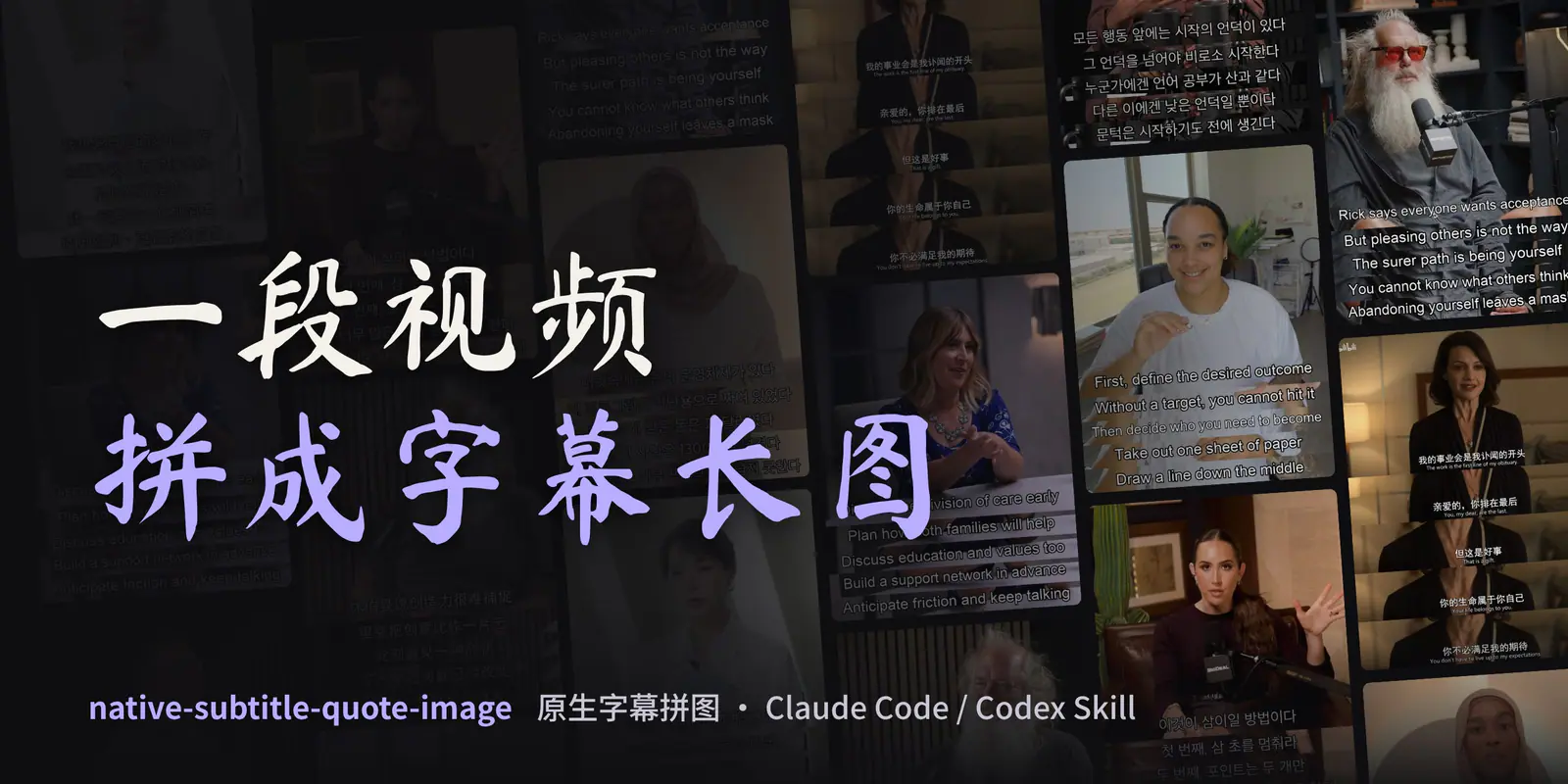
Turn real video frames into subtitle collages. Preserve burned-in subtitle pixels, or draw reviewed dialogue in a separate script-caption workflow.

Create faceless business and consumer investigation videos with research records, narration, real footage, Remotion editing, subtitles, covers and platform copy.
Create hand-drawn explainer videos with animated strokes, generated stickers, narration, synchronized subtitles, configurable branding and landscape or portrait covers.
Extract YouTube captions, timestamps, chapters and cover images into Markdown or SRT.
Translate videos through an agent-guided workflow covering transcription, translated subtitles, dubbing, and output preparation.
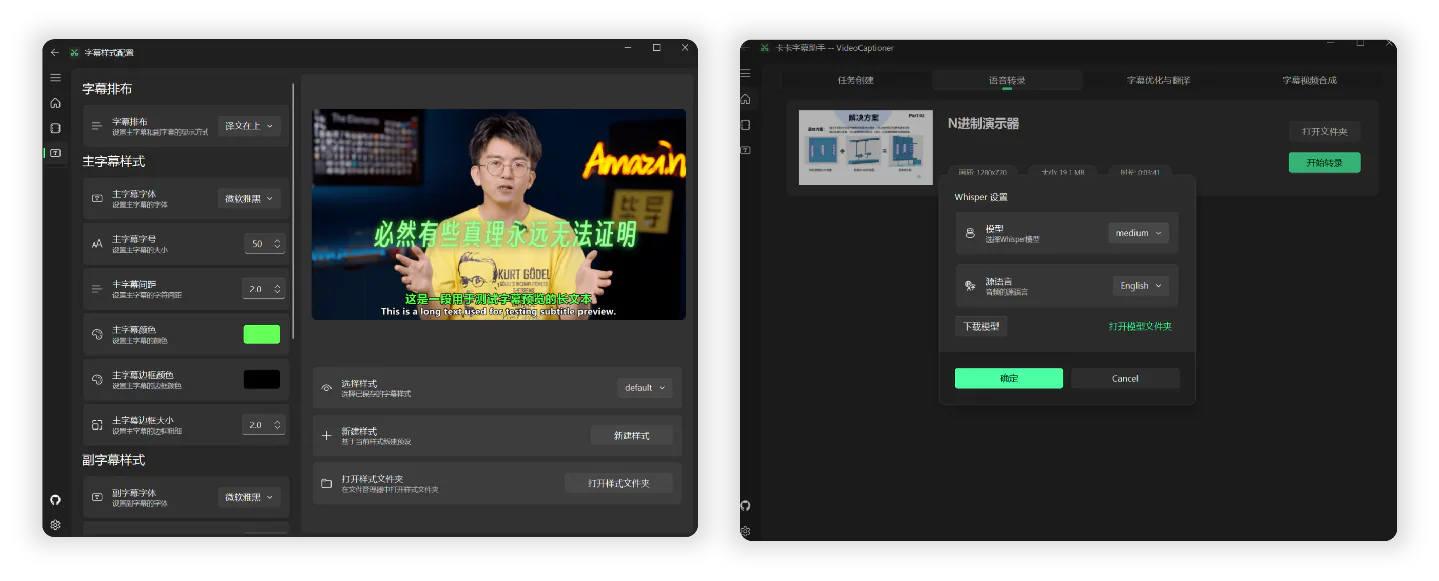
Transcribe, refine, and translate subtitles, then render styled captions into video.
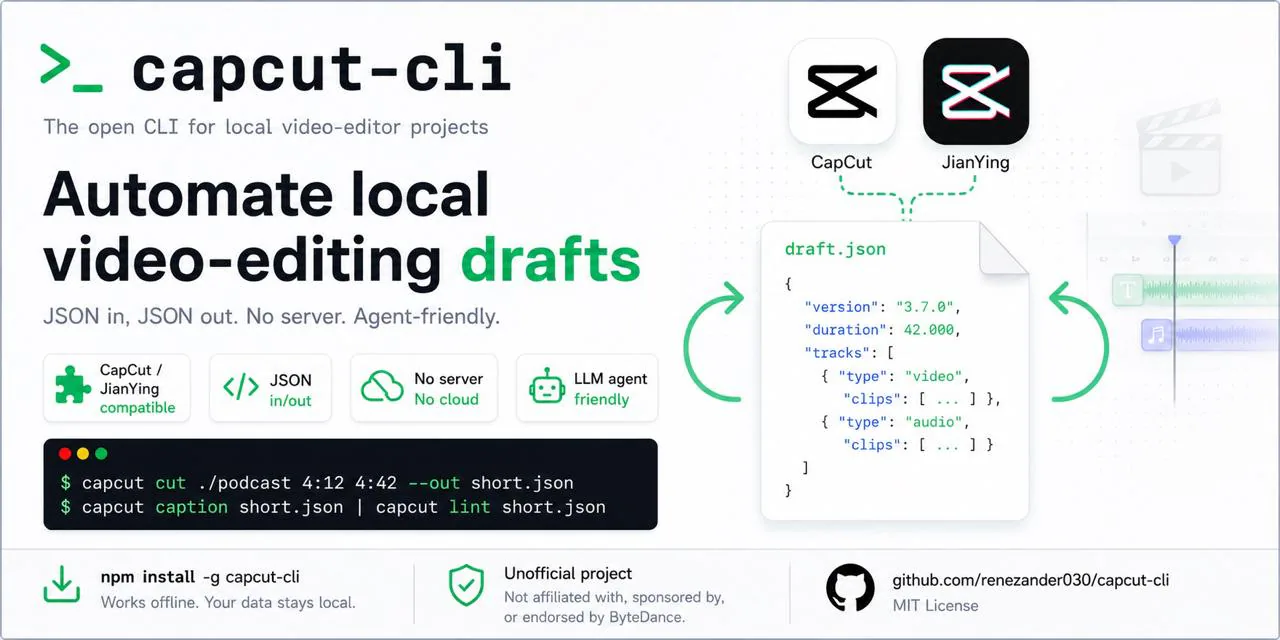
Edit CapCut or JianYing project files through scripts for subtitles, timing, speed, volume, templates, animations, and short-form cuts.
Generate a finished short video from a topic or script with footage, narration, subtitles and background music.
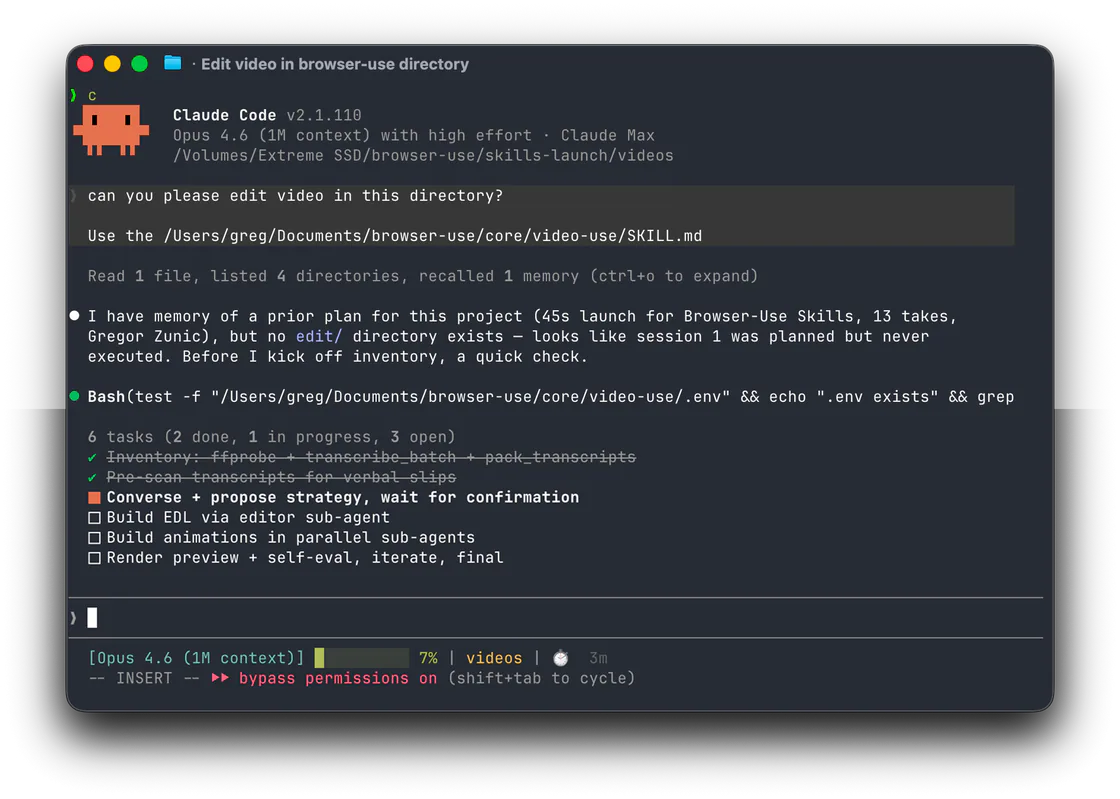
Edit any video by conversation.
Use transcription or translation entries for words, navigation for chapter timing, and subtitle-card skills when captions become a shareable image.