Free
SEO & marketing
dbs-script-flow · Spoken Script Flow
Review paragraph transitions, information density, and spoken flow in a short-video script to locate likely viewer drop-off points.
10.7KStars1.2KForks
Repository last pushed
dontbesilent
Explore skills for planning and making video content, including production and distribution tasks.
46 skillsReview paragraph transitions, information density, and spoken flow in a short-video script to locate likely viewer drop-off points.
Analyze a YouTube Studio retention export and identify drops with transcript context.
Use Volcano or Doubao voice services for narration and speech recognition with actual subtitle timestamps.
Make launch videos, motion graphics and explainers as editable HTML. Review frames in a local studio, leave targeted comments, and export with music and effects.
Review paragraph transitions, information density, and spoken flow in a short-video script to locate likely viewer drop-off points.
Analyze a YouTube Studio retention export and identify drops with transcript context.
Use Volcano or Doubao voice services for narration and speech recognition with actual subtitle timestamps.
Plan portraits, couple, wedding and family photography through direction choices, looks, scene zones, poses and shot lists.
Coordinate hand-drawn and narrated picturebook videos, selecting a browser MP4 or Jianying draft route.
Use a local video or timestamped subtitles to create a separate chapter-navigation MP4, segmented progress, and a timing table for a video editor.
Select self-contained transcript moments and write new openings for Shorts.
Make launch videos, motion graphics and explainers as editable HTML. Review frames in a local studio, leave targeted comments, and export with music and effects.
Find gaps, filler and retakes in a transcript and produce a timecoded edit decision list.
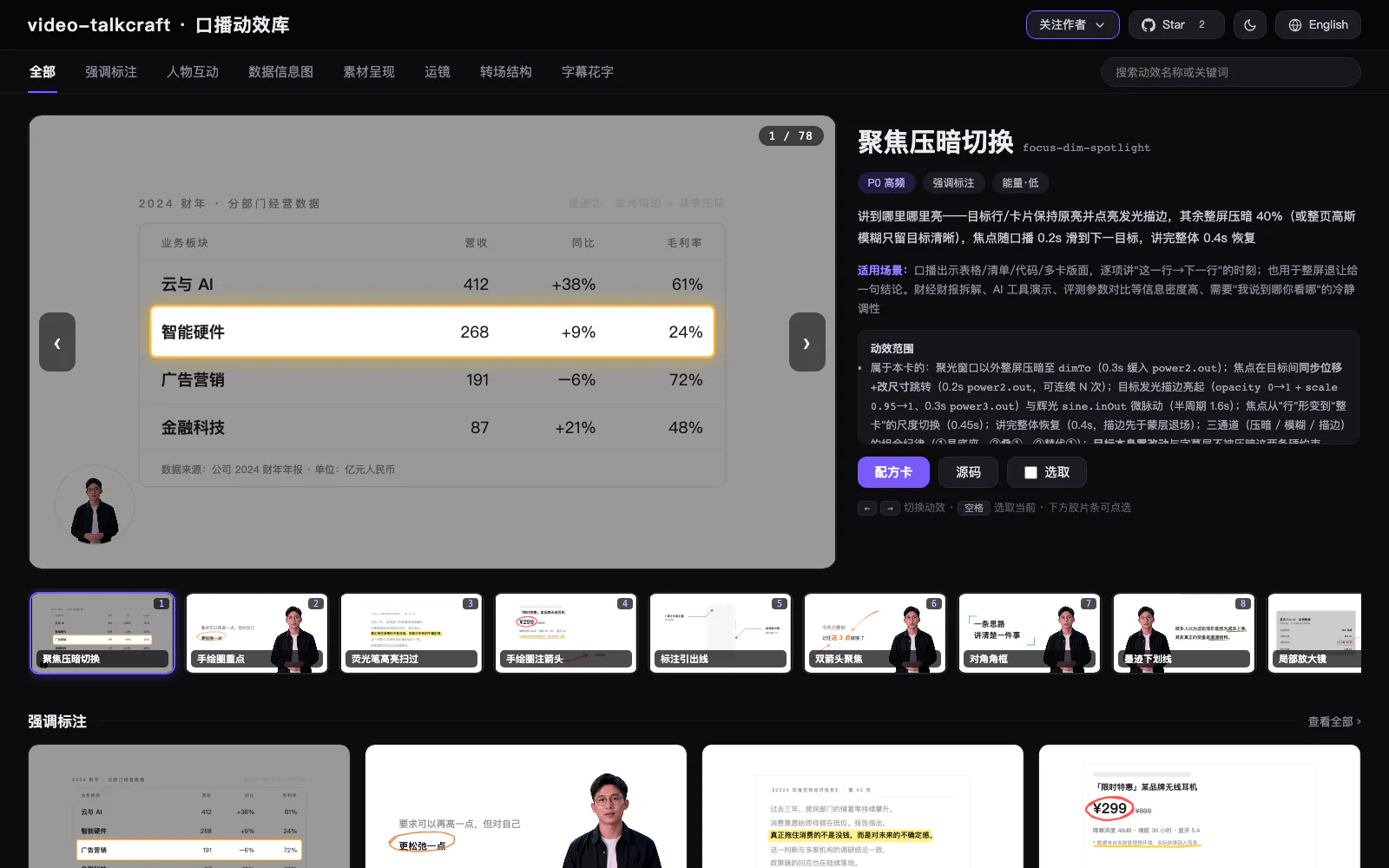
Turn a Chinese narration script and finished voice track into a storyboarded Remotion video with word-level timing and motion graphics.
Retrieve video or account data and speech transcripts from supported Chinese social-platform links using TikHub and Qingdou credentials, then archive the results as Markdown.

Direct code-based motion graphics for launch films, product promos, brand stings, and kinetic typography using explicit craft rules.
Choose programmatic, AI-generated or avatar-based production workflows for marketing videos.

Make editable product videos from real page screenshots with Claude Code or Codex. Combines shot recipes, Remotion animation, 2.5D camera moves, music sync, sound design, and a visual editing workbench.
Turn one picture into an approximately five-second seamless loop in MP4 or GIF, with WebP, sticker GIF and macOS Live Photo exports on request.
Turn copy, notes, or a topic into a stickman director’s proposal, English narration, and standalone video prompts. Choose a visual style, 16:9 or 9:16, and a duration in ten-second increments.

Create continuous-motion product launch films and feature demos with a coding agent.
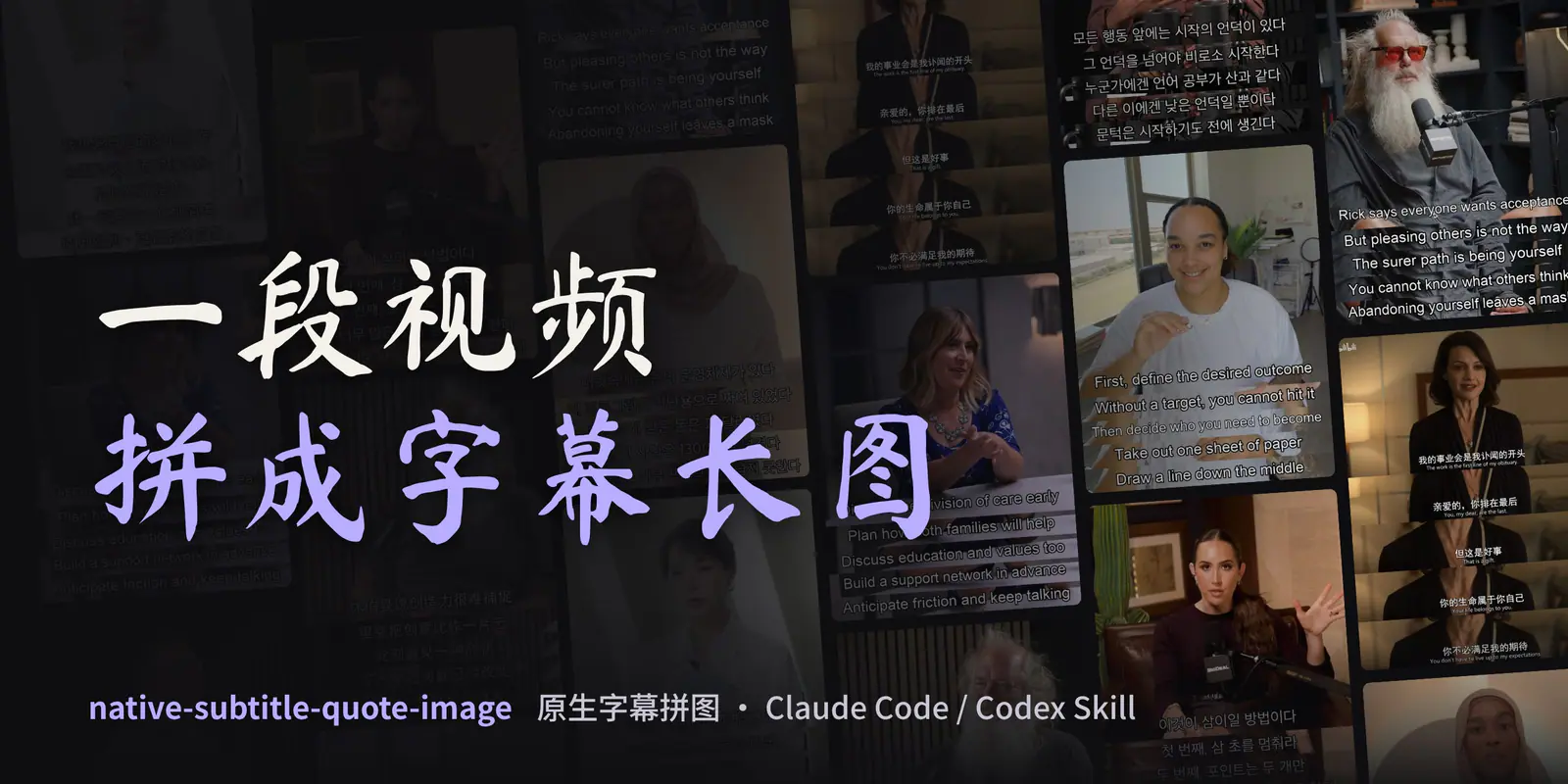
Turn real video frames into subtitle collages. Preserve burned-in subtitle pixels, or draw reviewed dialogue in a separate script-caption workflow.
Build narrated motion-graphics explainers from a topic, with storyboards, Remotion animation, subtitles, and chapter progress.

Review YouTube ideas, titles, thumbnails, hooks and pacing through attention and audience-retention methods.
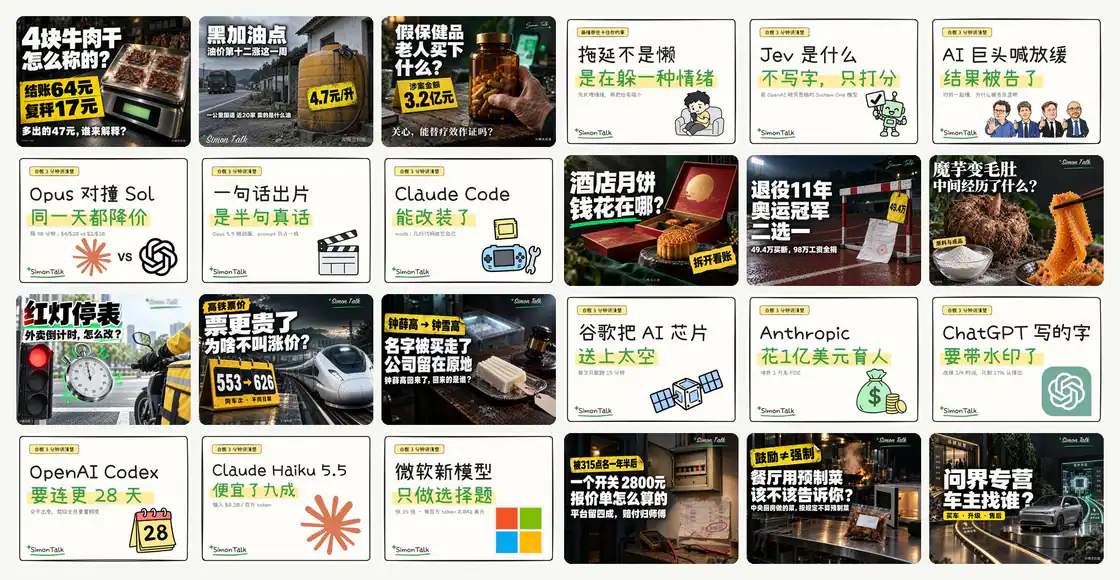
Create faceless business and consumer investigation videos with research records, narration, real footage, Remotion editing, subtitles, covers and platform copy.
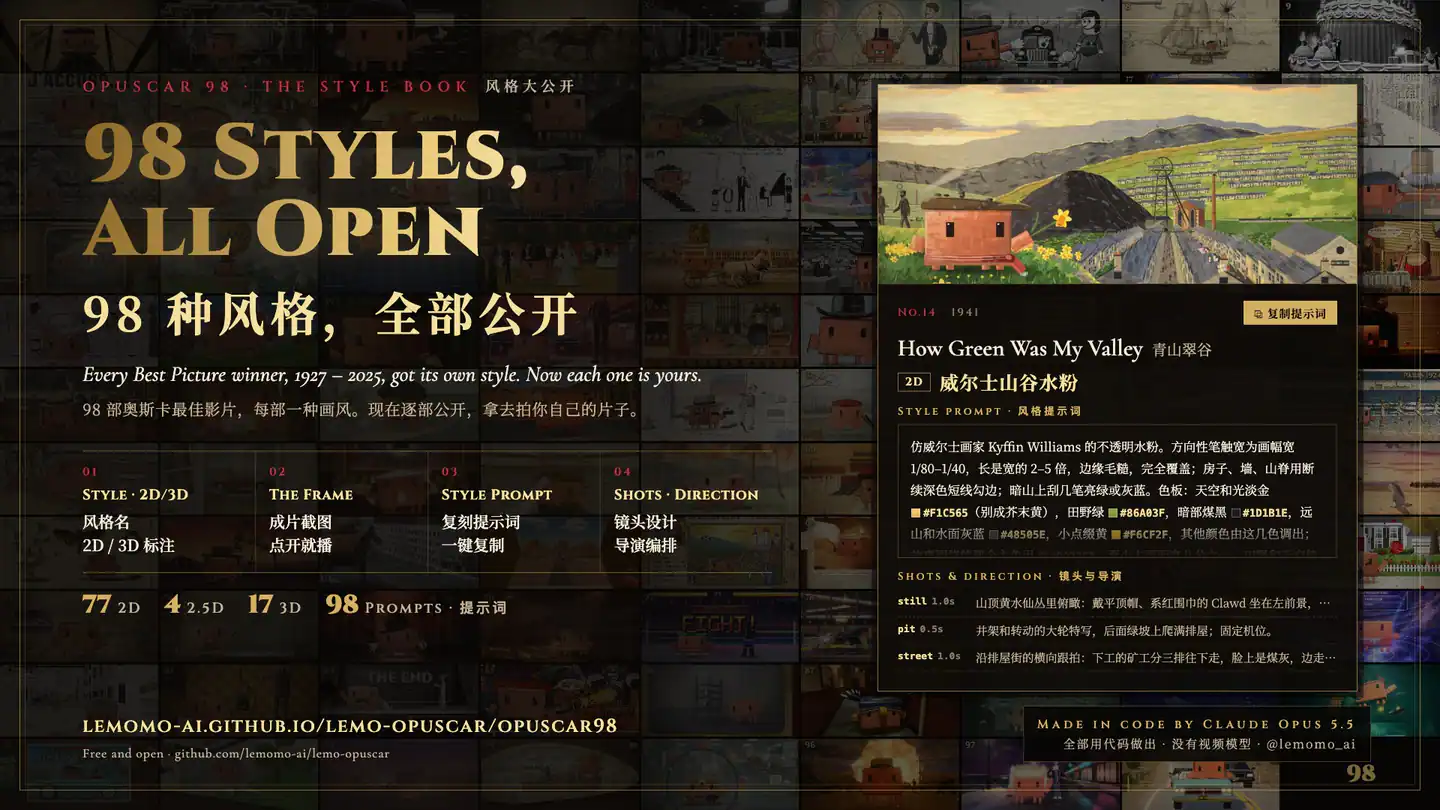
Direct and render short films from code with a library of visual styles, story planning, animation, optional narration and music, and editable project delivery.
Create hand-drawn explainer videos with animated strokes, generated stickers, narration, synchronized subtitles, configurable branding and landscape or portrait covers.
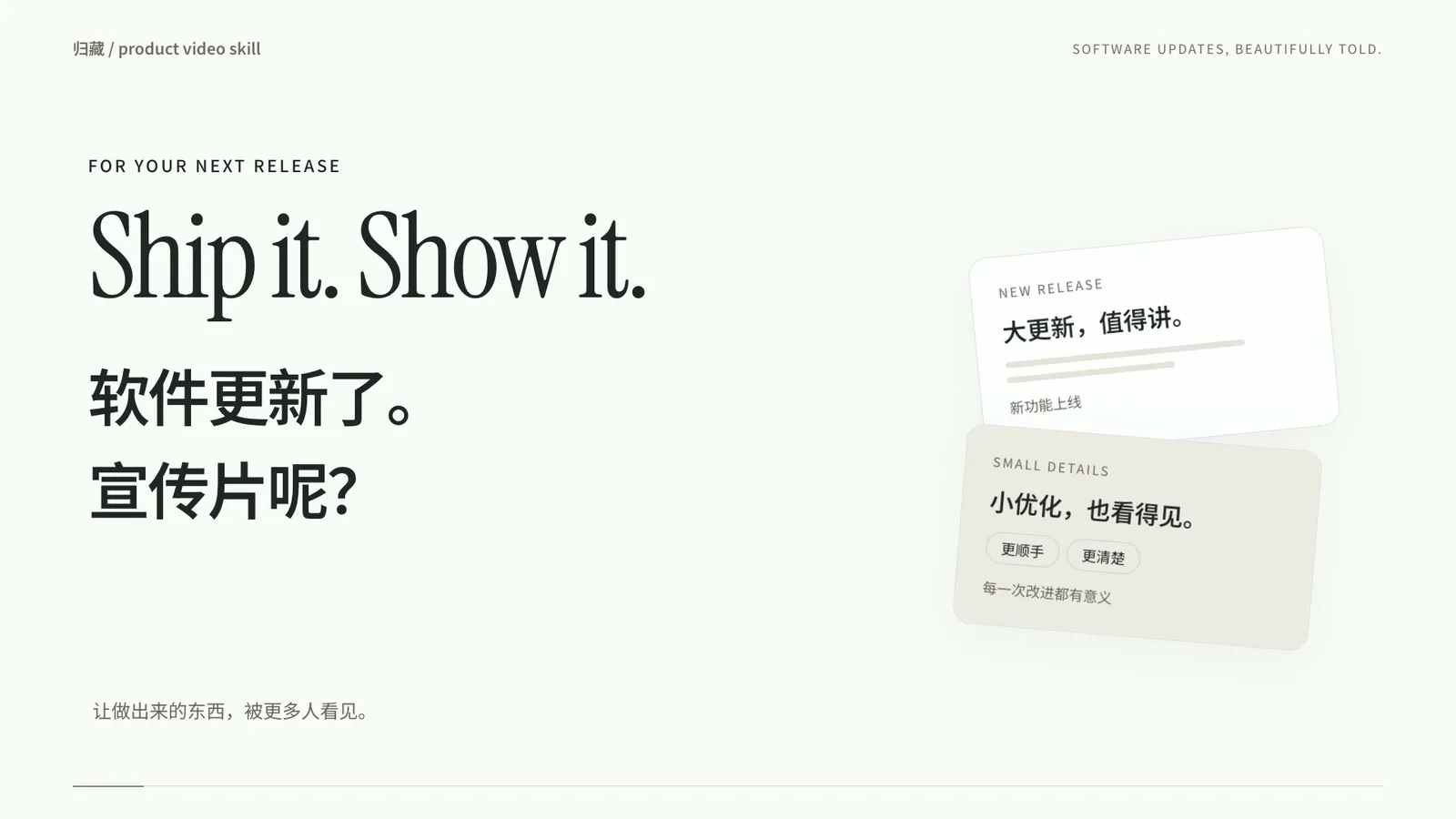
Create code-driven software launch and release-note videos using real product components, motion design, music, and action sound effects.
Compare videos with their channels’ own median performance and identify repeatable patterns.
Draft a search-oriented video description and metadata from the video’s real content.
Eleven YouTube creator workflows for scripts, packaging, editing decisions, Shorts, analytics, planning and channel research.
Produce browser-route hand-drawn and picturebook videos from an approved plan and reviewed media.
Sort supplied comments and draft replies in the creator’s voice.
Prepare editable Jianying drafts and packaged media for hand-drawn or picturebook video projects.
Draft and validate YouTube chapters from a timestamped transcript.
Develop hook options and a spoken video script with retention beats.
Audit titles, thumbnails, openings and publishing consistency; prioritize one actionable fix.
Design a knowledge video around a learning objective, evidence, script and storyboard before production.
Build a realistic weekly or monthly upload plan around the creator’s available time.
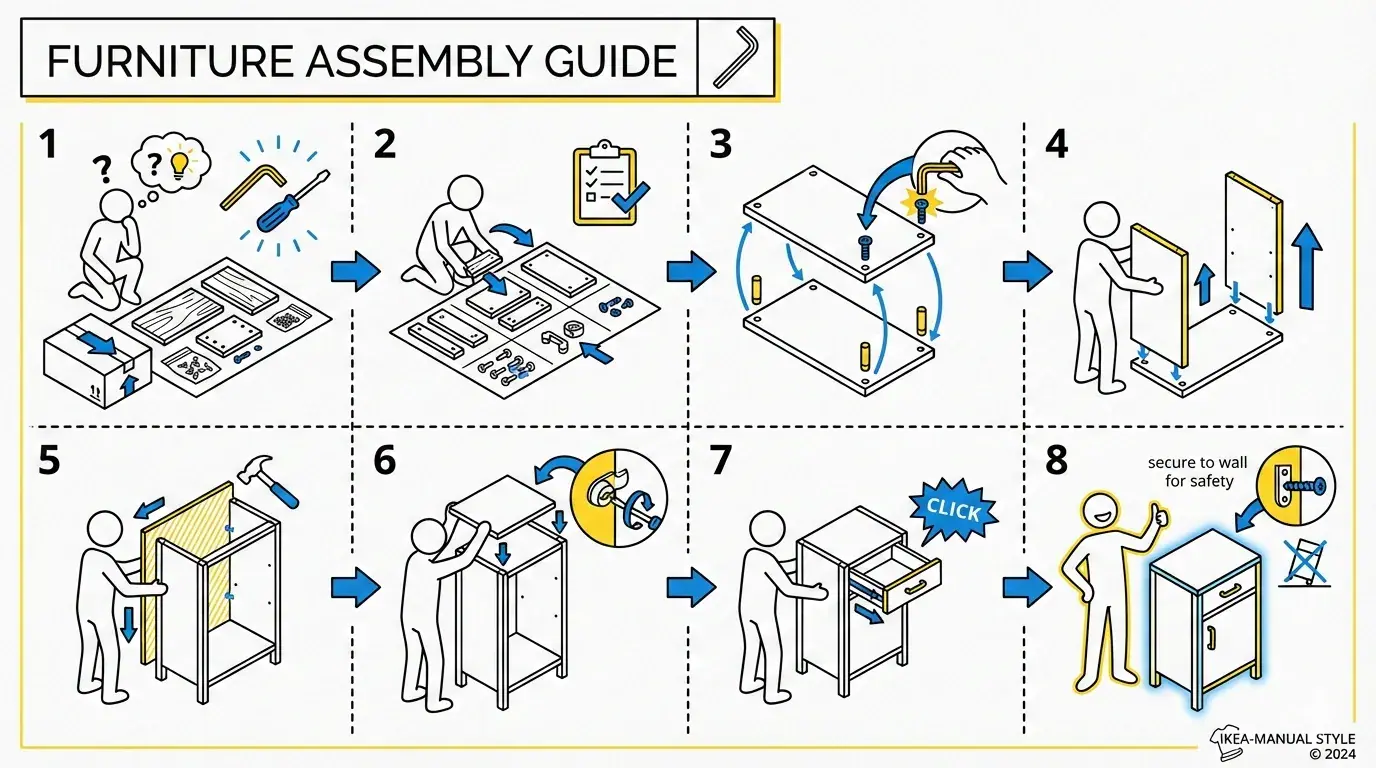
Extract YouTube captions, timestamps, chapters and cover images into Markdown or SRT.
Route Remotion video tasks to the relevant official guidance for composition, animation, preview and rendering.
Develop and lint a title with thumbnail text as a coordinated pair.
Translate videos through an agent-guided workflow covering transcription, translated subtitles, dubbing, and output preparation.
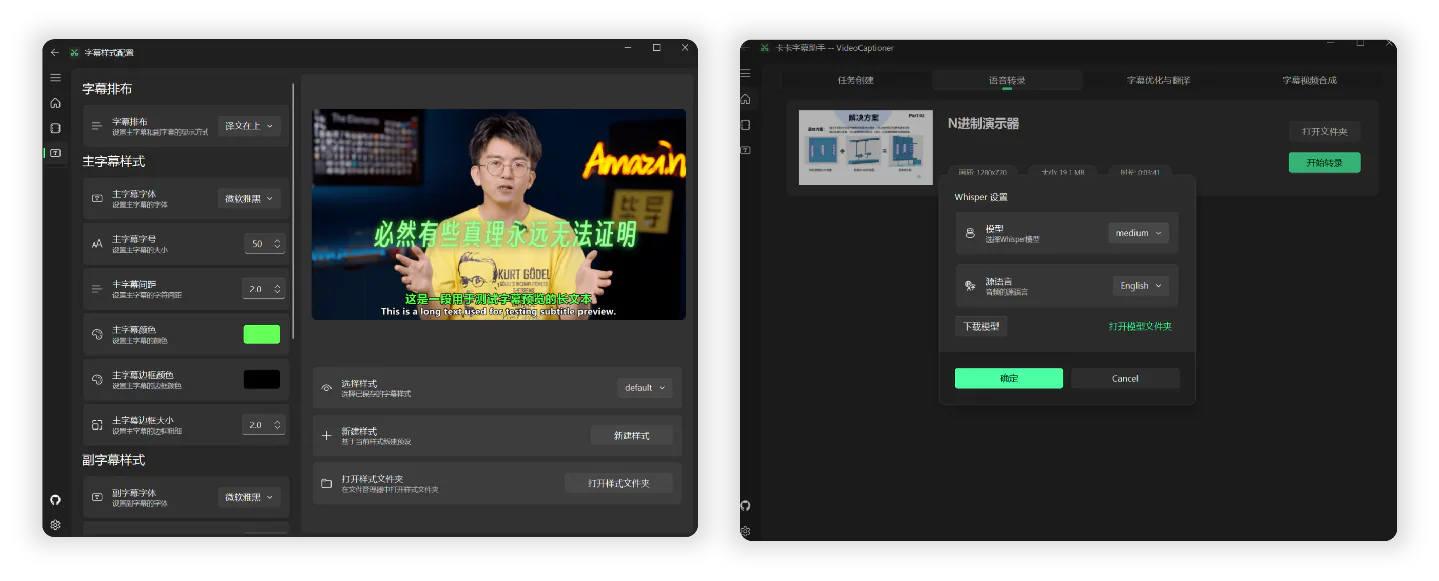
Transcribe, refine, and translate subtitles, then render styled captions into video.
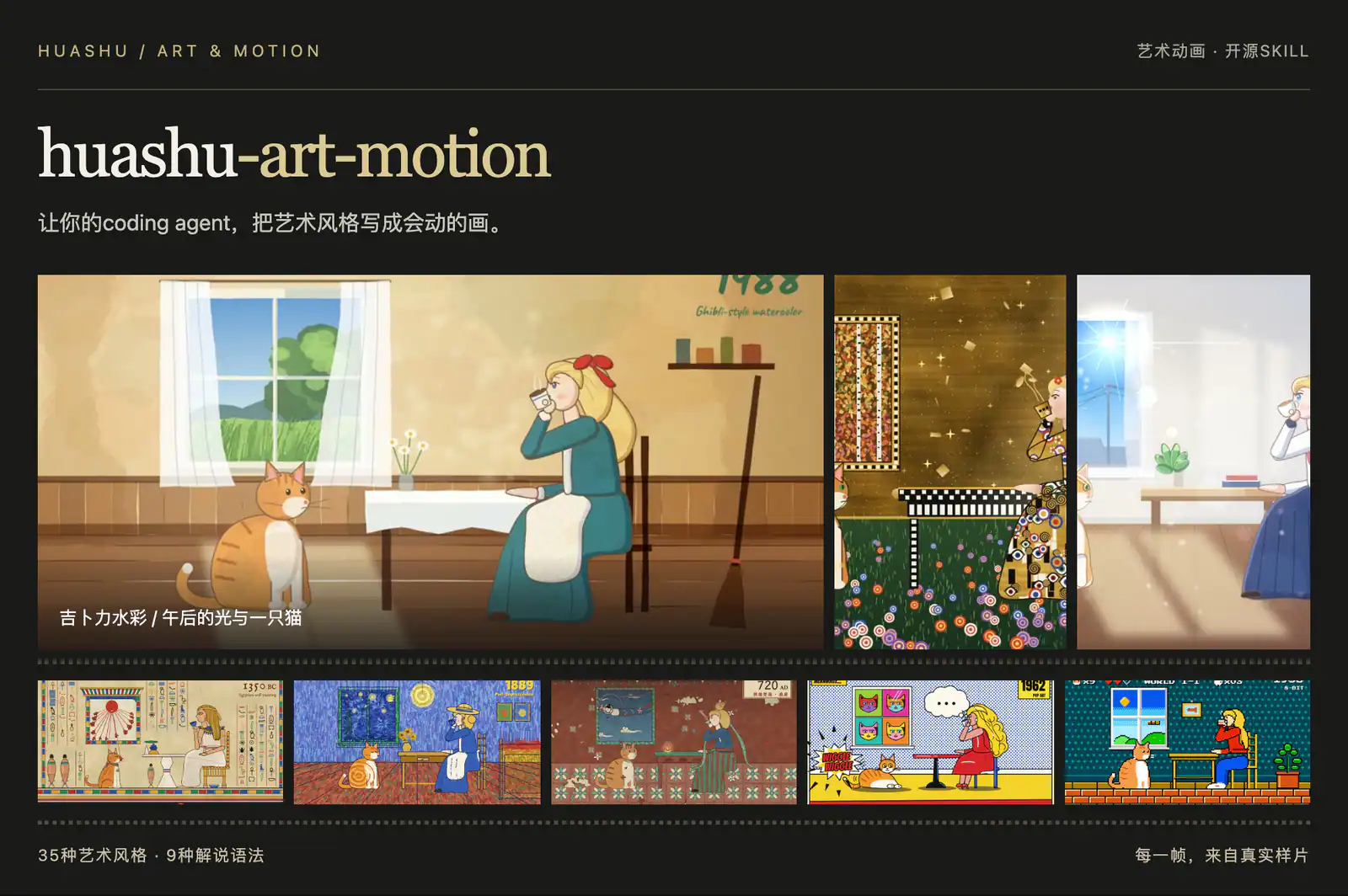
Create art-inspired animations and explainer clips with a coding agent, using editable scenes and motion recipes.
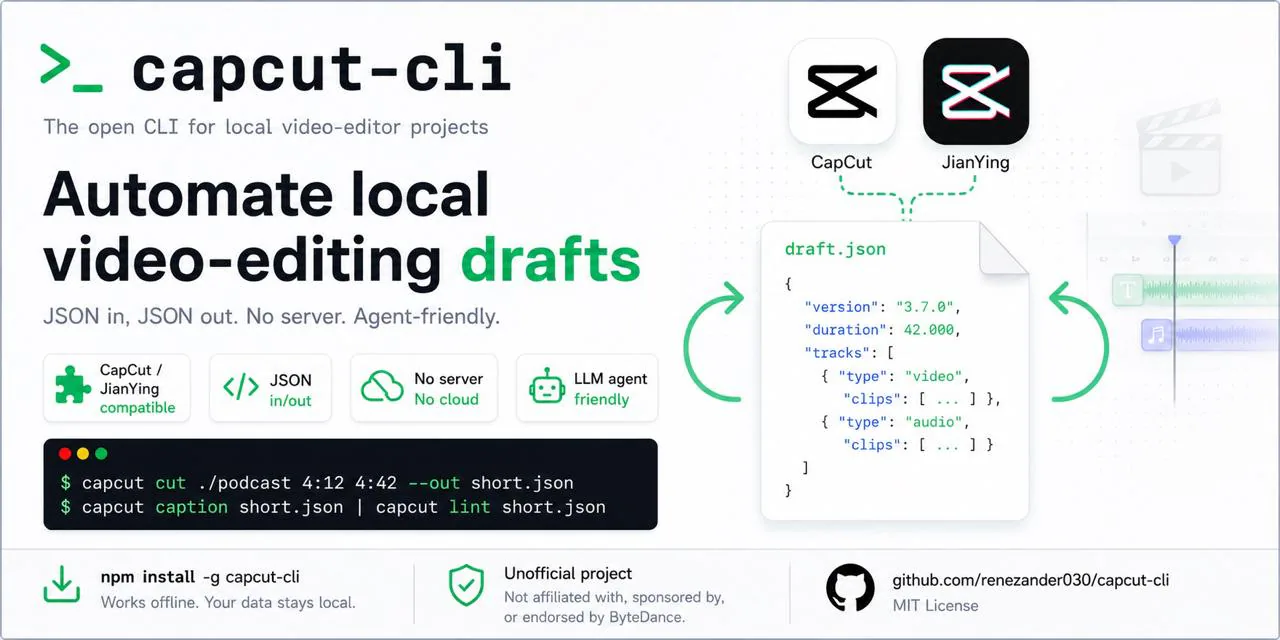
Edit CapCut or JianYing project files through scripts for subtitles, timing, speed, volume, templates, animations, and short-form cuts.
Create YouTube thumbnails and vertical video covers with references and variants through Higgsfield.
Generate a finished short video from a topic or script with footage, narration, subtitles and background music.
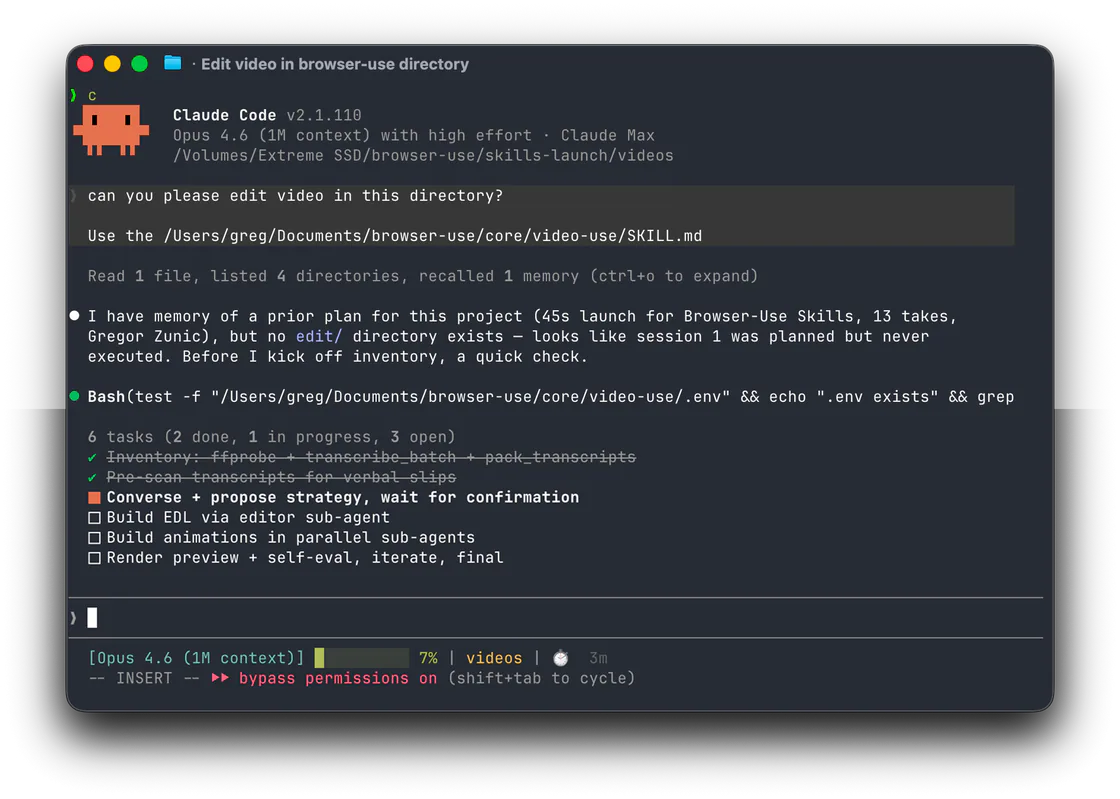
Edit any video by conversation.
Edit existing footage through conversation or produce mathematical and technical animations with Manim.
Compare video skills for product demos, short films, animation, footage editing and explainers. Choose by source material, editable output and setup.
Explore eight AI agent Skills for YouTube research, scripts, thumbnails, editing, subtitles and audience retention.
Explore skills for planning and making video content, including production and distribution tasks.