Video Editing Skills for Claude Code, Codex & AI Agents
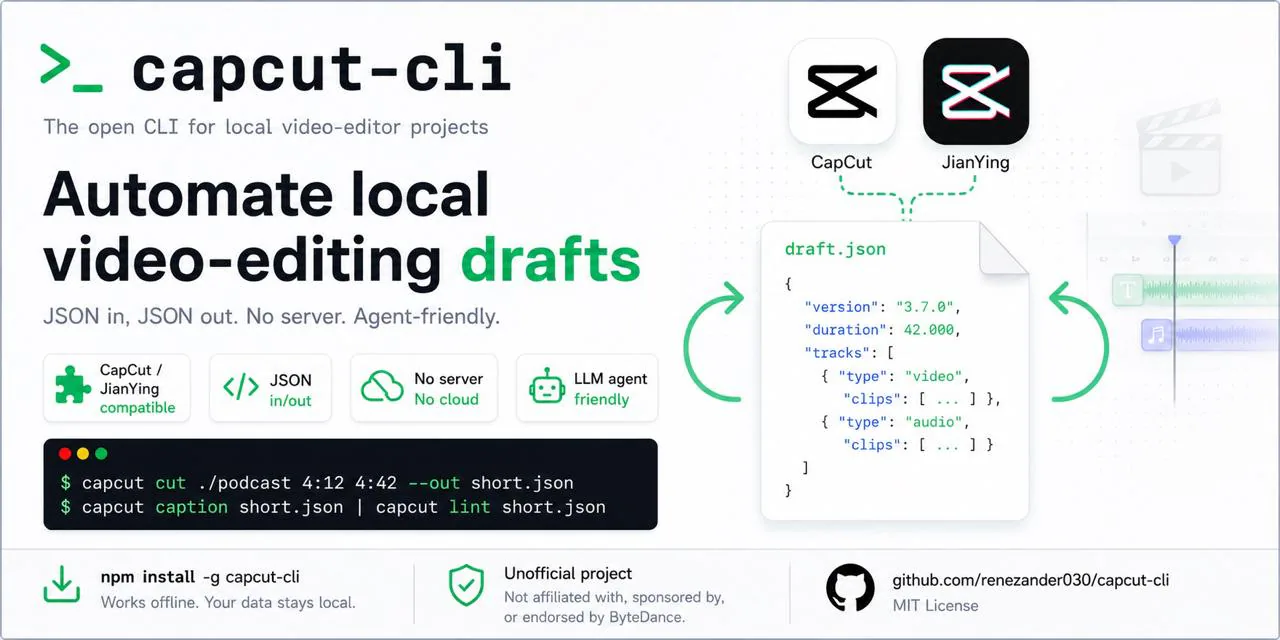
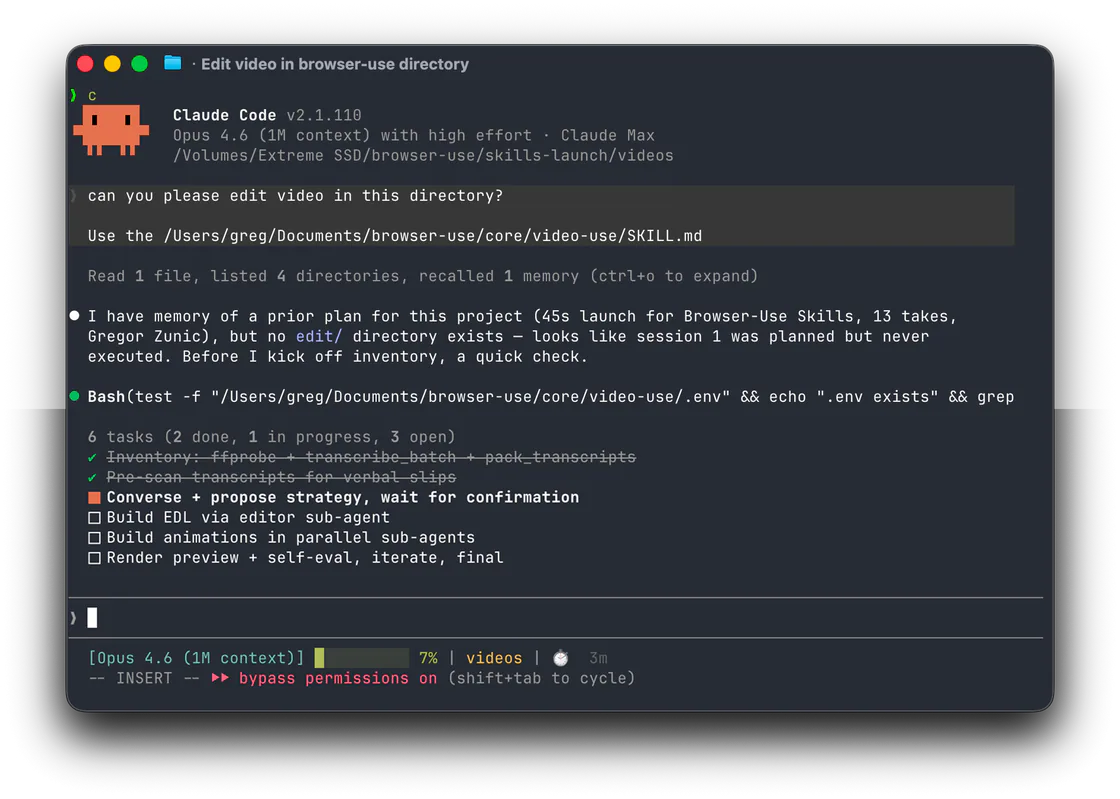
These skills help an agent turn footage or a script into an edit plan and working timeline. Members cover EDLs, chapter navigation, shotcraft, CapCut and Jianying, story scripts, and project reports.
Make launch videos, motion graphics and explainers as editable HTML. Review frames in a local studio, leave targeted comments, and export with music and effects.
Retrieve video or account data and speech transcripts from supported Chinese social-platform links using TikHub and Qingdou credentials, then archive the results as Markdown.
Make editable product videos from real page screenshots with Claude Code or Codex. Combines shot recipes, Remotion animation, 2.5D camera moves, music sync, sound design, and a visual editing workbench.
Create faceless business and consumer investigation videos with research records, narration, real footage, Remotion editing, subtitles, covers and platform copy.
Compare video skills for product demos, short films, animation, footage editing and explainers. Choose by source material, editable output and setup.
How to choose Video Editing skills
Use an edit-decision or timeline skill before cutting, platform tools for Jianying or CapCut projects, and chapter or script entries when the edit must follow a spoken structure.