Free
Web & UI
Impeccable
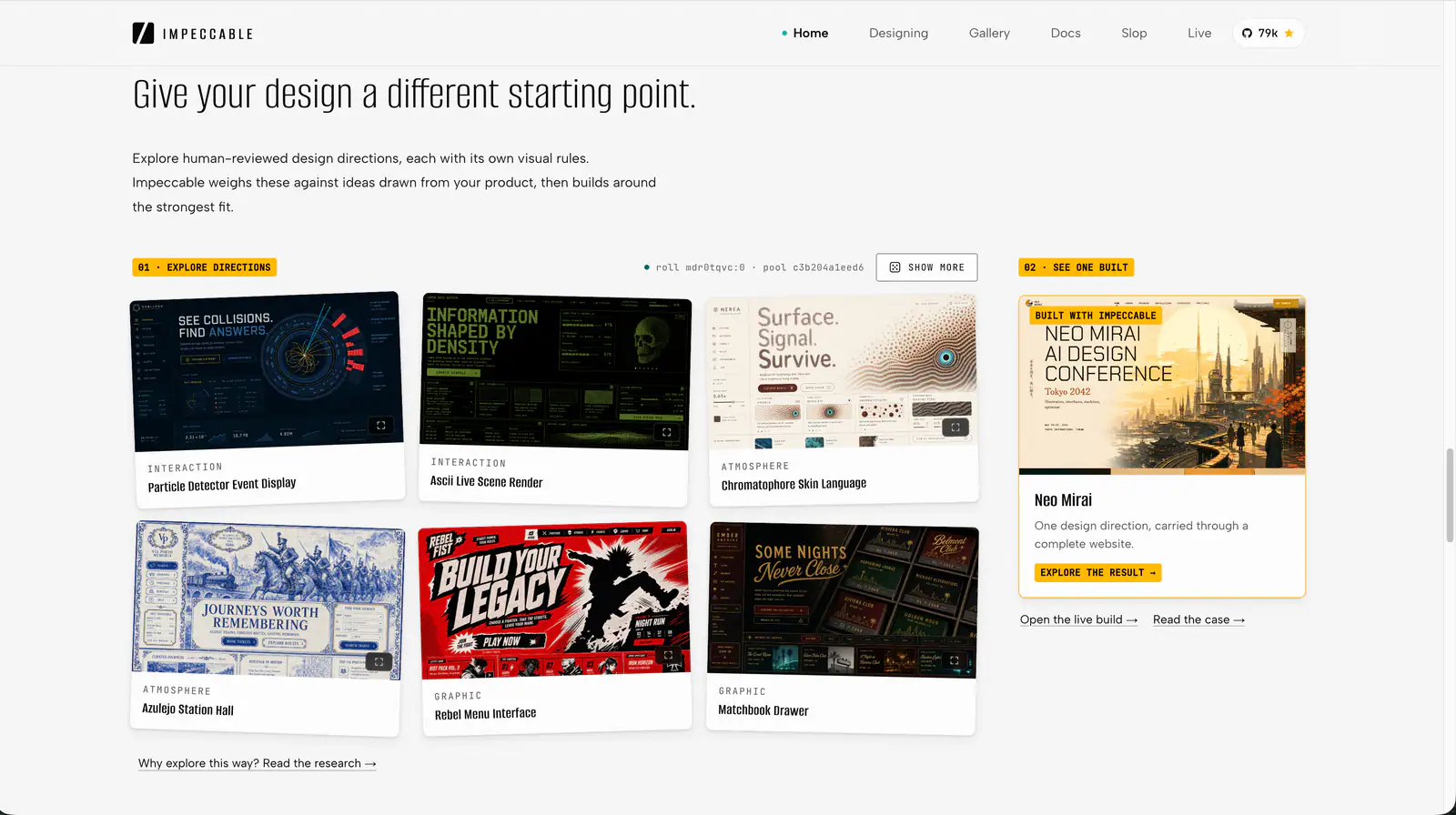
Impeccable is an AI frontend design Skill for building and refining interfaces: typography, layout, accessibility, responsive behavior and browser iteration.
108.6KStars6.5KForks
Repository last pushed
pbakaus
These skills help an agent build and maintain web frontends. They span React and Vue practices, CSS tools like UnoCSS, component libraries like Chakra UI and shadcn/ui, and component checks.
92 skillsImpeccable is an AI frontend design Skill for building and refining interfaces: typography, layout, accessibility, responsive behavior and browser iteration.
Quickly deslop UI code by fixing spacing, hierarchy, typography, and small layout issues. Use when the interface needs a fast cleanup or polish pass.
Build multiple component variants in the real page and compare their tradeoffs.
Audit and fix visual hierarchy, spacing, color, and depth in web UIs. Use when the user mentions "my UI looks off" (or amateur/unprofessional), "fix the design", "Tailwind styling", "color palette", "visual hierarchy", "design system", "spacing scale", or "component styling". Also trigger when building consistent design tokens, creating dark mode themes, improving data-visualization clarity, or polishing UI details before launch. Covers grayscale-first workflow, constrained design scales, shadows, and component styling. For typeface selection, see web-typography. For usability audits, see ux-heuristics.
Implement an interface from a screenshot or mockup and compare the rendered result with the reference.
Render a chosen component in a temporary page under relevant stress scenarios.
Render a component’s states on a temporary page with mock data and a switcher.
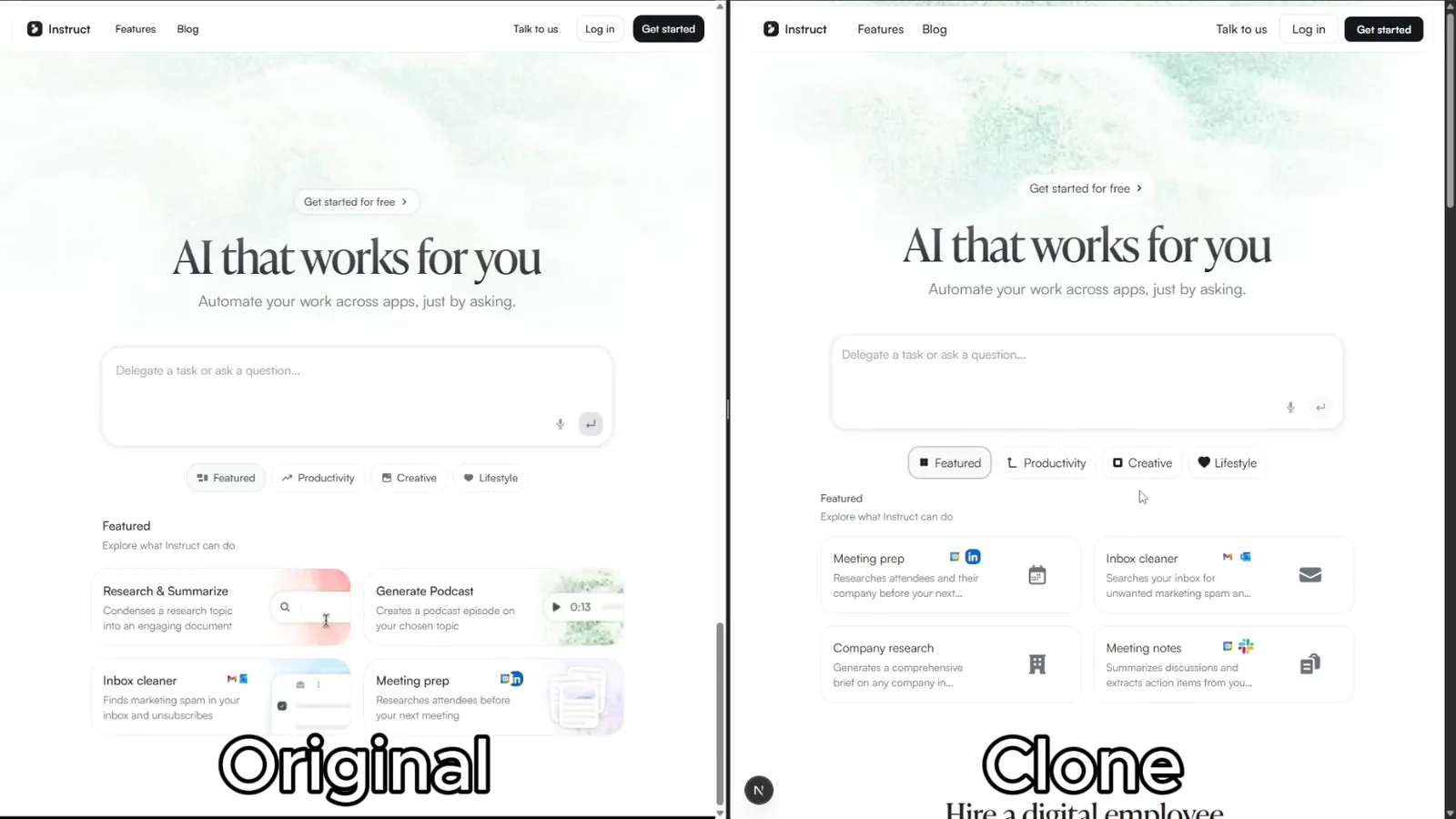
Rebuild reference websites as editable Next.js pages with an AI coding agent. Inspect responsive layouts, assets and interactions, then compare the result with the source.
Apply Vue 3 component, reactivity and SSR guidance in a Vue project.
Build distinctive web interfaces with content-informed typography, composition and visual direction.
Use for UI design and implementation work to avoid generic AI-looking interfaces. Provides anti-slop rules, a required discovery phase before coding, and guidance for layout, typography, color, motion, accessibility, dashboards, tables, landing pages, theming, and polish. Trigger when editing UI code or reviewing and refining components, pages, screens, layouts, animations, responsive behavior, or design systems.
Work with Vite configuration, plugins, server-side rendering and library builds.
Use Vue component, reactivity and Composition API references.
Create or modify Voyager declarative plugins, site adapters and native primitives.
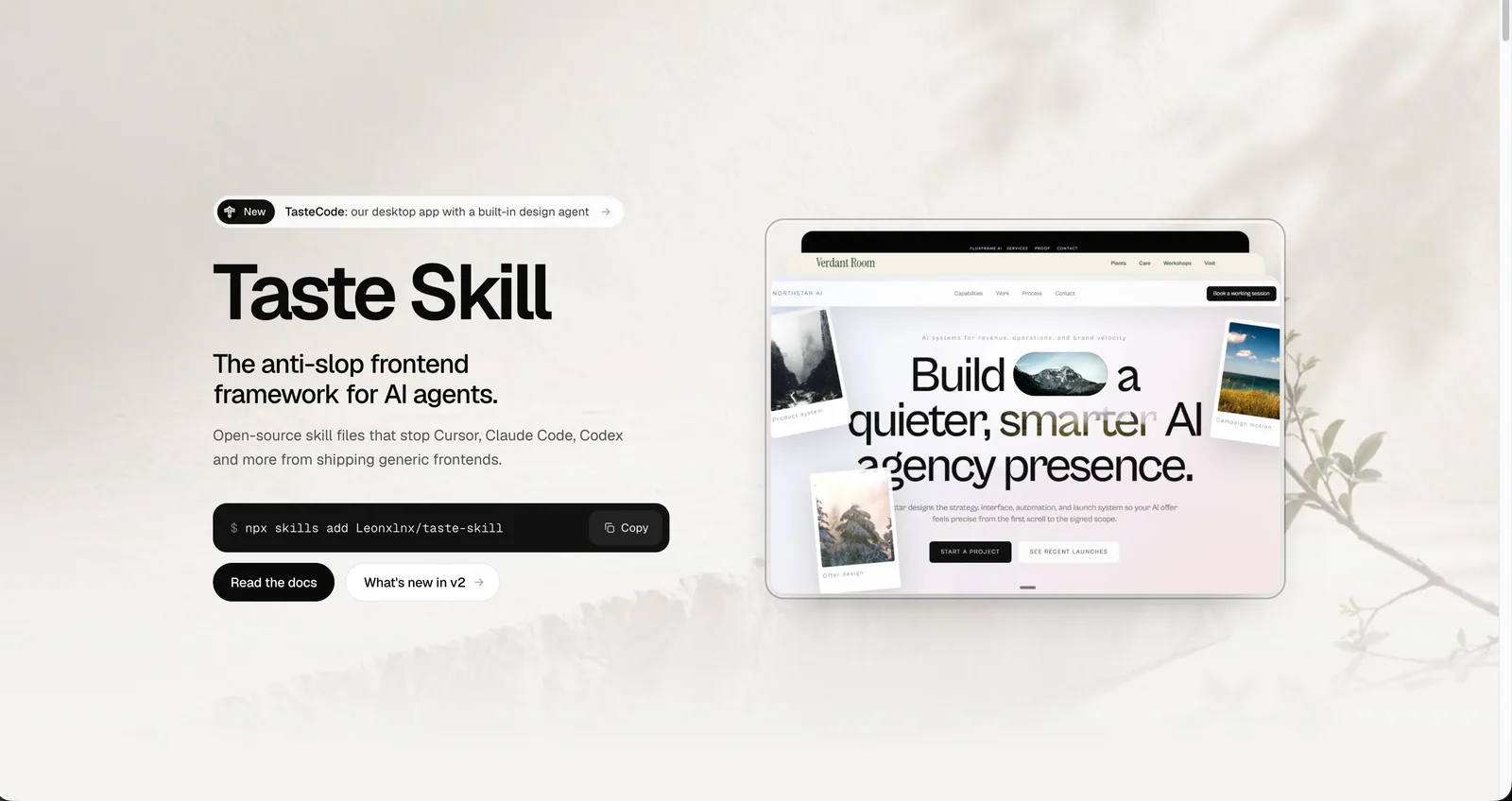
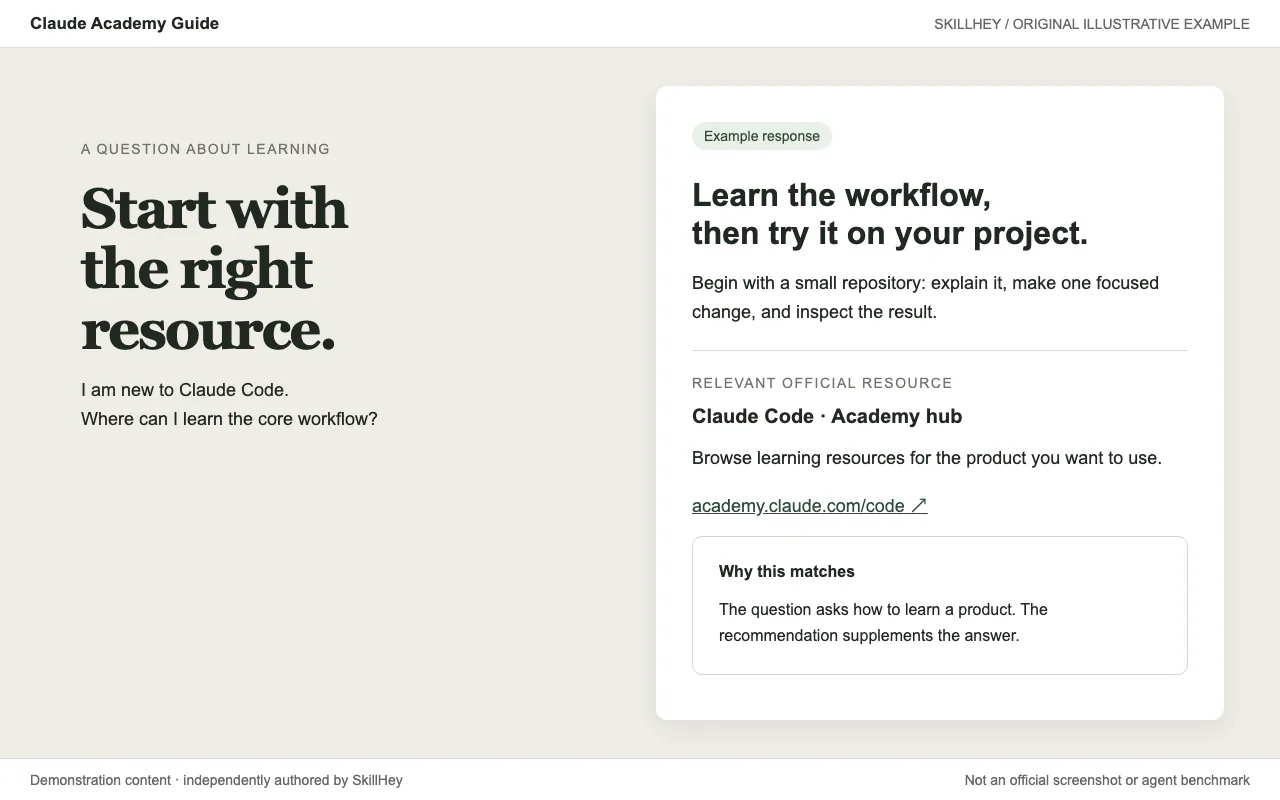
Art direction for AI-built websites and app screens, with real imagery, separate page and app workflows, and browser inspection. The main entry is design-taste-frontend.
Build responsive UI components with project design systems, accessible interactions and complete application states.
This skill encodes Emil Kowalski's philosophy on UI polish, component design, animation decisions, and the invisible details that make software feel great.
Build multi-component HTML artifacts with React, state management and a bundled delivery workflow.
Work with Tailwind CSS v4 using a locally synchronized documentation snapshot, migration notes and implementation guidance.
Improve UI using a project’s existing components, design tokens and assets, with optional Uizze references.
Organize frontend code with Feature-Sliced Design v2.1, from placement and import boundaries to framework integration.
Build Astro pages and components, configure adapters and use the framework's development commands.
Audit an existing product surface against its own design evidence, identify verified UI problems, and write self-contained implementation plans for another agent. Strictly read-only on product source. Use when asked to review, refine, improve, or clean up an interface without replacing its identity; investigate design-system drift; or prepare a design handoff.
Guidance on writing fast, robust, modern Svelte code. Load this skill whenever in a Svelte project and asked to write/edit or analyze a Svelte component or module. Covers reactivity, event handling, styling, integration with libraries and more.
Implement UI from Figma or an image with the project’s existing components and tokens.
A collection of 14 agent skills for interface reviews, UI implementation, component testing and technical illustration.
Review a branch, pull request or uncommitted change for introduced UI regressions.
Build and refine user interfaces with typography decisions and screenshot-based review.
Pick React or Vue skills first, then add styling or component-library skills that match your stack.