Free
Web & UI
Variant: UI Alternatives
Build multiple component variants in the real page and compare their tradeoffs.
12.1KStars468Forks
Repository last pushed
Jakub Krehel
These skills help an agent turn ideas into clickable prototypes and work with Figma files. They cover generating and comparing UI variants, reading a Figma file's structure and building prototypes.
10 skillsBuild multiple component variants in the real page and compare their tradeoffs.
Turn player movement metrics into blockouts, encounter pacing, gated routes, and a reachable critical path.
Build multiple genuinely different versions of a UI piece you describe, rendered behind a visual picker so you can flip through them live and promote the one that feels right. Only runs when explicitly invoked; it does not trigger on its own.
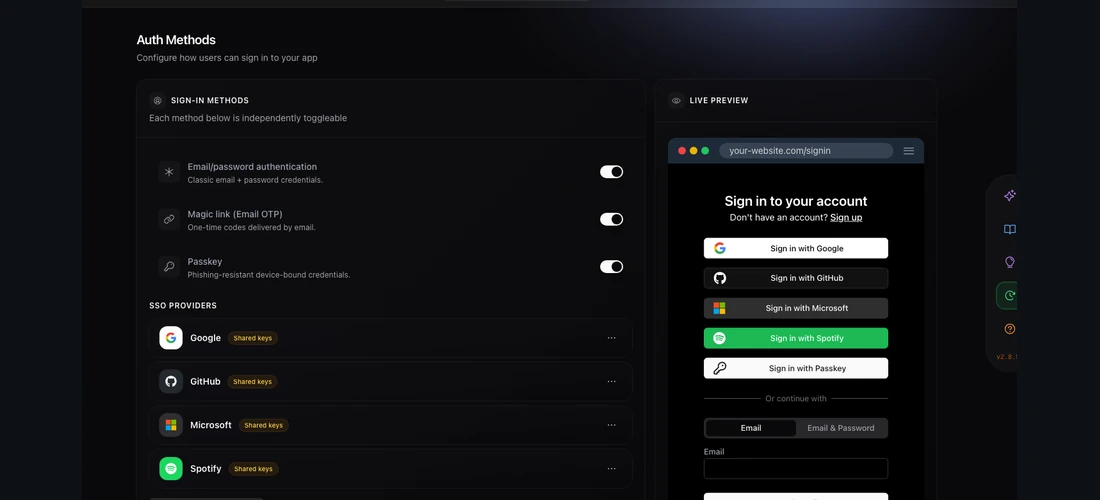
Prepare comparable interface variants so the user can preview and choose a direction.
Implement UI from Figma or an image with the project’s existing components and tokens.

Build a disposable prototype to answer an unresolved design or behavior question.
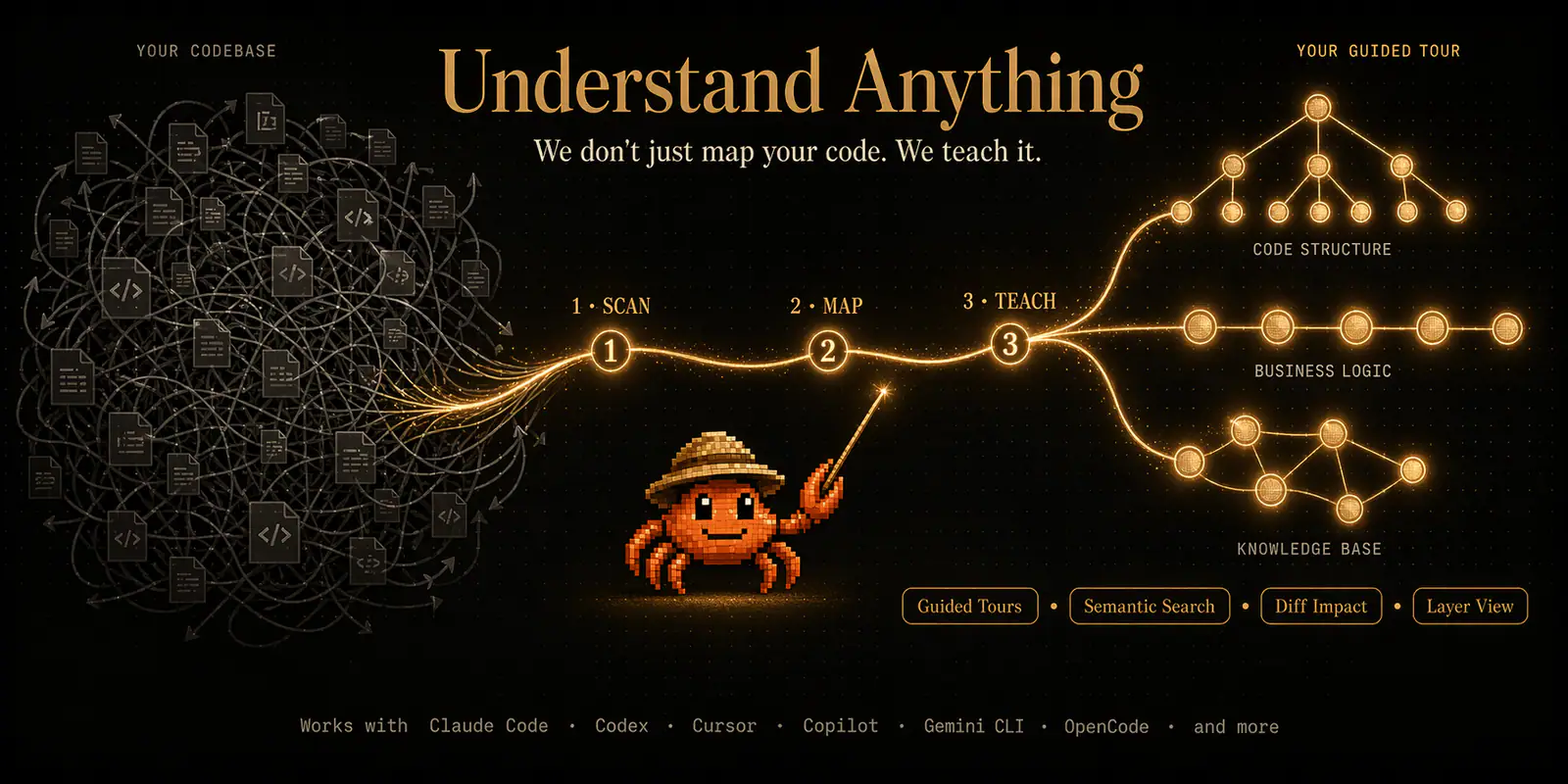
Analyze a Figma file into a graph of screens, components, instances and design tokens.
Design principles and creative direction for building HTML artifacts — pages, reports, plans, landing pages, demos, decks, and small tools. Use when creating or restyling any visual HTML deliverable and deciding its palette, type pairing, layout, theming, or overall register, or when the output must not look generically AI-generated.
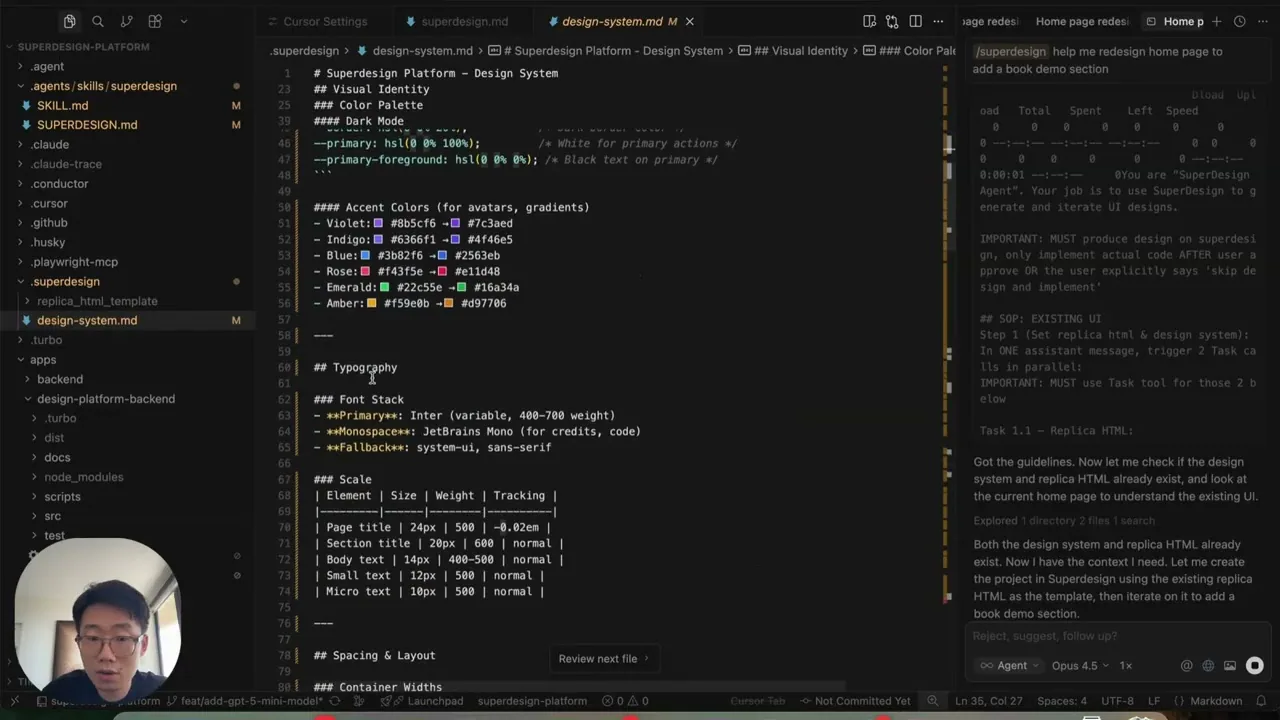
Design and redesign interfaces, presentations, and graphics on the Superdesign canvas, then continue toward implementation from the selected design.
Create high-fidelity HTML prototypes, presentations, animations and visualizations with explicit design-direction review.
Use a variants skill to explore options, a Figma graph skill to understand an existing file, and a prototype skill when you need something people can click.