Free
Web & UI
Impeccable
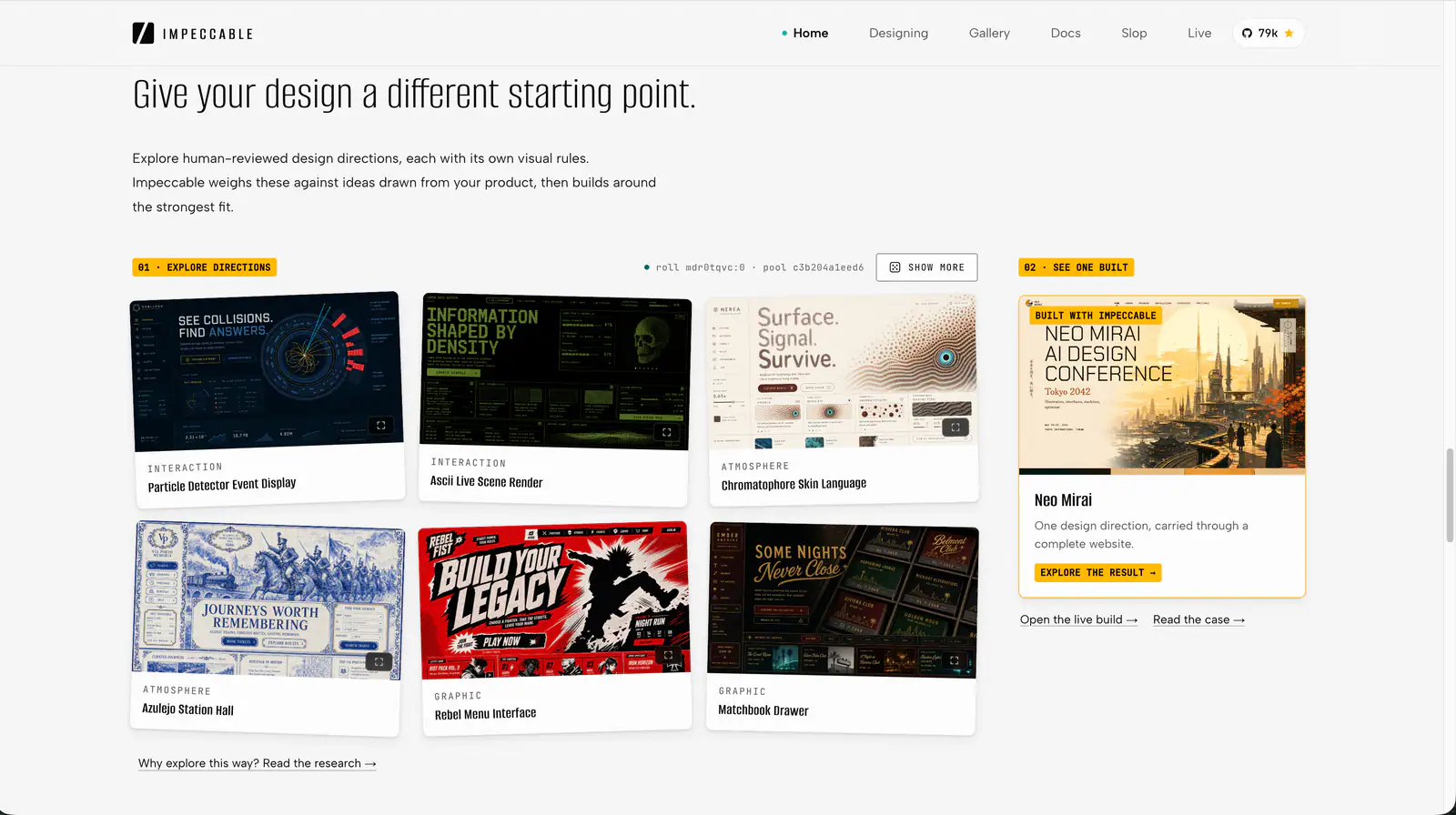
Impeccable is an AI frontend design Skill for building and refining interfaces: typography, layout, accessibility, responsive behavior and browser iteration.
108.6KStars6.5KForks
Repository last pushed
pbakaus
These skills help an agent design websites that look intentional rather than generated, from layout and spacing to responsive behavior. They range from opinionated taste guides to full web design workflows and a site-cloning template.
26 skillsImpeccable is an AI frontend design Skill for building and refining interfaces: typography, layout, accessibility, responsive behavior and browser iteration.
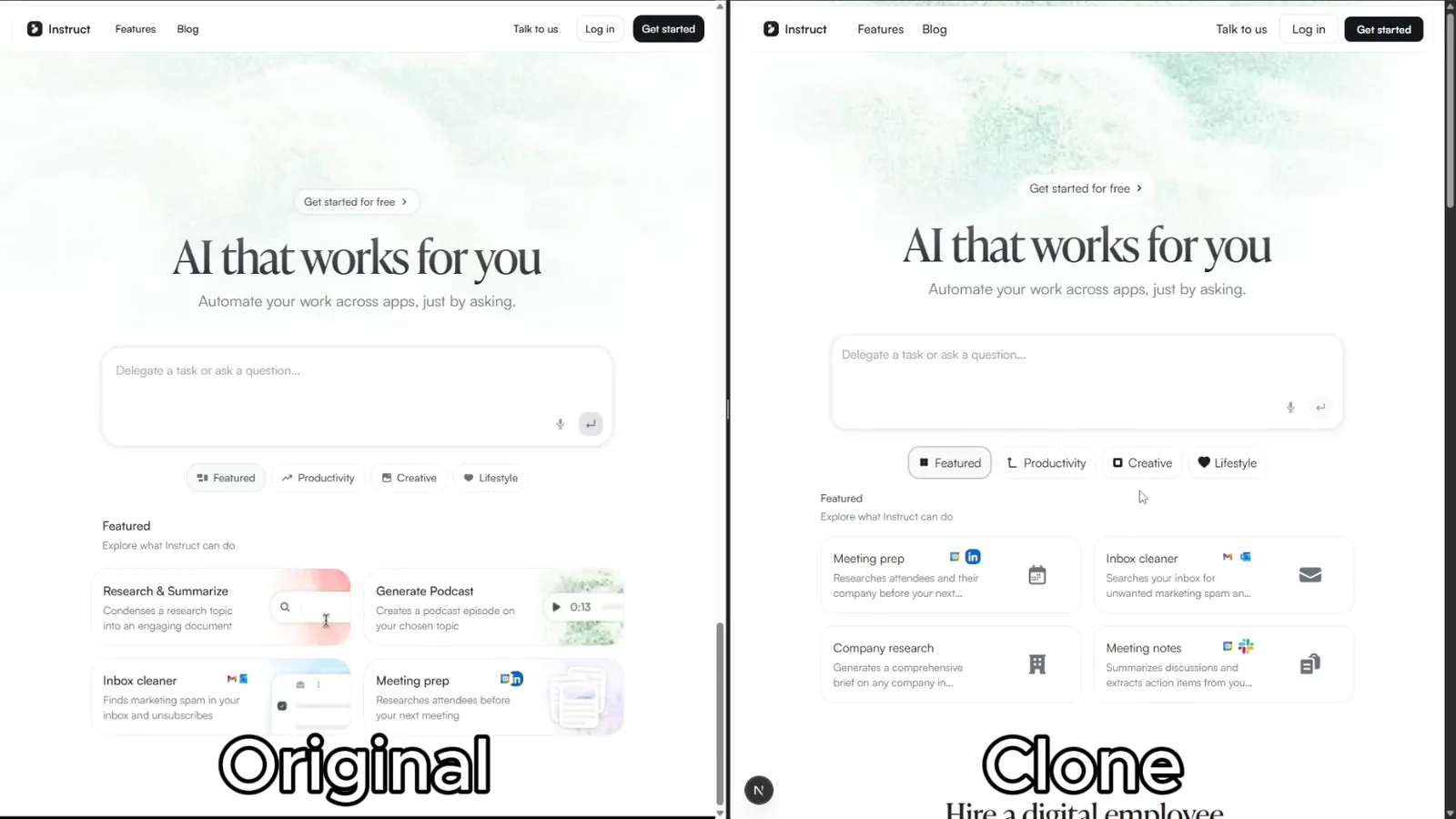
Rebuild reference websites as editable Next.js pages with an AI coding agent. Inspect responsive layouts, assets and interactions, then compare the result with the source.
Art-direct and implement distinctive, motion-rich marketing, editorial, portfolio, and landing websites with original reference-inspired imagery, standout heroes, GSAP choreography, one smooth-scroll engine, optional Three.js shaders, honest icon and logo sourcing, photo avatars, accessibility, and performance safeguards. Use when a user asks for an Awwwards-quality, premium, cinematic, interactive, high-concept, or motion-led website, or explicitly requests this visual and motion system.
Practical UI engineering workflows from Emil Kowalski, including mobile web and edge-case testing.
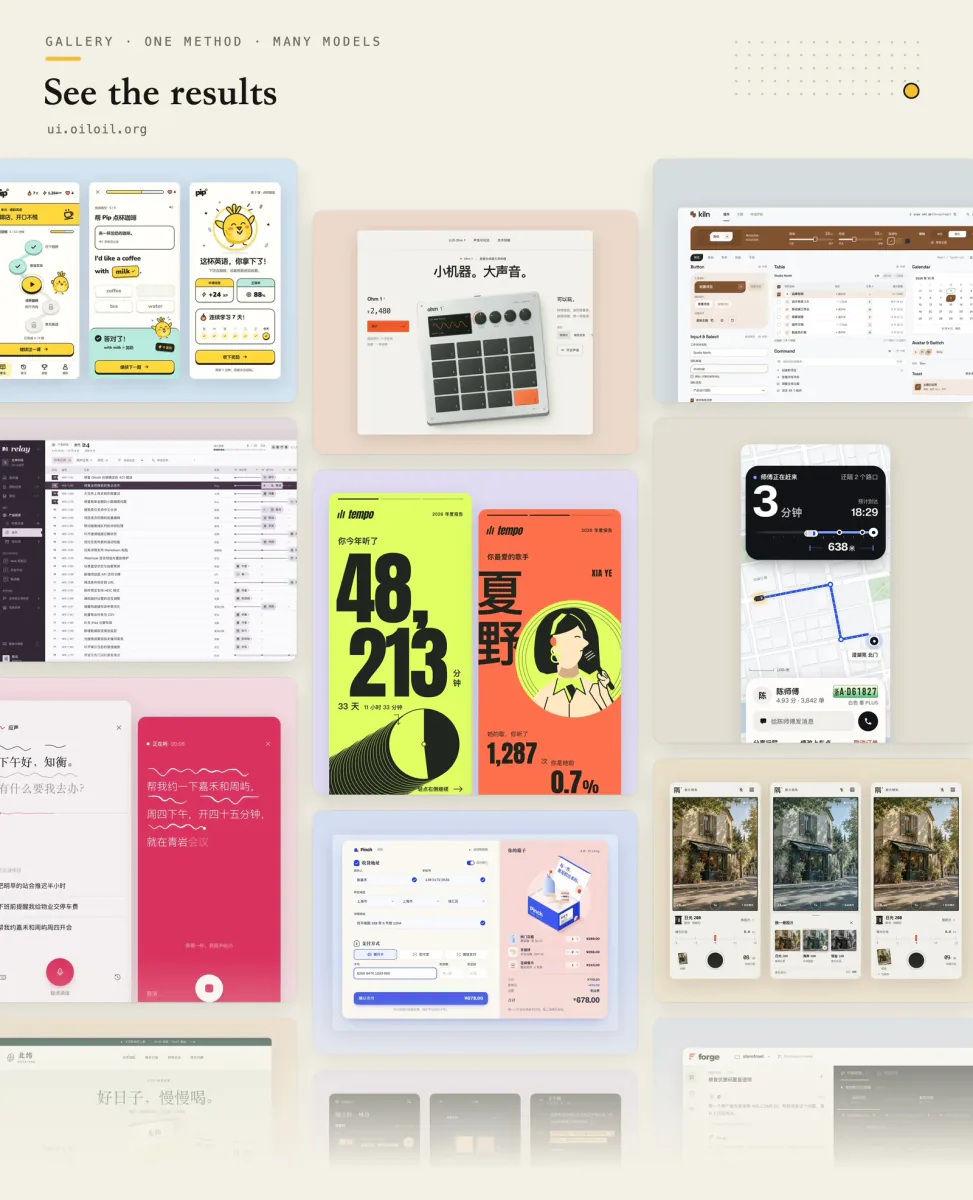
Explore and refine interface design through visual directions, same-screen style comparisons, screenshot review, and runnable UI deliverables.
Use a WCAG 2.1-oriented checklist for semantic HTML, keyboard access, contrast and accessible form behavior.
Build distinctive web interfaces with content-informed typography, composition and visual direction.
Select, pair, and implement typefaces for web projects. Use when the user mentions "font pairing", "which typeface", "line height", "responsive typography", "web font loading", "type hierarchy", "variable fonts", "FOUT/FOIT", "typographic scale", or "the text is hard to read". Also trigger when choosing between system fonts and web fonts, optimizing font-loading performance, or designing readable long-form content. Covers readability evaluation, CSS implementation, and performance optimization. For overall UI design systems, see refactoring-ui. For dramatic typographic experiences, see top-design.
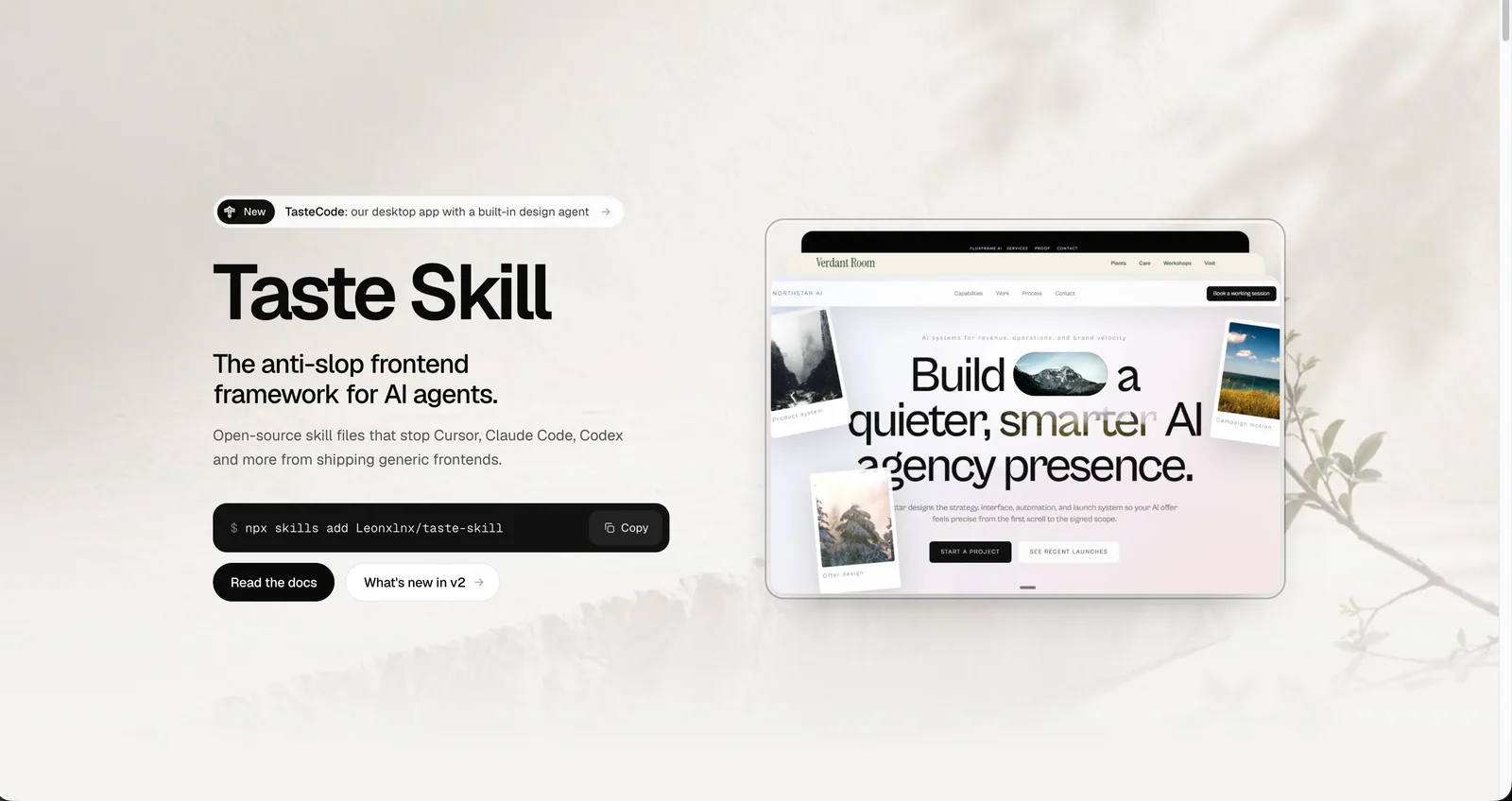
Art direction for AI-built websites and app screens, with real imagery, separate page and app workflows, and browser inspection. The main entry is design-taste-frontend.
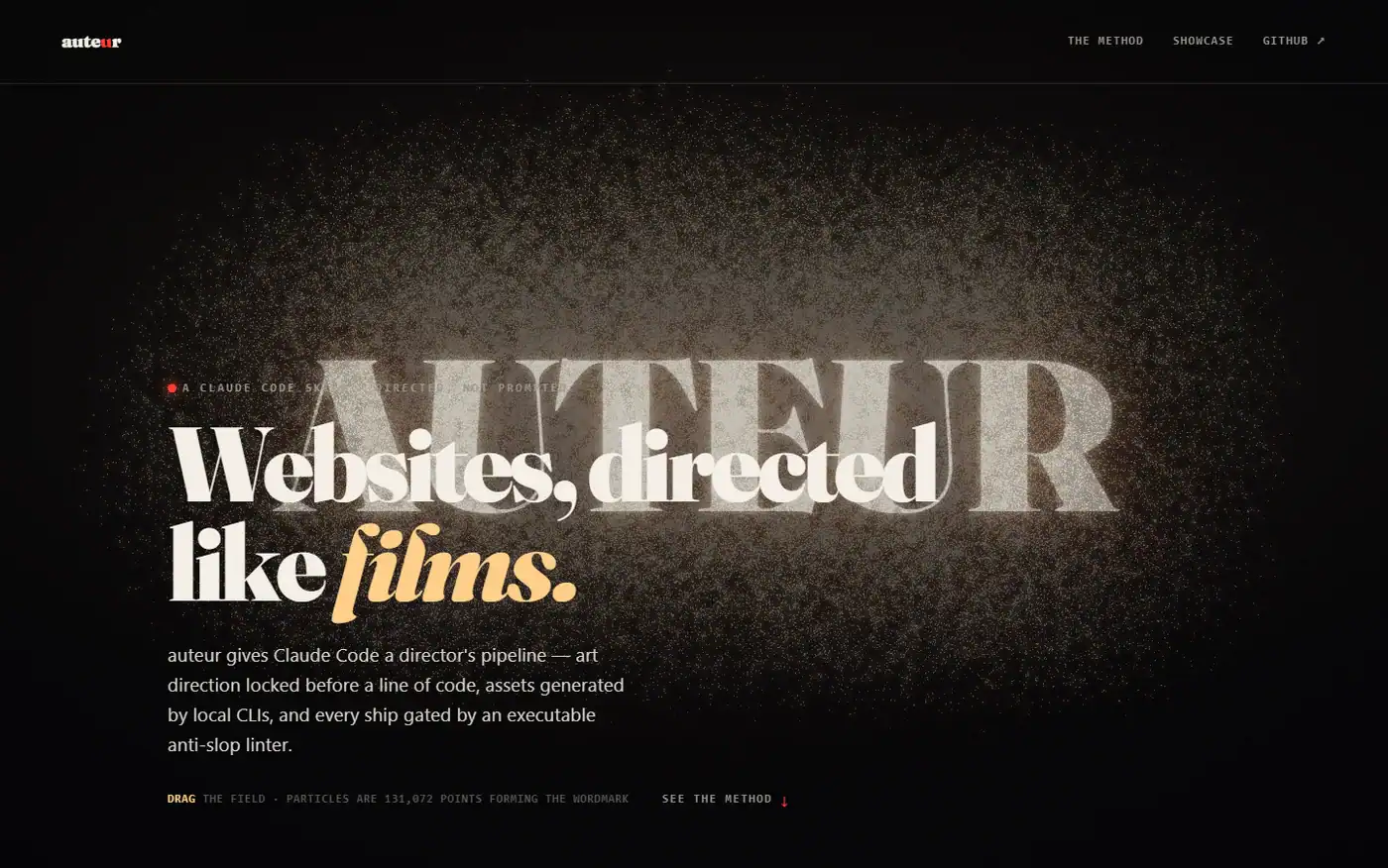
Design and build marketing pages, cinematic scroll experiences, and multi-screen products through a staged brief, asset, and implementation workflow.
Build responsive UI components with project design systems, accessible interactions and complete application states.
Build responsive interfaces with container queries, fluid typography and adaptive layouts.
Review grouping, alignment, reading order and responsive layouts.
Plan and build scroll-driven landing pages with a defined visitor journey, dimensional hero sections, and a distinctive interaction direction.
Route UI work by product surface, define a visual concept, implement reusable tokens and states, and document the result in DESIGN_SYSTEM.md.
Explain how a website, visual effect or animation works from a URL or screenshot.
Adapt grids, overflow, wrapping and tap targets across mobile and desktop layouts.
Build editable Roblox interfaces with responsive layouts, safe insets, cross-device input, motion, and lifecycle cleanup.
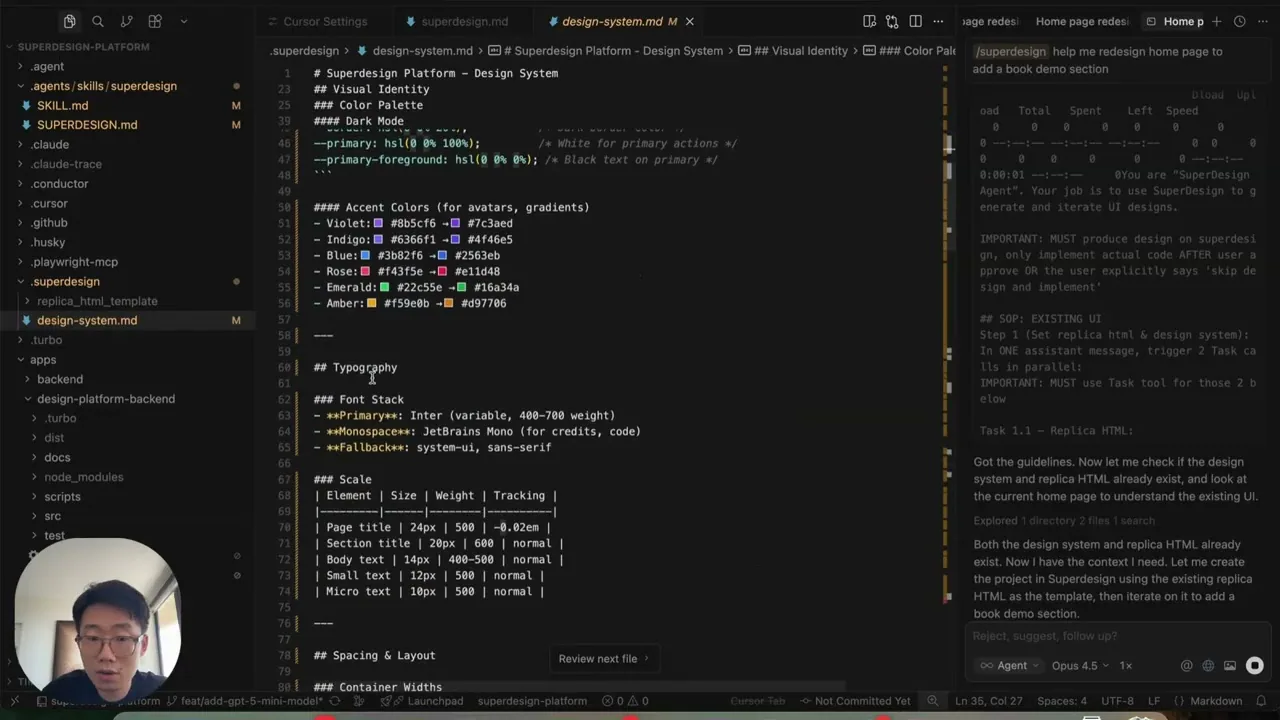
Design and redesign interfaces, presentations, and graphics on the Superdesign canvas, then continue toward implementation from the selected design.
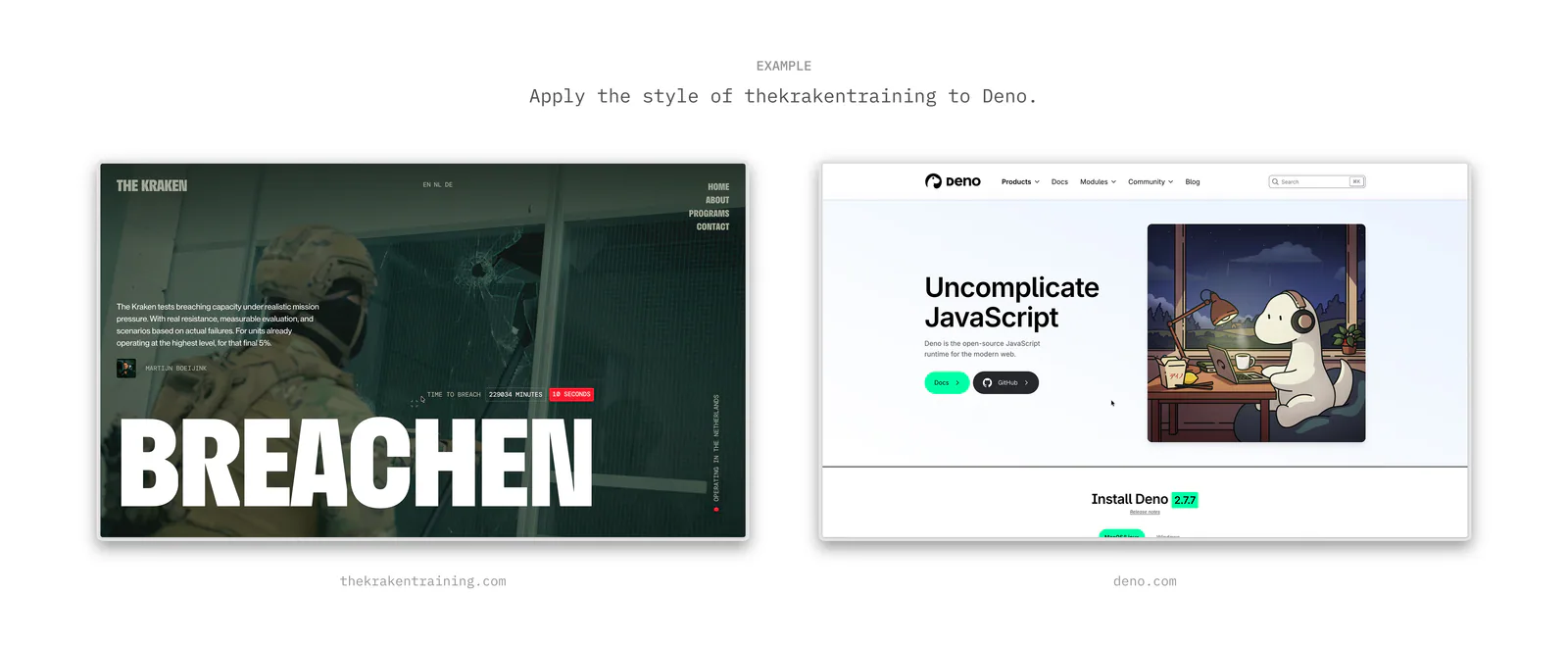
Extract and apply a design's tokens, qualitative style, and visual effects when defining a design direction or rebuilding an interface.
Lay out HUDs and menus with Control anchors, containers, themes, signal handlers, and keyboard or gamepad focus.
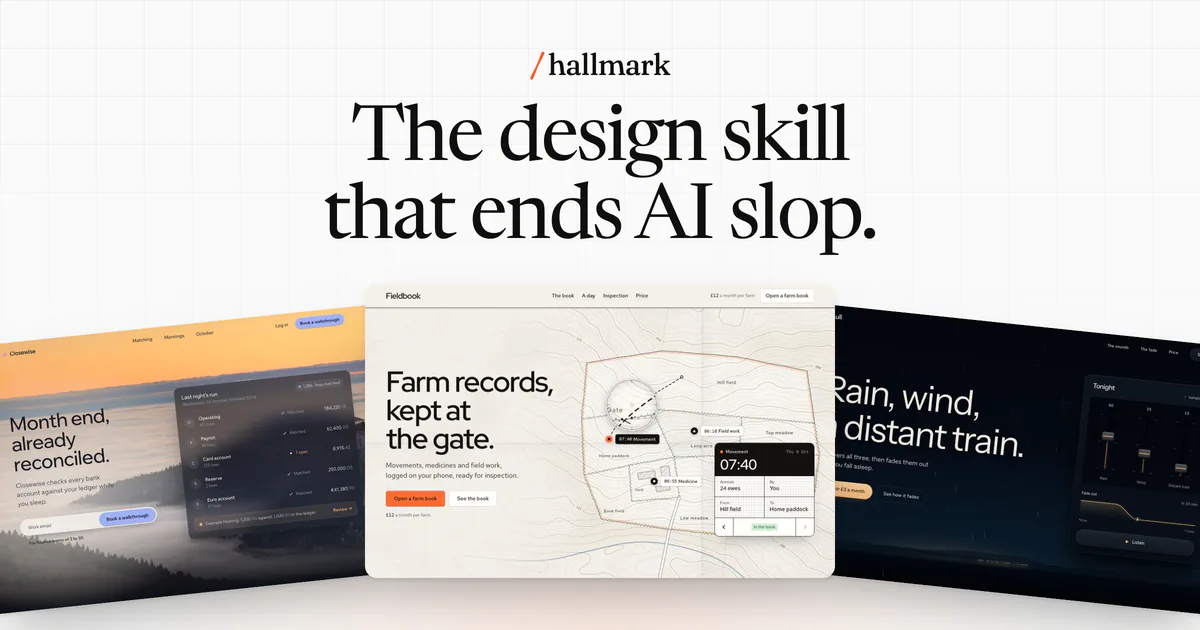
Build, redesign or audit websites with a clear visual direction, 48 themes or custom styling, and local UI checks for Claude Code, Codex, Cursor and OpenCode.
Create high-fidelity HTML prototypes, presentations, animations and visualizations with explicit design-direction review.
Create visual HTML articles, interfaces, images, motion videos and narrated web presentations, or retrieve local knowledge.
Build or redesign polished browser-rendered visual artifacts with HTML/CSS/JavaScript/React: pages, dashboards, prototypes, slide decks, animations, UI mockups, and data visualizations.
Turn source material into an offline, single-file HTML visual article.
Compare AI design skills for design systems, shadcn/ui, frontend creation and interface refinement, with practical briefs to help you choose a workflow.
Use a taste or design-direction skill when output looks generic, a responsive-design skill when layouts break on phones, and the cloner template when you need to match an existing site.