Free
Web & UI
Impeccable
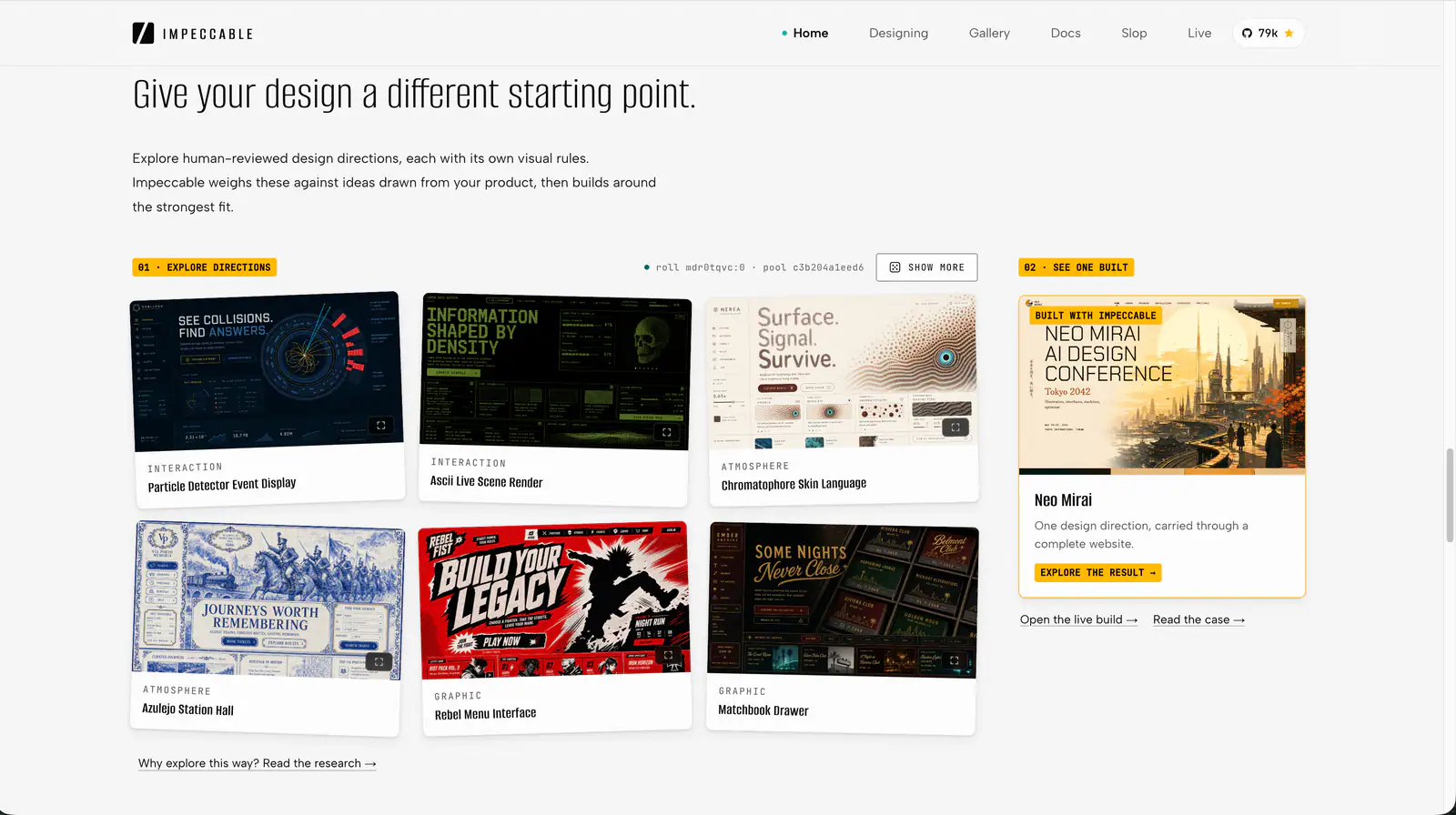
Impeccable is an AI frontend design Skill for building and refining interfaces: typography, layout, accessibility, responsive behavior and browser iteration.
108.6KStars6.5KForks
Repository last pushed
pbakaus
These skills help an agent find and fix accessibility problems in web and app interfaces. Several come from AccessLint (scan, audit, fix and diff); others are broader UI guides with accessibility built in.
28 skillsImpeccable is an AI frontend design Skill for building and refining interfaces: typography, layout, accessibility, responsive behavior and browser iteration.

Build HUDs and menus with responsive anchors, safe areas, focus navigation, screen state, and event-driven updates.
Review a screen or flow across accessibility, layout, copy, typography, color and UI polish.
Web platform design and accessibility guidelines. Use when building web interfaces, auditing accessibility, implementing responsive layouts, or reviewing web UI code. Triggers on tasks involving HTML, CSS, web components, WCAG compliance, responsive design, or web performance.
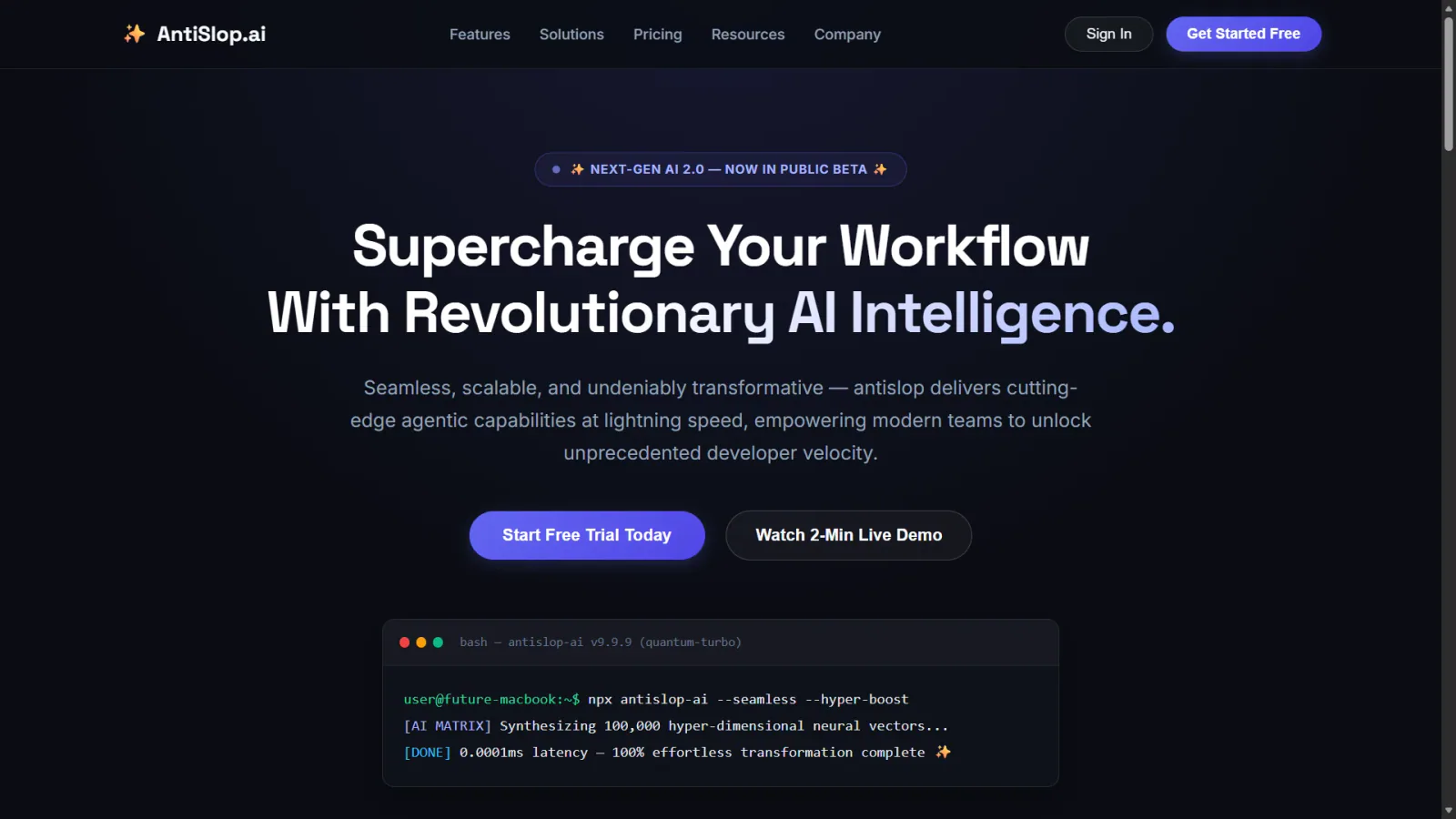
Human and accessibility skill for antislop. Contrast, keyboard, focus, and states for real people. Includes the contrast checker.
Audit web accessibility using WCAG guidance, keyboard checks and evidence-led issue reporting.
Audit a design against Dieter Rams’ ten principles, score cited evidence, and hand off a concrete design improvement plan.
Apply accessibility worklists through a baseline, scoped source changes and verification loop, while deferring contextual judgments.
Locate mechanically detectable accessibility issues on one rendered page, with DOM selectors, evidence and source locations when available.
Plan a sampled site accessibility assessment, combine automated and interaction checks, and report pass, fail or undetermined per criterion.
Use a WCAG 2.1-oriented checklist for semantic HTML, keyboard access, contrast and accessible form behavior.
Review mobile and desktop interfaces against topic-routed Apple Human Interface Guidelines, with findings and fixes adapted to the application's framework.
Walk through a live web app AS a real user to find usability + behavioural bugs that static reviews miss. REQUIRES proof of interaction (typing, clicking, sending, observing) before any verdict — a sweep that didn't interact terminates with verdict 'Incomplete'. Walks threads, exercises every element, runs the multi-pane stress matrix, visual polish sweep, component perfection checklist, automated a11y (axe-core), pragmatic performance budget (LCP/CLS/INP), scenario battery (11 scenarios), and stress recipes including the real-flavour data battery. Hard gates: console errors/warnings = 0, network 5xx = 0, layout collapse = 0, axe Critical/Serious = 0, perf budget green. Audit-the-audit meta-check rejects rushed reports. Each finding has reproduction steps, evidence path, and suspected code location. Trigger with 'ux audit', 'walkthrough', 'qa sweep', 'audit the app', 'dogfood this', 'check all pages', 'find what's broken', 'stress the UI'.
Review keyboard focus, ARIA, forms, screen readers, motion and zoom against WCAG 2.2.
Ship TanStack Charts with meaningful accessibility, deterministic SSR and hydration, correct adapter lifecycle, renderer and export choices, exact package subpaths, and explicit React Native validation.
Build responsive UI components with project design systems, accessible interactions and complete application states.
Expert guidance on iOS accessibility best practices, patterns, and implementation. Use when developers mention: (1) iOS accessibility, VoiceOver, Dynamic Type, or assistive technologies, (2) accessibility labels, traits, hints, or values, (3) automated accessibility testing, auditing, or manual testing, (4) Switch Control, Voice Control, or Full Keyboard Access, (5) inclusive design or accessibility culture, (6) making apps work for users with disabilities.
Audit and fix HTML accessibility issues including ARIA labels, keyboard navigation, focus management, color contrast, and form errors. Use when adding interactive controls, forms, dialogs, or reviewing WCAG compliance.
Web UI accessibility lead. Use before writing or changing HTML, JSX, TSX, Vue, Svelte, CSS or templates. Picks specialists and merges their findings.
Design, refine and review native SwiftUI interfaces with adaptive layouts, coherent navigation, interruptible motion and accessibility checks.
Find modern web platform patterns and browser-compatibility guidance for HTML, CSS and client-side JavaScript tasks.
Design action maps, control rebinding, device support, analog deadzones, input buffering, and forgiving jump timing.
Make agent responses easier to follow with clear next actions, numbered steps and explicit state across turns.
Compare a rendered page with a change baseline and report newly introduced, resolved and pre-existing accessibility issues.
Inspect keyboard behavior, focus, widget states, reflow and other checks that an automated accessibility scanner cannot settle.
Five workflows for rendered-page scanning, interaction inspection, sampled site audits, scoped fixes and accessibility regression checks.
Run a scan or audit skill to find problems, then a fix skill to change the code; use the broader UI guides when you want accessible patterns from the start.