Frontend Slides
Create animated HTML presentations with a coding agent. Compare visual style previews, build a single-file deck, or turn an existing PowerPoint into web slides.
These skills help an agent preserve useful structure while changing document formats. Members cover research reports, PDFs, Word, slides, Markdown, papers, and portable-text conversion.
21 skillsCreate animated HTML presentations with a coding agent. Compare visual style previews, build a single-file deck, or turn an existing PowerPoint into web slides.
Rebuild scanned Chinese books as structured Word documents using MinerU OCR, title mapping and proofreading against the original pages.
Combine sprint research into an executive-oriented strategic assessment.
Create buyer-specific collateral, objection responses, demo outlines and sales playbook drafts.
Create reports, invoices and other PDFs with React components, reusable layouts, SVG graphics and controlled page breaks.
Use common PDF utilities and Python libraries to read, create, split and merge documents.
Export Markdown files to PDF and other document formats through a local CLI, with Pandoc and Typst used for PDF rendering.
Draft manuscript sections and initial-submission materials from supplied evidence, or restructure a scientific argument.
Generate dimensioned PDF engineering drawings from part geometry, with projected views, hole callouts and a title block.
Turn a project’s Claude-Mem timeline into a narrative report of its development, decisions, and debugging history.
Combine multiple dbs-save archives into a shareable Markdown report of diagnoses and conclusions.
Translate an English paper PDF into a Chinese image-based PDF, preserving page layout and checking each translated page.
Synthesize research files, scoring and recommendations into a report.
Reconstruct slide images, scanned PDFs and image-only decks as object-level editable PowerPoint, with render comparisons.
Build consulting presentations from HTML slide parts with a design rulebook, automated checks, PDF output and an optional editable PowerPoint conversion.
Convert Markdown into HTML that can be copied into the WeChat Official Account editor, with fifteen built-in visual styles.
Create, read and edit Word documents, including headings, tables, comments and tracked changes.
Turn documents into browser-editable presentations with per-page controls, built-in themes and exports to offline HTML, PDF and editable PPTX.
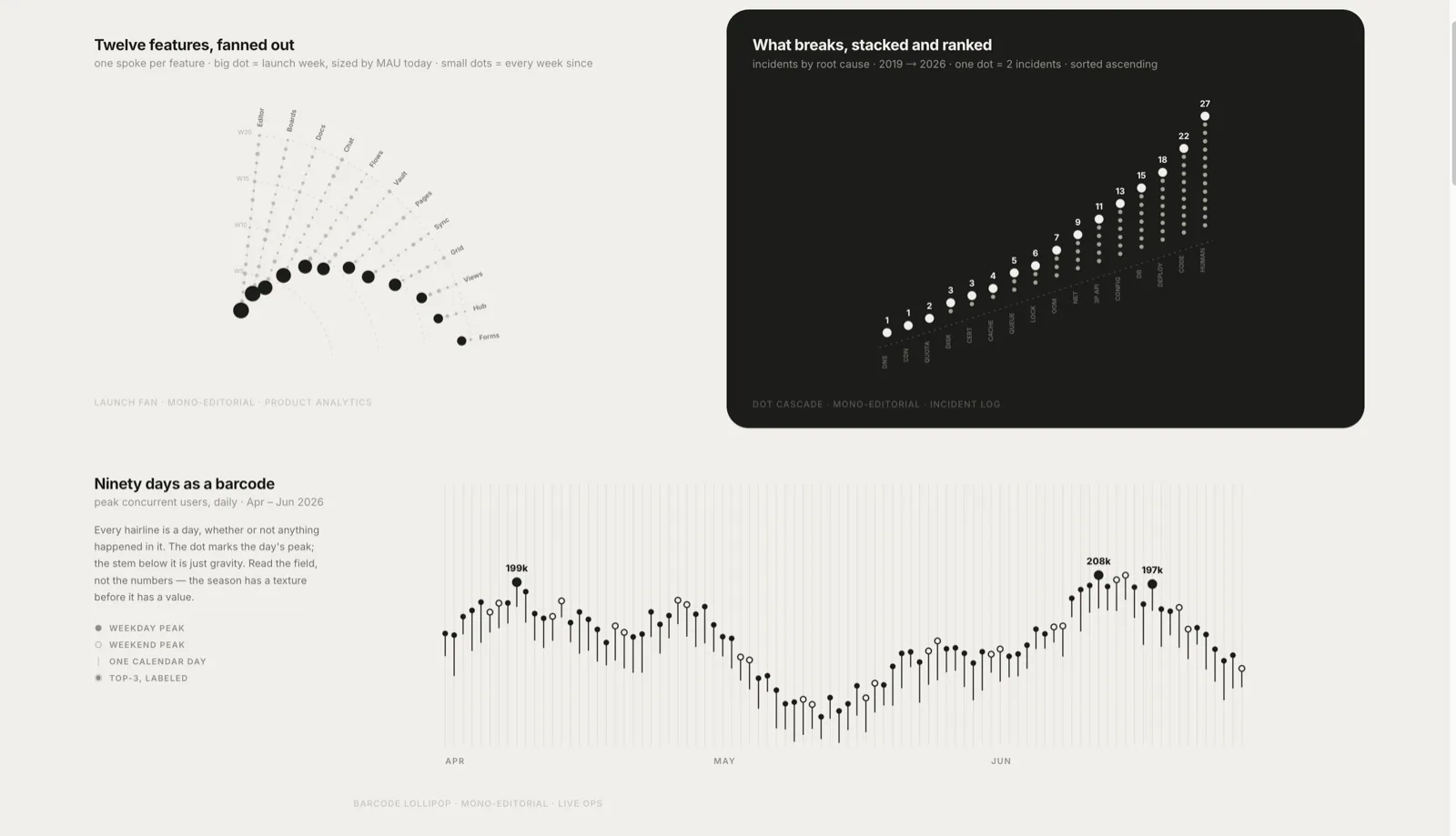
Create template-driven HTML data visualizations, full-page reports, and HTML or PDF presentations with consistent typography and chart styles.
Research a subject across its history and current alternatives, then produce a PDF report.
Analyze local agent transcripts into an HTML cost report, JSON, CSV line items, and evidence with explicit estimate labels.
Choose PDF skills for text extraction, page operations, document creation and paper reading. Compare specific workflows, dependencies and useful handoff checks.
Choose the source and target format first, then use a focused converter; report and research entries fit workflows where conversion is one step in a larger deliverable.