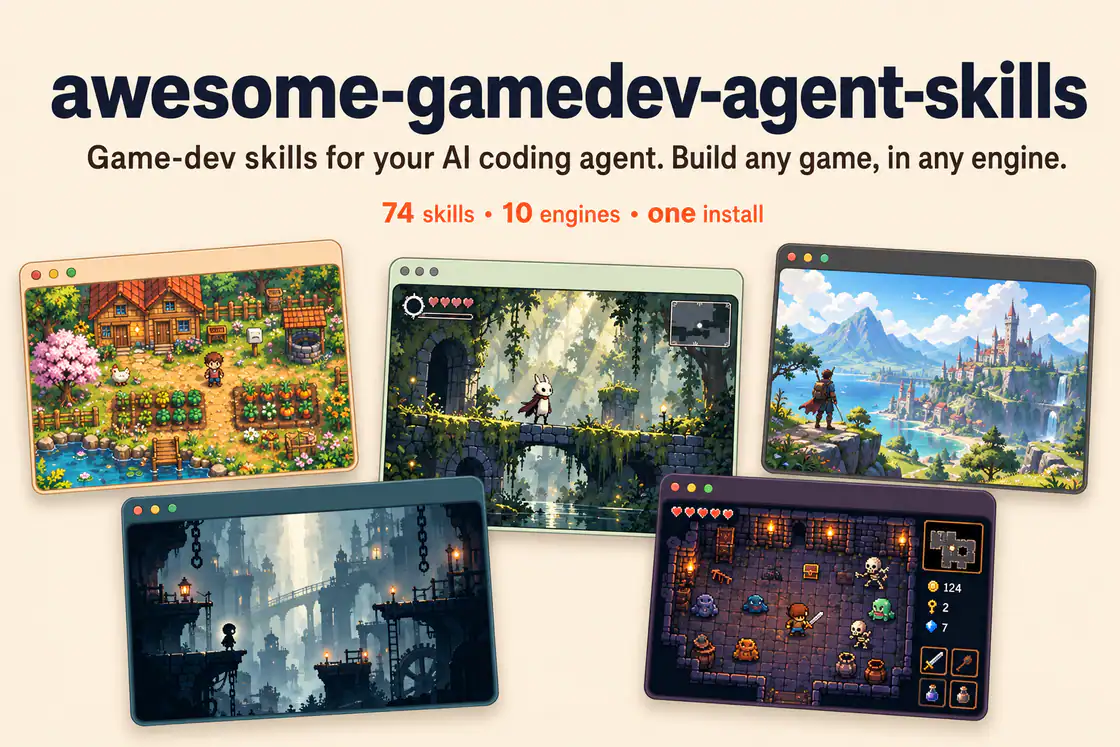
Free
Other utilities
Game UI & UX
Build HUDs and menus with responsive anchors, safe areas, focus navigation, screen state, and event-driven updates.
8.8KStars894Forks
Repository last pushed
Abhishek Barali
These skills help an agent design, critique and improve user interfaces. They cover generating layout alternatives, reviewing a screen against design rules, and fixing accessibility problems found in an audit.
73 skillsBuild HUDs and menus with responsive anchors, safe areas, focus navigation, screen state, and event-driven updates.
Structured UI design review — existing code (React/JSX, CSS, Tailwind) and, when behaviour matters, the running app in a real browser — reported as a prioritised Before / After / Why table. Covers visual hierarchy, spacing, typography, colour & contrast, component states, motion, responsiveness, accessibility, multi-page flow & navigation, and interaction continuity — grounded in Refactoring UI and Emil Kowalski's principles. For animation/jank/FPS, focus order, and cross-page UX it can drive Chrome via chrome-devtools-mcp to capture what a screenshot can't. Trigger when the user asks to "review this UI", "design review", "critique this component/screen/page or multi-page flow", asks why something "looks off", "looks AI-generated", or "looks like a wireframe", or wants to raise visual polish. For building UI from scratch use web-taste; for the full animation set see emilkowal-animations.
Review mobile and desktop interfaces against topic-routed Apple Human Interface Guidelines, with findings and fixes adapted to the application's framework.
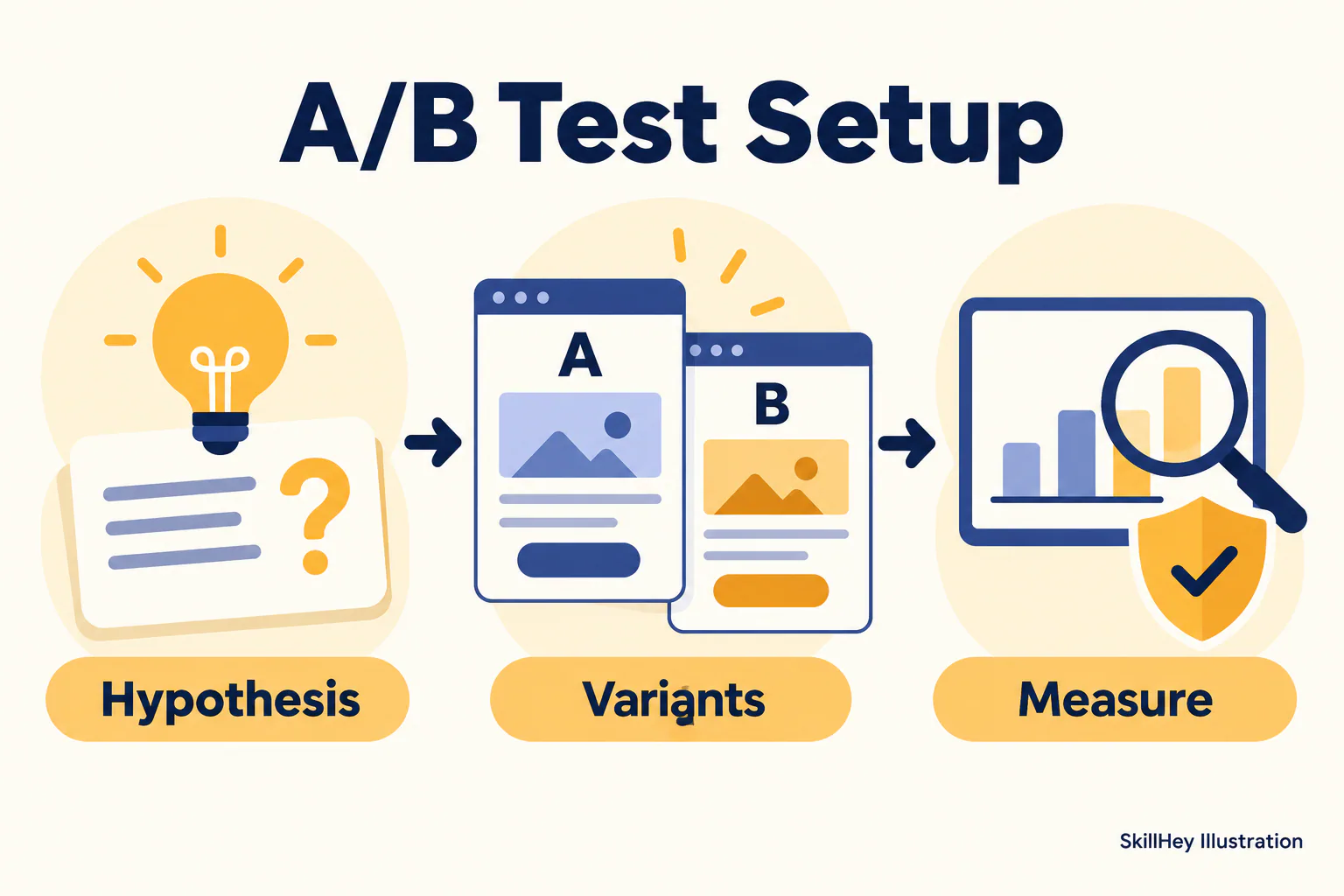
Review registration fields, error states and verification steps to identify signup friction.
Define activation and improve first-run journeys, empty states and onboarding messages.

Review products and design through focus, end-to-end experience and the intersection of technology and the humanities.
Plan upgrade triggers, value framing and clear in-app purchase decisions.
Compare AI design skills for design systems, shadcn/ui, frontend creation and interface refinement, with practical briefs to help you choose a workflow.
Use a critique or rules skill when you already have screens, a variants skill when you want options to compare, and an AccessLint skill when the goal is fixing accessibility issues.