Quickly deslop UI code by fixing spacing, hierarchy, typography, and small layout issues. Use when the interface needs a fast cleanup or polish pass.
11.1KStars529Forks
Repository last pushed
These skills help an agent design, critique and improve user interfaces. They cover generating layout alternatives, reviewing a screen against design rules, and fixing accessibility problems found in an audit.
73 skillsQuickly deslop UI code by fixing spacing, hierarchy, typography, and small layout issues. Use when the interface needs a fast cleanup or polish pass.
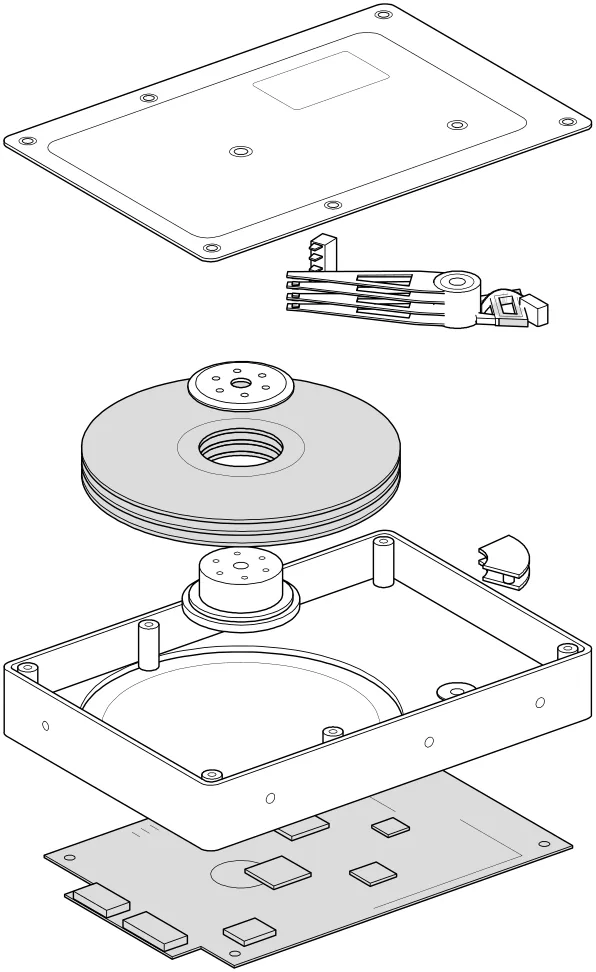
Build multiple component variants in the real page and compare their tradeoffs.
Audit and fix visual hierarchy, spacing, color, and depth in web UIs. Use when the user mentions "my UI looks off" (or amateur/unprofessional), "fix the design", "Tailwind styling", "color palette", "visual hierarchy", "design system", "spacing scale", or "component styling". Also trigger when building consistent design tokens, creating dark mode themes, improving data-visualization clarity, or polishing UI details before launch. Covers grayscale-first workflow, constrained design scales, shadows, and component styling. For typeface selection, see web-typography. For usability audits, see ux-heuristics.
Build multiple genuinely different versions of a UI piece you describe, rendered behind a visual picker so you can flip through them live and promote the one that feels right. Only runs when explicitly invoked; it does not trigger on its own.
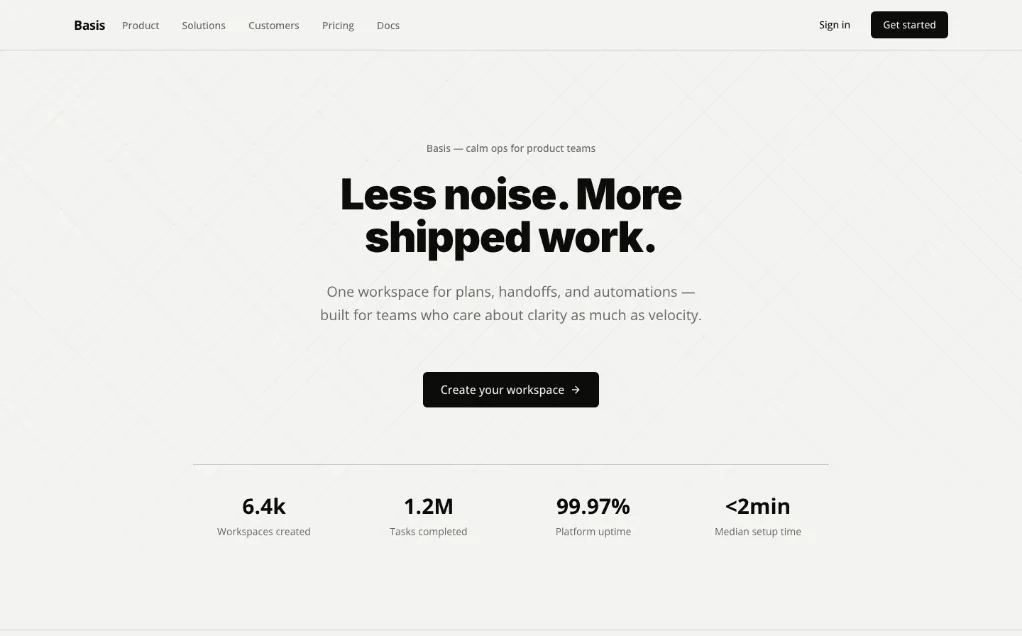
A unified design Skill library with selectable visual templates, reusable UI tokens, component rules and implementation checks for AI coding assistants.
Audit a design against Dieter Rams’ ten principles, score cited evidence, and hand off a concrete design improvement plan.
Apply accessibility worklists through a baseline, scoped source changes and verification loop, while deferring contextual judgments.
Apple's approach to interface design and fluid, physical motion, translated for the web. Use when building or reviewing gesture-driven UI, spring animations, drag/swipe/sheet interactions, momentum and interruptible transitions, translucent materials and depth, typography (optical sizing, tracking, leading), reduced-motion, or the design foundations (feedback, spatial consistency, restraint) behind Apple-style interfaces.
Buttons, inputs, badges and pills share radius, colour logic, shadow, border and spacing. Use when building or reviewing a component library.
Turn vague UI feedback into focused changes using practical heuristics for spacing, typography, color, hierarchy, icons and interaction.
Design mobile app screens with Sleek and implement selected designs in React Native or HTML.
Design and refine dashboards, SaaS apps and admin interfaces with deliberate hierarchy, shared tokens, complete states and reusable design memory.
Apply Apple-inspired physical motion and interface design concepts to web interactions.
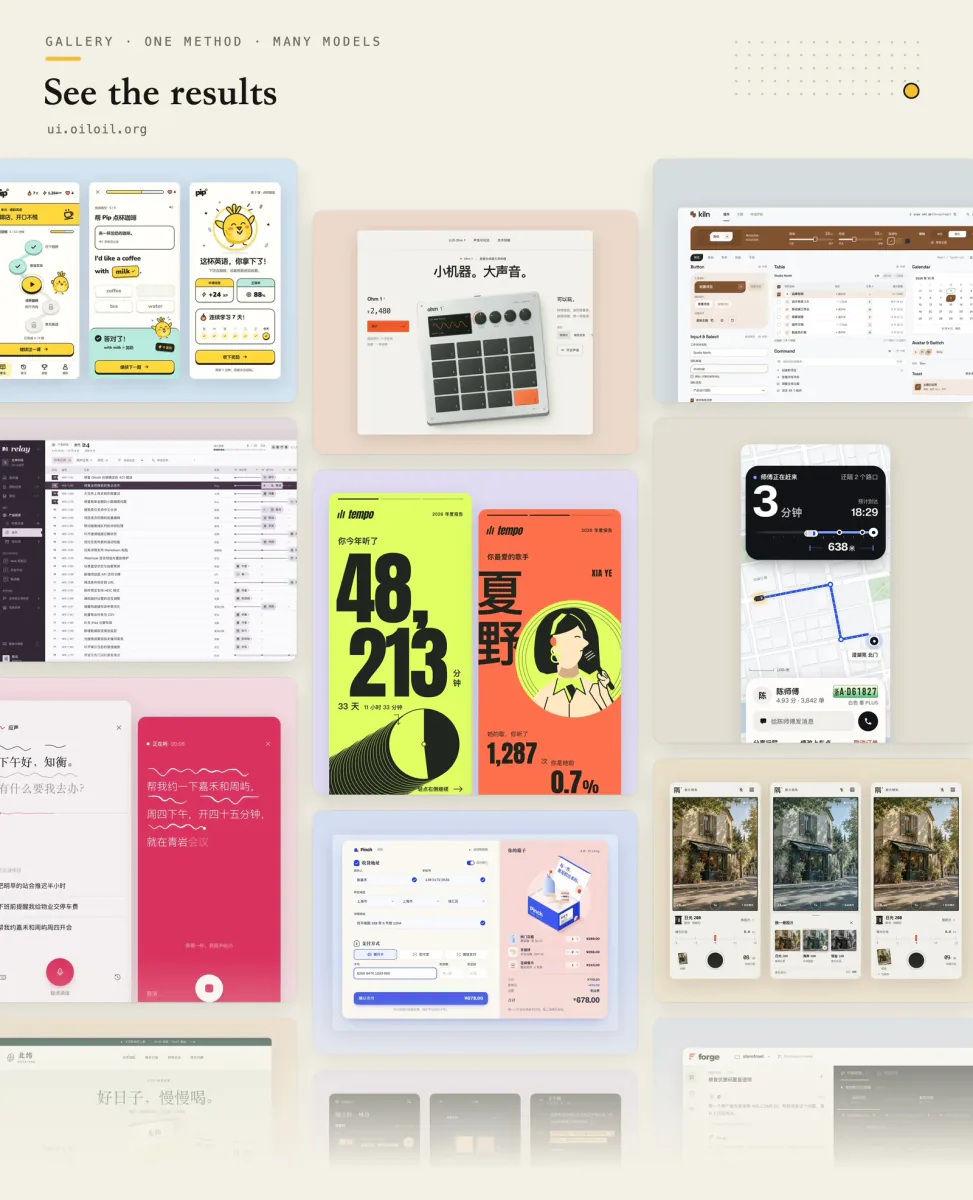
Explore and refine interface design through visual directions, same-screen style comparisons, screenshot review, and runnable UI deliverables.
Review mobile and desktop interfaces against topic-routed Apple Human Interface Guidelines, with findings and fixes adapted to the application's framework.
Two workflows for visual UI feedback: connect the Agentation toolbar to a React or Next.js project, then add specific design-review annotations in a visible desktop browser.
Implement UI from Figma or an image with the project’s existing components and tokens.
A collection of 14 agent skills for interface reviews, UI implementation, component testing and technical illustration.
Polish frontend interfaces with concrete rules for typography, nested corners, shadows, icons, hit areas and restrained motion, plus structured quick or full reviews.
Use for UI design and implementation work to avoid generic AI-looking interfaces. Provides anti-slop rules, a required discovery phase before coding, and guidance for layout, typography, color, motion, accessibility, dashboards, tables, landing pages, theming, and polish. Trigger when editing UI code or reviewing and refining components, pages, screens, layouts, animations, responsive behavior, or design systems.

Build responsive Chakra UI v3 components, page layouts, providers, and reusable themes.
UIZZE workflows for improving interfaces, converting screenshots to UI, and finding relevant design references.

Build responsive interface components with shadcn/ui, Tailwind CSS and design-system guidance.
Create a self-contained HTML specification sheet with monochrome SVG views, measured variables, exploded layers, and detailed component geometry.
Write and review interface labels, errors, empty states and confirmations.
Polish interface surfaces, icons and motion using the existing UI system.
Designs and builds React/Next/Tailwind UI, audits visual and interaction defects, and stress-tests components with worst-case data. Use when asked to "build a landing page", "extract our design system", "add dark mode", "make this responsive", "remove UI slop", "audit this component", "stress-test this component", "break this UI", or "show me the worst case".
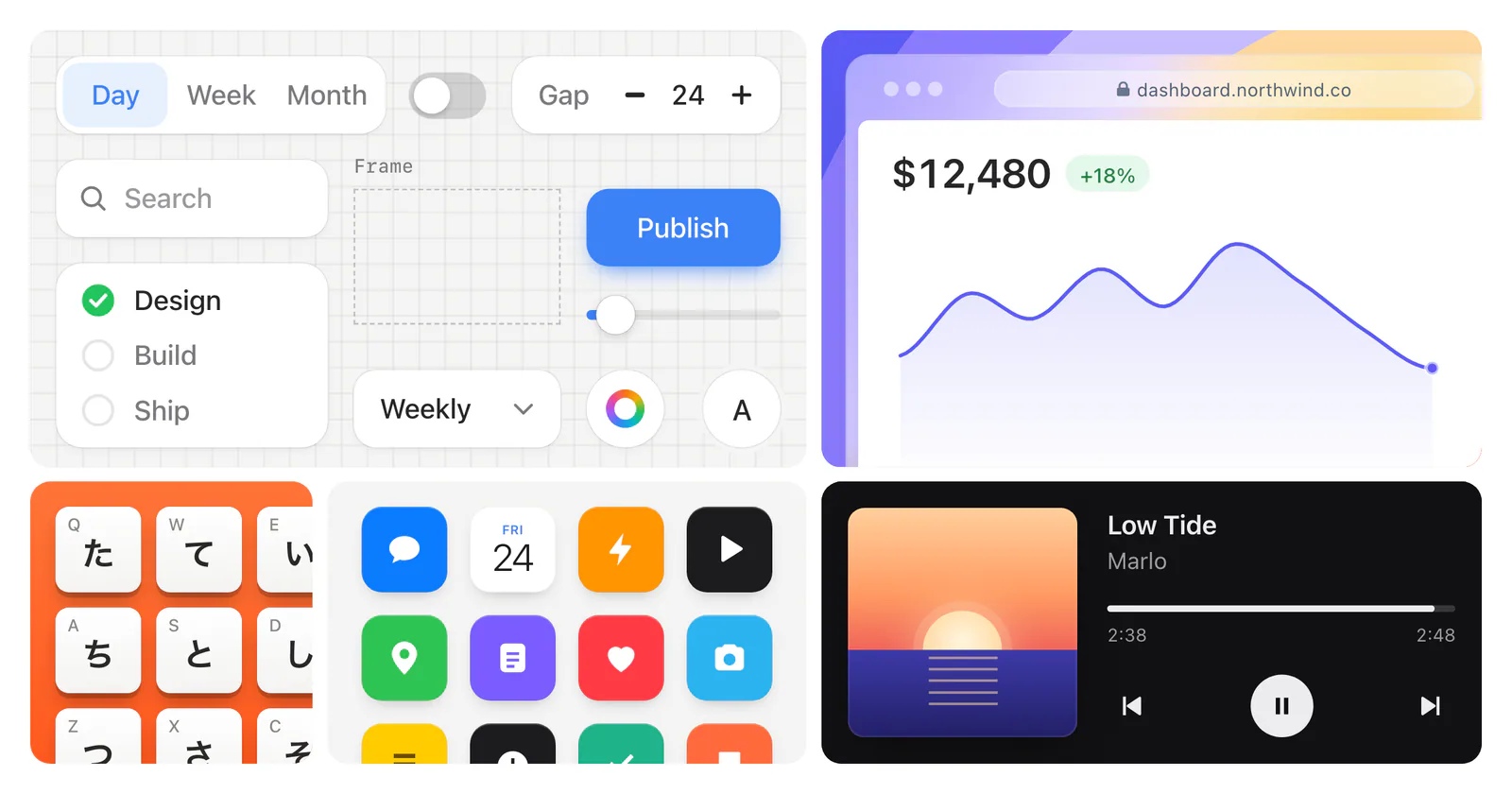
Build product UI illustrations and animated cursor demos with React: feature cards, browser windows, dashboards, phone screens and bento grids.
This skill encodes Emil Kowalski's philosophy on UI polish, component design, animation decisions, and the invisible details that make software feel great.
Review grouping, alignment, reading order and responsive layouts.
Route UI work by product surface, define a visual concept, implement reusable tokens and states, and document the result in DESIGN_SYSTEM.md.
Improve UI using a project’s existing components, design tokens and assets, with optional Uizze references.
Set and review type scales, spacing, font features and text wrapping.
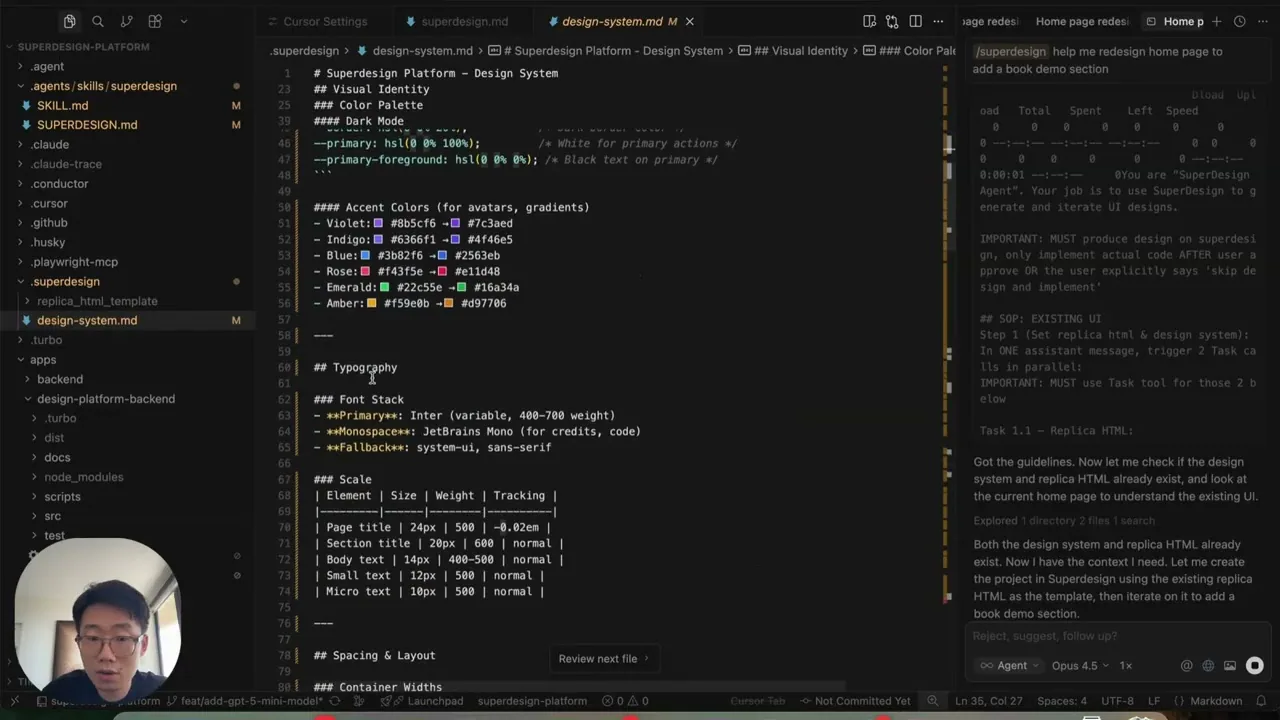
Design and redesign interfaces, presentations, and graphics on the Superdesign canvas, then continue toward implementation from the selected design.
Review SaaS interfaces through landing-page conversion, checkout, onboarding, retention, pricing, and dashboard design workflows.
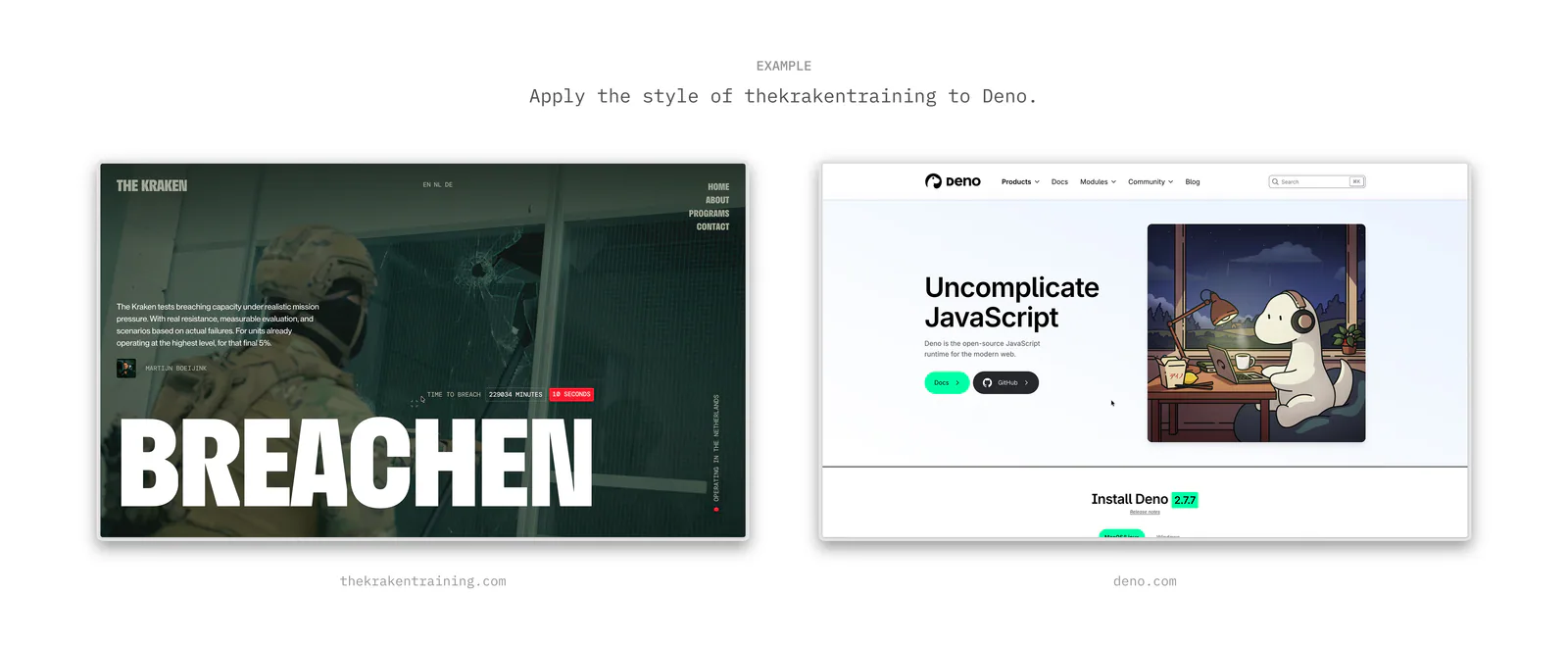
Extract and apply a design's tokens, qualitative style, and visual effects when defining a design direction or rebuilding an interface.
UI/UX best practices for web interfaces. Use when reviewing animations, CSS, audio, typography, UX patterns, prefetching, or icon implementations. Covers 11 categories from animation principles to typography. Outputs file:line findings.
Add the Agentation visual-feedback toolbar to a React or Next.js project, choose manual feedback or MCP sync, and verify the selected connection.
Design, refine and review native SwiftUI interfaces with adaptive layouts, coherent navigation, interruptible motion and accessibility checks.
Apply timing, easing, choreography, and animation principles to purposeful UI motion and transitions.
Build and refine user interfaces with typography decisions and screenshot-based review.
Review a page in a visible desktop browser and add specific design critiques through Agentation, checking that each annotation was saved.

Build, redesign or audit websites with a clear visual direction, 48 themes or custom styling, and local UI checks for Claude Code, Codex, Cursor and OpenCode.
Build or redesign polished browser-rendered visual artifacts with HTML/CSS/JavaScript/React: pages, dashboards, prototypes, slide decks, animations, UI mockups, and data visualizations.
Compare AI design skills for design systems, shadcn/ui, frontend creation and interface refinement, with practical briefs to help you choose a workflow.
Use a critique or rules skill when you already have screens, a variants skill when you want options to compare, and an AccessLint skill when the goal is fixing accessibility issues.