Free
Web & UI
Impeccable
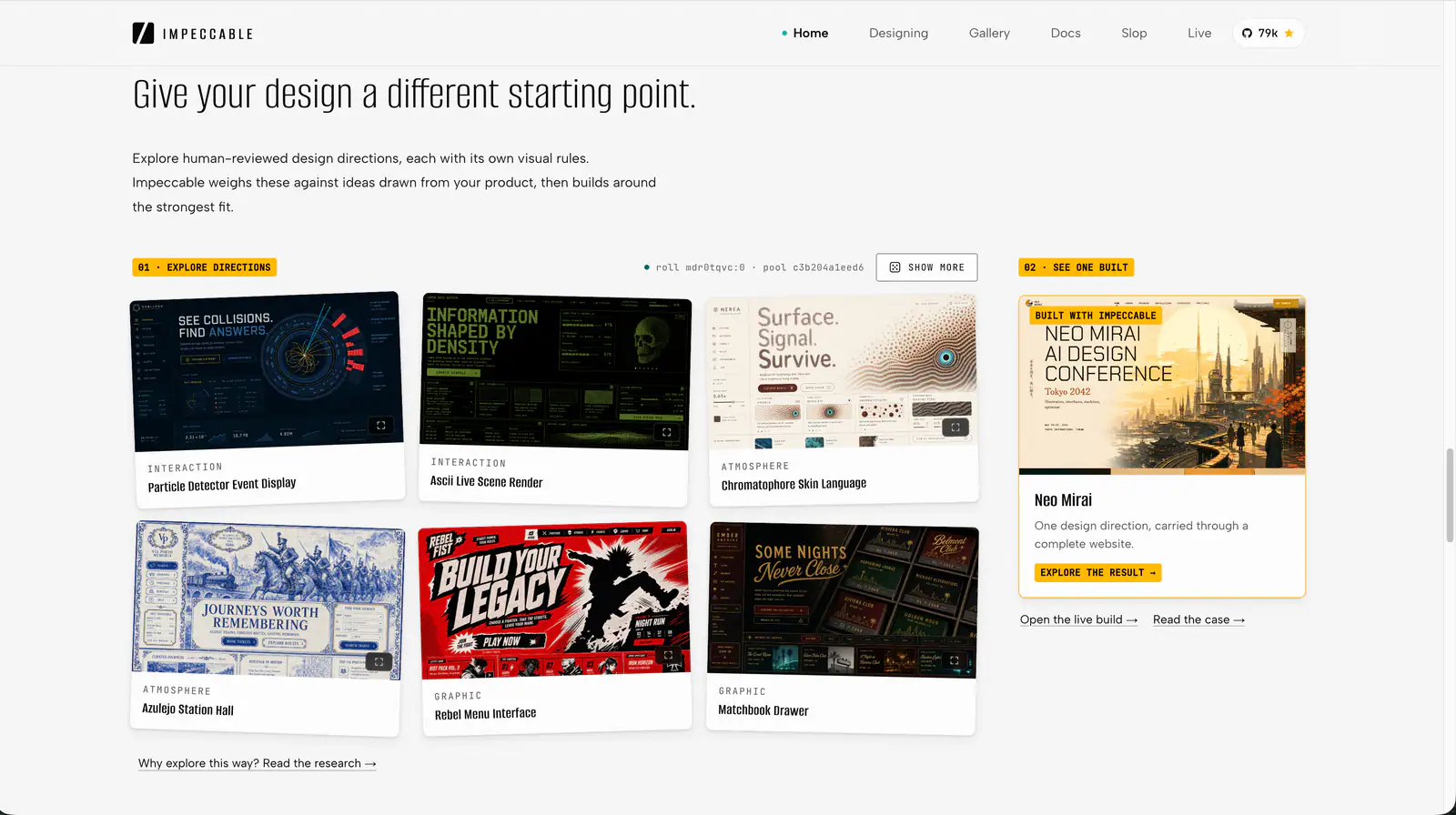
Impeccable is an AI frontend design Skill for building and refining interfaces: typography, layout, accessibility, responsive behavior and browser iteration.
108.6KStars6.5KForks
Repository last pushed
pbakaus
These skills help an agent choose and apply type and color that look deliberate. They include focused typography and color guides, theme generators and broader polish skills that touch both.
16 skillsImpeccable is an AI frontend design Skill for building and refining interfaces: typography, layout, accessibility, responsive behavior and browser iteration.
Apply Anthropic’s documented colors and typography to documents, slides and other artifacts.
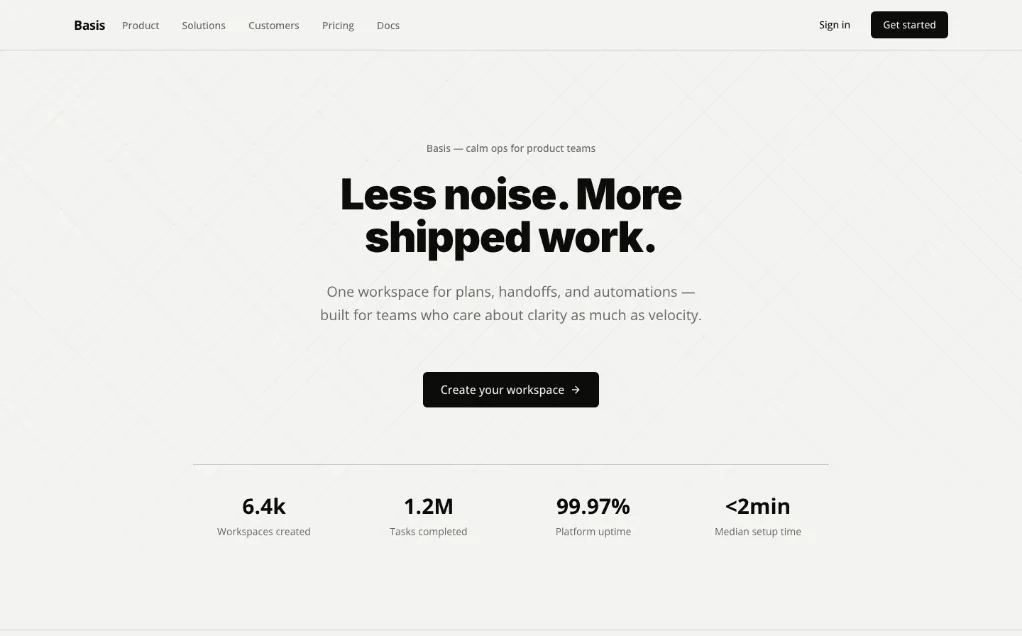
A unified design Skill library with selectable visual templates, reusable UI tokens, component rules and implementation checks for AI coding assistants.
Turn vague UI feedback into focused changes using practical heuristics for spacing, typography, color, hierarchy, icons and interaction.
Refine existing pixel art using dithering, palette reduction, shading and antialiasing.
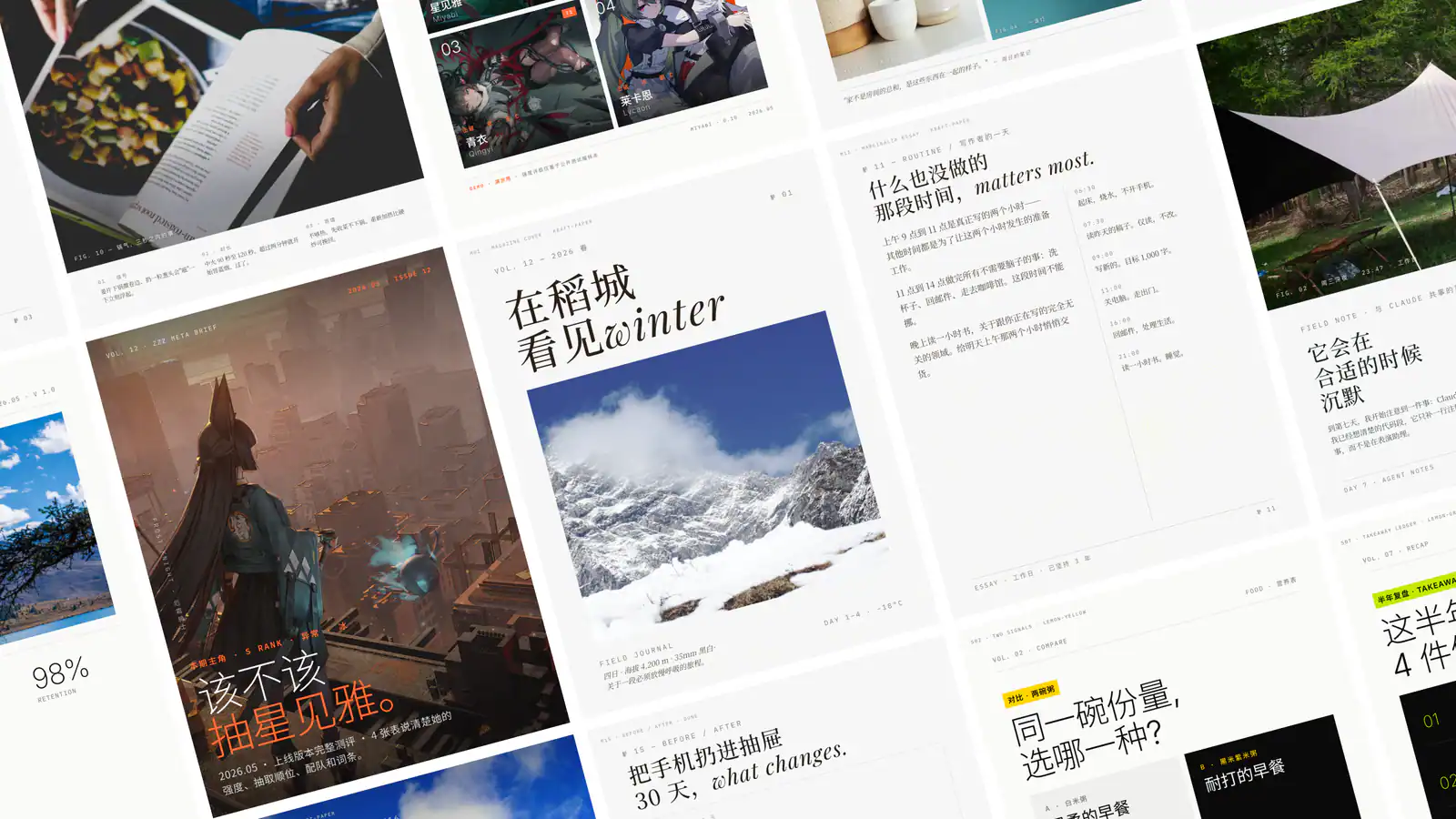
Create single-file HTML presentations in editorial magazine or Swiss style, with horizontal navigation, speaker notes, rehearsal timers and a synchronized audience window.
Polish frontend interfaces with concrete rules for typography, nested corners, shadows, icons, hit areas and restrained motion, plus structured quick or full reviews.
Ratio-based type scale where every size relates to the others. Use when defining font sizes or type tokens, or when typography feels arbitrary.
Select, pair, and implement typefaces for web projects. Use when the user mentions "font pairing", "which typeface", "line height", "responsive typography", "web font loading", "type hierarchy", "variable fonts", "FOUT/FOIT", "typographic scale", or "the text is hard to read". Also trigger when choosing between system fonts and web fonts, optimizing font-loading performance, or designing readable long-form content. Covers readability evaluation, CSS implementation, and performance optimization. For overall UI design systems, see refactoring-ui. For dramatic typographic experiences, see top-design.
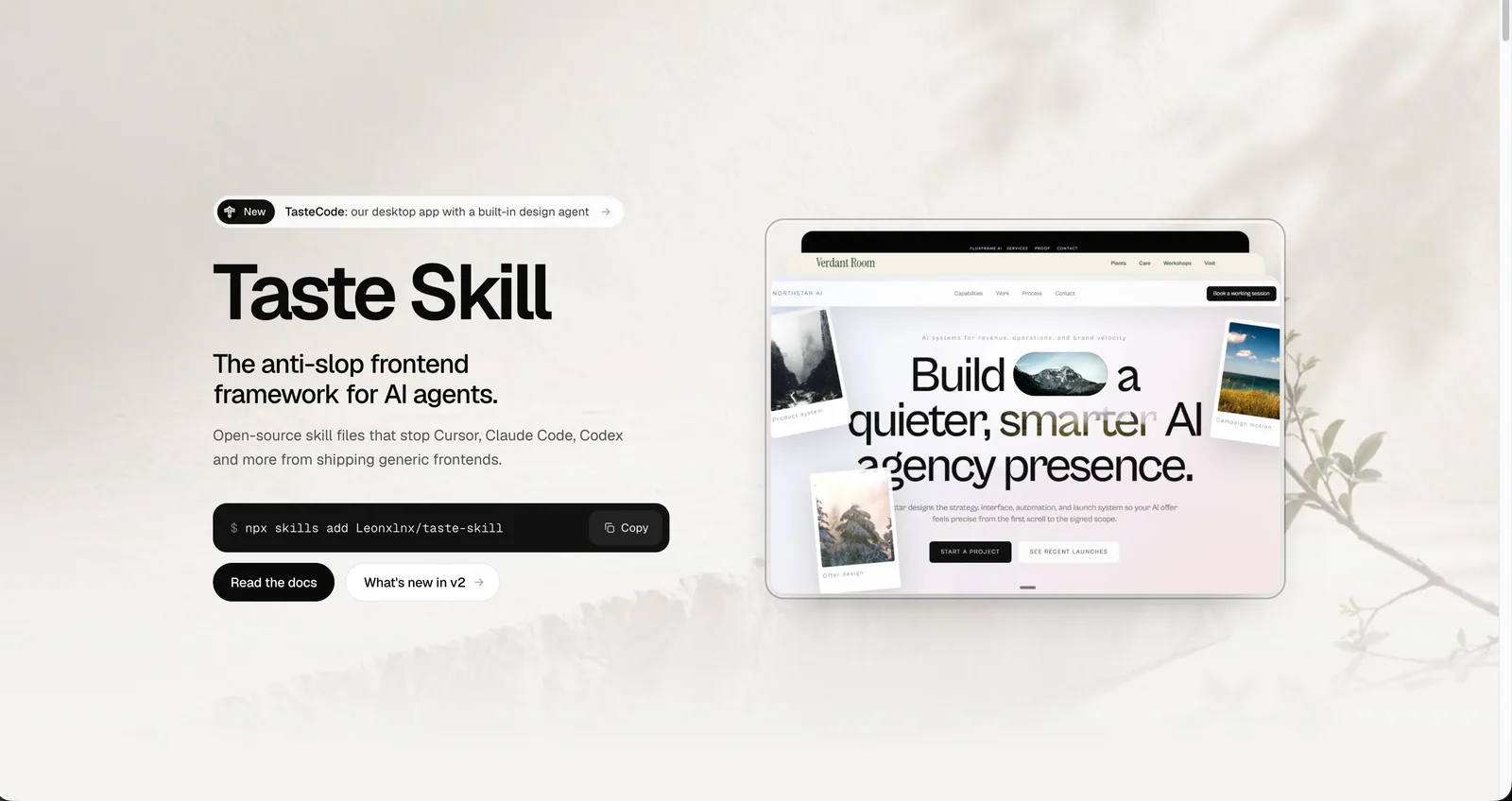
Art direction for AI-built websites and app screens, with real imagery, separate page and app workflows, and browser inspection. The main entry is design-taste-frontend.
Build and audit palettes, semantic color tokens and measured contrast.
Apply one of ten documented color-and-font themes to existing artifacts, or create a custom theme.
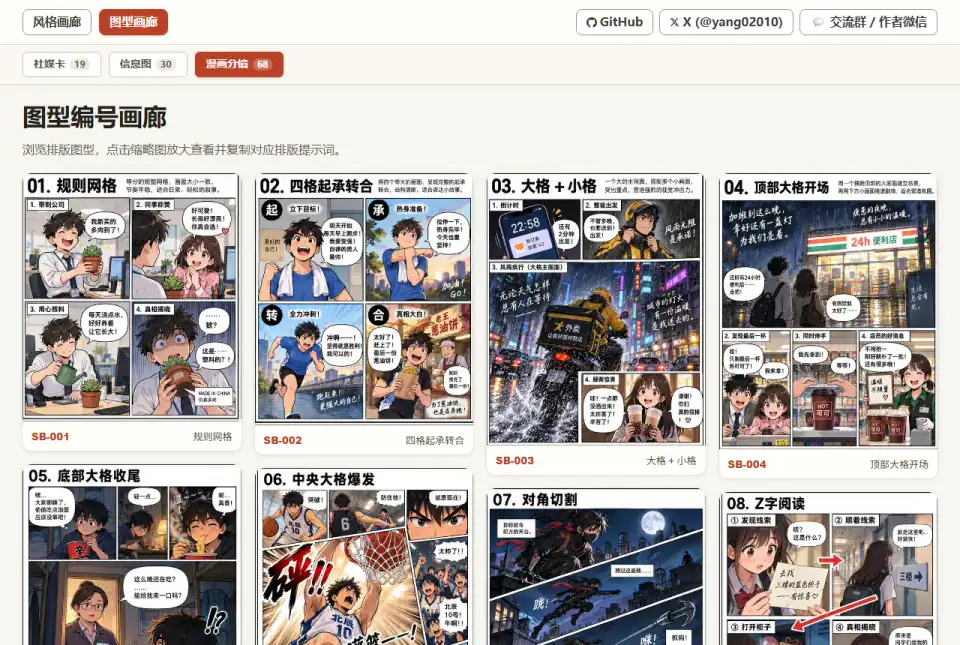
Turn a poster brief into structured prompts with audience, message, density, emotion, color and illustration style.
Set and review type scales, spacing, font features and text wrapping.
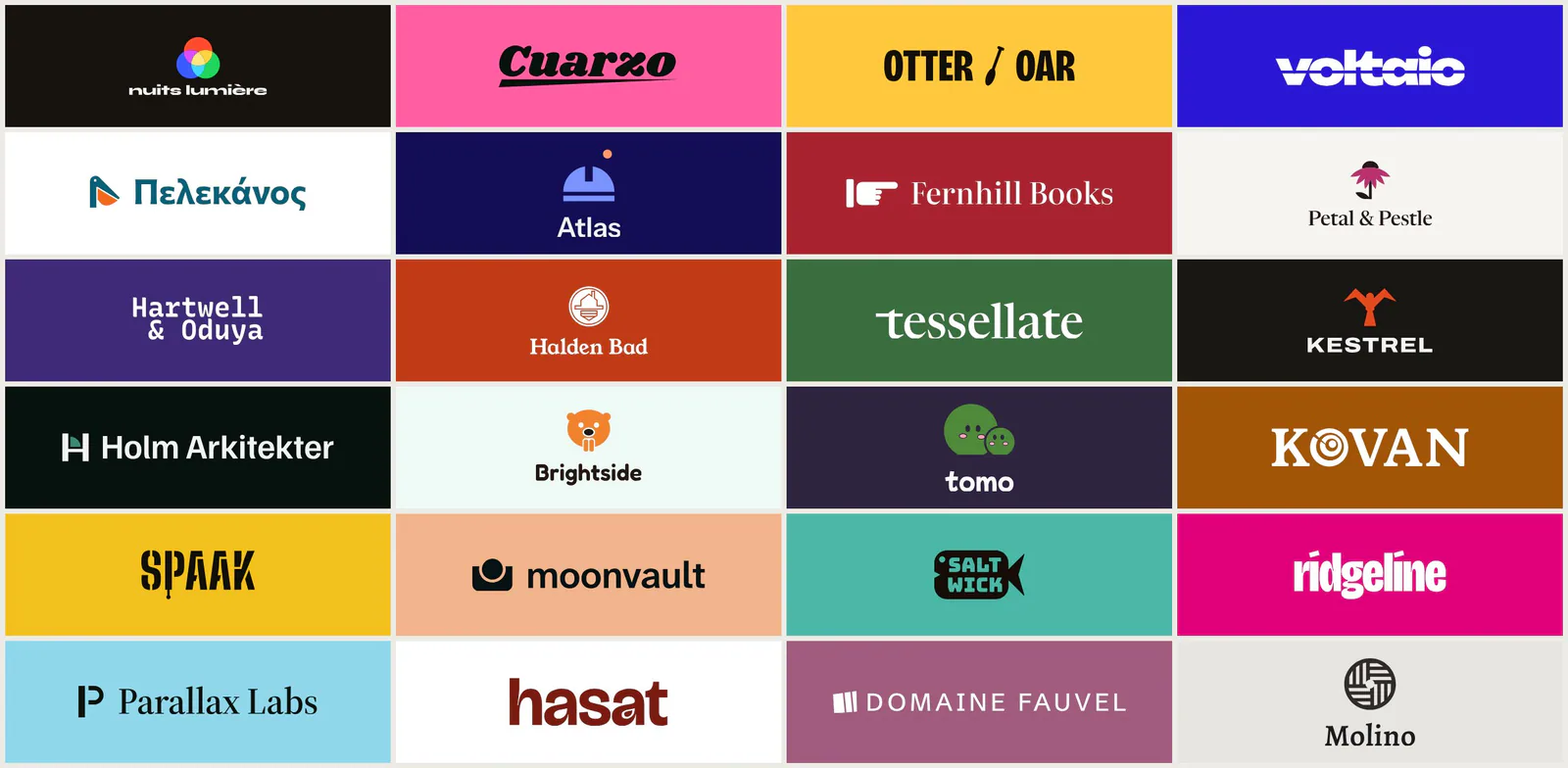
Design and compare coordinated logo, typography and colour systems, then create a brand guidelines kit for the chosen direction.
Audits font loading, type scales, measure, spacing, OpenType, and rendered punctuation with 78 scoped rules. Use when asked to "audit typography", "fix the fonts", or "review my type system". For a new visual direction use ui-design Direction; for general UI defects use ui-design Audit.
Choose a focused typography or color skill for a targeted fix, a theme factory to generate a full palette, and brand-guideline skills when you must match an existing brand.