Free
Other utilities
Game UI & UX
Build HUDs and menus with responsive anchors, safe areas, focus navigation, screen state, and event-driven updates.
8.8KStars894Forks
Repository last pushed
Abhishek Barali
These skills help an agent take a game idea through implementation and release. Members cover Godot, Unity, Unreal, Roblox, Defold, Ebitengine, level design, input, saves, builds, and publishing.
33 skillsBuild HUDs and menus with responsive anchors, safe areas, focus navigation, screen state, and event-driven updates.
Create and review stylized Roblox R6 and R15 character animations in Blender using an agent and Blender MCP.
Operate Unity Editor scenes, GameObjects, scripts, and tests through MCP tools and resources.
Turn player movement metrics into blockouts, encounter pacing, gated routes, and a reachable critical path.
Write reflected C++ Actors and components, configure the Gameplay Framework, and manage module dependencies.
Test one gameplay question with a timeboxed greybox loop, observable playtest criteria, and a keep-or-kill decision.
Generate reproducible terrain, grid dungeons, connected rooms, and weighted loot with seeded random generators.
Compose an FPS controller, camera aim, hitscan or projectile weapons, health, enemy behavior, and combat balance.
Create or improve Go games with Ebitengine, covering the playable loop, input, rendering, audio, state, tests, and builds.
Configure cooking, default maps, packaging settings, build configurations, and automated RunUAT builds.
Compose reusable scenes, instantiate PackedScenes, access nodes safely, manage autoloads, and check resource paths.
Prepare an itch.io project and use Butler channels, version labels, validation, and controlled uploads to publish builds.
Design serializable game state, save slots, crash-safe writes, schema upgrades, and throttled autosave.
Automate player builds, scene selection, scripting backends, quality settings, code stripping, and build-result checks.
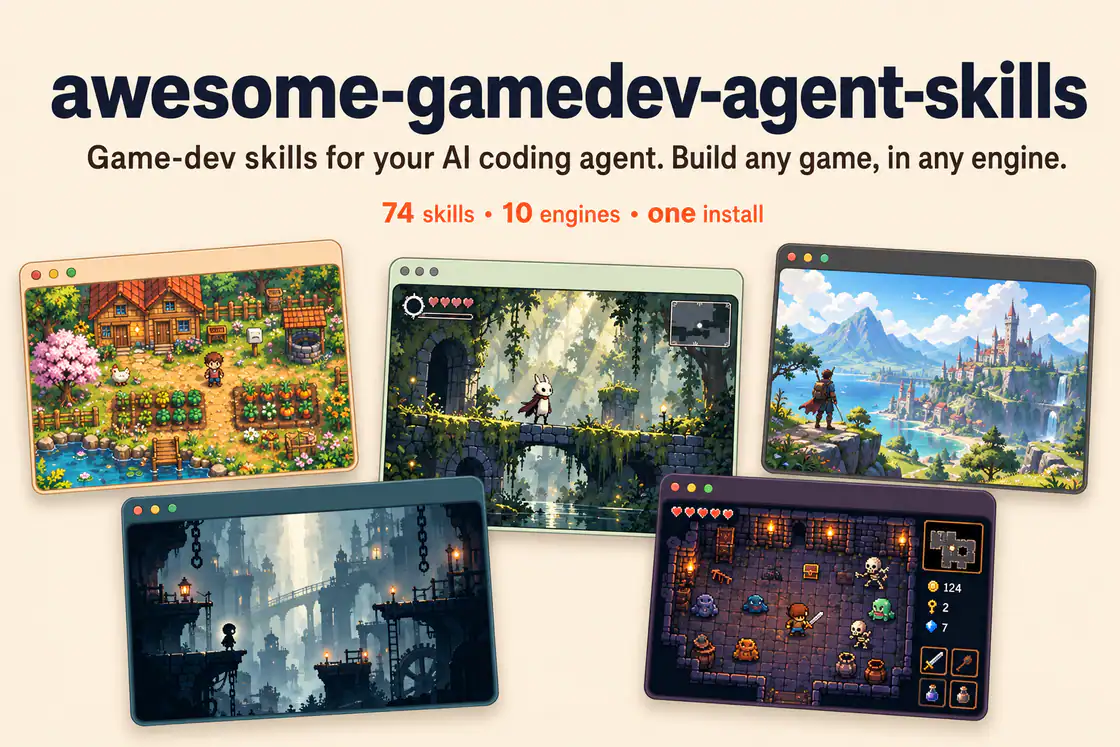
76 game-development skills and an automatic router for engine-specific coding, game systems, playable genres, asset workflows, prototyping, and publishing.
Tune fixed timesteps, interpolation, mass, gravity, drag, collision masks, and continuous detection for stable motion.
Add layered feedback through trauma-based screen shake, hit-stop, eased motion, squash and stretch, knockback, and audio cues.
Build card data, deck and discard zones, draw and shuffle rules, turn phases, resource costs, and effect resolution.
Configure export templates and presets, headless builds, platform requirements, and target-device smoke checks.
Configure Input Actions, action maps, PlayerInput, callbacks, polling, control schemes, and gameplay-to-UI switching.
Build smooth 2D follow cameras and 3D orbit rigs with deadzones, look-ahead, bounds, collision handling, and shake hooks.
Configure depots and packages, check VDF build scripts, upload through SteamCMD, and review branches and release steps.
Write typed GDScript with the correct node lifecycle, export annotations, onready references, signals, and await.
Scope a jam entry to its deadline, schedule work, cut features, verify a clean build, and submit on time.
Build editable Roblox interfaces with responsive layouts, safe insets, cross-device input, motion, and lifecycle cleanup.
Build node-based conversations with choices, conditions, variables, localization hooks, and Ink or Yarn Spinner integration.
Create Input Actions and Mapping Contexts, apply modifiers and triggers, and bind movement or look in C++ or Blueprints.
Build Lua gameplay with collections, game objects, lifecycle scripts, input, messages, factories, proxies, and Bob checks.
Inspect a living place, preserve its Explorer structure, reuse modules and remotes, then verify server and client behavior.
Build platformer movement with coyote time, jump buffering, variable jump height, one-way platforms, hazards, and goals.
Build layered tile levels with TileSets, terrain autotiling, collision and navigation data, and runtime cell editing.
Design action maps, control rebinding, device support, analog deadzones, input buffering, and forgiving jump timing.
Lay out HUDs and menus with Control anchors, containers, themes, signal handlers, and keyboard or gamepad focus.
Choose the engine first, then the system or release step; use game design and level entries before implementation when the playable loop is still unclear.